


Think smart home gadgets are just flashy toys that spy on you?
They actually handle the boring stuff, cut energy waste, and step in when something goes wrong, so they save time and stress more than they collect data.
This post walks through real devices—smart thermostats, video doorbells, locks, lights, plugs, and robot vacuums—and shows what each does, common mistakes to avoid, and how to link them so your home works smarter for you.
Core Examples of Popular Smart Home Devices

Smart home devices turn regular houses into spaces that respond to your schedule, voice, and sensor readings. These connected products tackle repetitive tasks, keep an eye on things 24/7, and let you control systems from your phone no matter where you are.
The most recognizable smart home tech sits right where convenience meets actual usefulness. They fix real annoyances like adjusting the temperature without getting up, seeing who’s at the door while you’re at work, or killing lights you forgot about from another room.
You’ll find smart home devices like smart thermostats that learn what temps you prefer and tweak heating or cooling on their own. Smart speakers answer voice commands and boss around other connected gear. Smart lighting gives you color changing bulbs and schedules that dim or brighten automatically. Smart plugs let you control and schedule regular appliances remotely. Smart security cameras stream live video and ping you when motion happens. Smart doorbells come with cameras built in and let you talk to whoever’s there. Smart locks open with your phone, a keypad, or even your fingerprint. Smart appliances include fridges that track what’s inside and ovens you can preheat from anywhere. Robot vacuums map your floors and clean when you tell them to. Home energy monitors show you exactly how much electricity you’re burning in real time.
These devices all work the same basic way. Sensors grab data, apps or hubs make sense of it, and actuators do something. A smart thermostat checks the room temp, looks at your schedule, then tells the furnace to fire up. A smart plug watches power use and cuts the coffee maker at a set time. When you hook them up to voice assistants or centralized apps, individual products become coordinated systems that handle multi step routines with one command.
Smart Home Categories and Their Functions
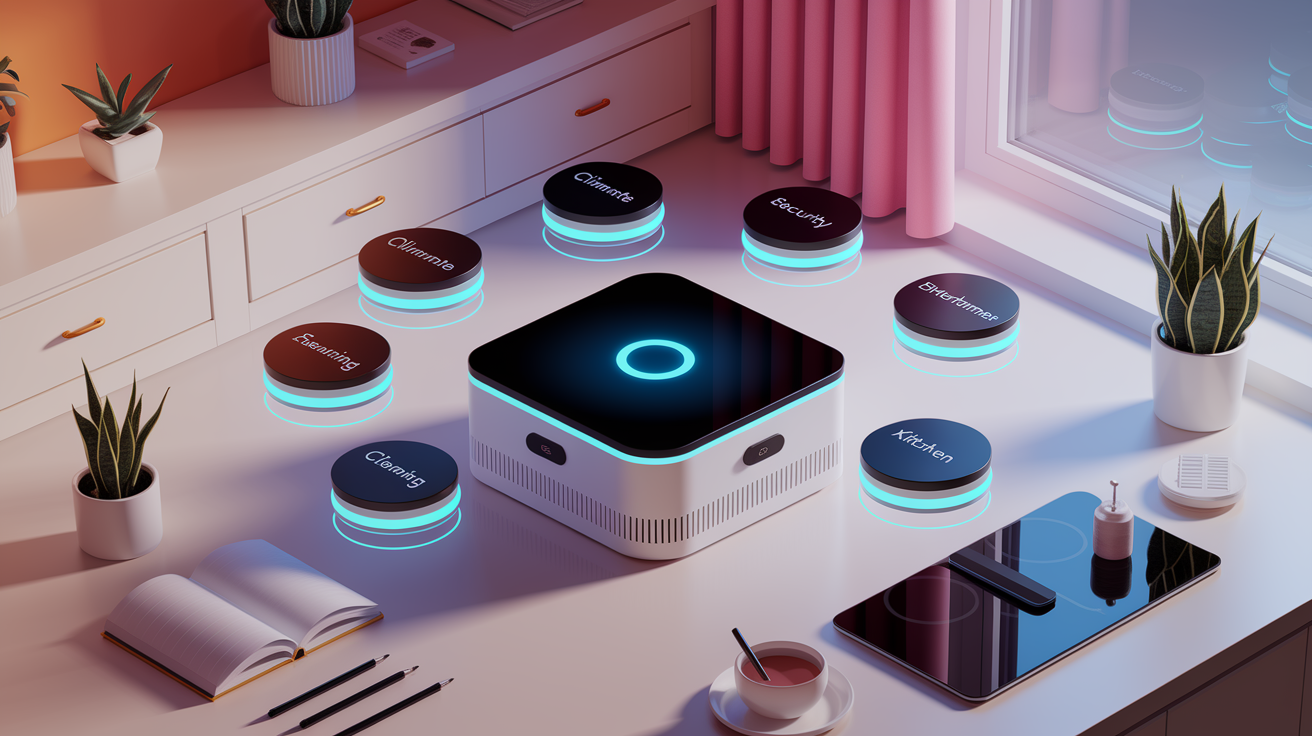
Grouping smart home products by what they actually do makes things clearer and helps you spot what’s missing in your setup. Instead of scrolling through hundreds of gadgets, sorting by category shows you which systems handle specific jobs like temperature, safety, entertainment, or daily chores.
Categories match up with the core systems already in most homes. Climate control, lighting, and security existed before everything got connected. Smart versions just add remote access, automation, and data tracking. New categories pop up too, like home health monitoring, as sensors get smaller and software gets smarter.
Understanding these groups makes decisions easier. If you’re focused on cutting energy bills, you’ll look at climate and lighting first. Worried about package theft or break ins? Security and monitoring options move to the top.
Six main categories cover most connected devices. Climate control includes smart thermostats, heaters, fans, and humidity sensors that manage temperature and air quality. Lighting systems bring together smart bulbs, dimmer switches, color changing strips, and motion activated fixtures that automate light and cut waste. Security and monitoring wraps up cameras, video doorbells, smart locks, motion sensors, and alarms that protect your property and tell you when something weird happens. Entertainment groups smart TVs, networked speakers, streaming devices, and universal remotes that put media control in one place. Cleaning and maintenance covers robot vacuums, smart mops, and automated lawn equipment that handle the boring stuff. Kitchen automation pulls in smart refrigerators, ovens, dishwashers, and coffee makers with remote control and usage tracking.
Smart Home Technology by Room
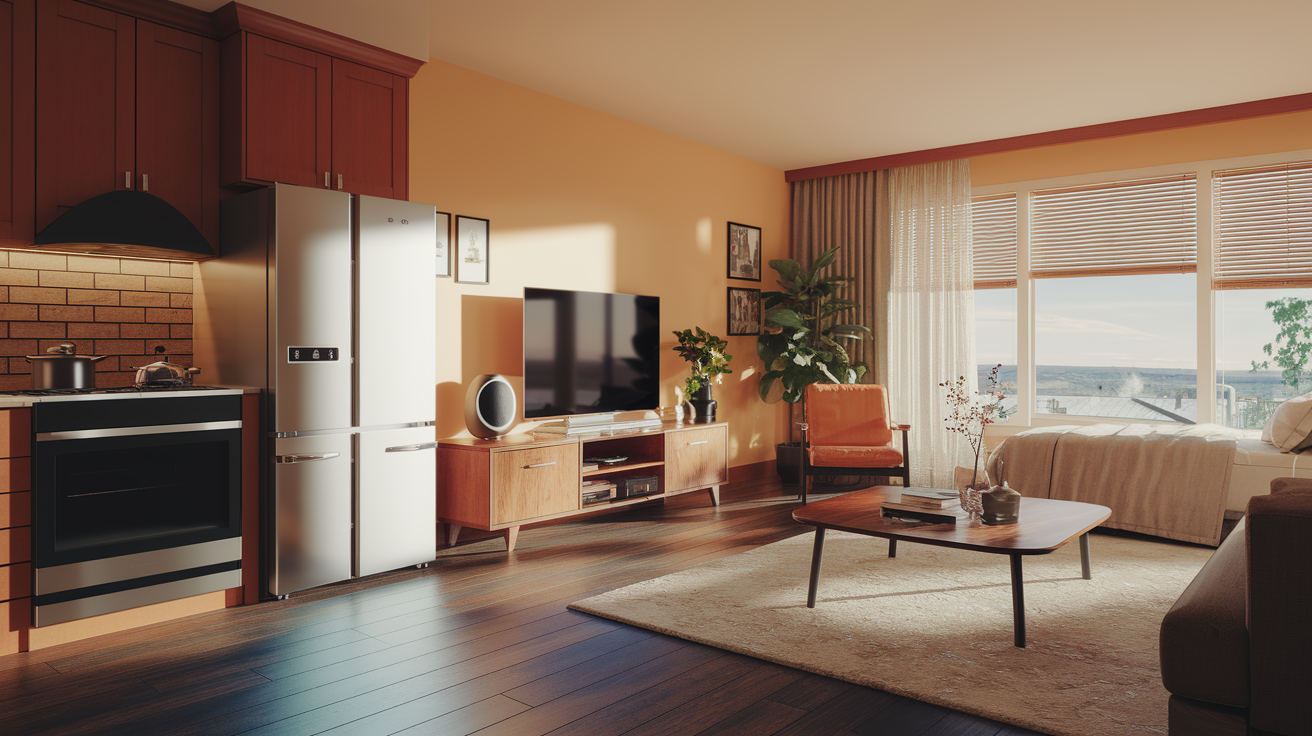
Looking at smart devices room by room makes fuzzy features concrete. Picturing a connected kitchen or automated bedroom shows you how individual products team up to solve everyday problems in specific spaces.
Smart Kitchen Devices
Smart refrigerators track when food expires, keep shopping lists through internal cameras, and alert you if the door stays open. Fancy models show calendars and stream recipes on built in touchscreens. Smart ovens let you preheat remotely, ping you when dishes hit target temps, and save custom cooking programs for meals you make all the time. Smart faucets dispense exact water amounts via voice or touchless sensors, cutting waste and making it easier to fill pots or measure ingredients.
Smart Living Room Devices
Smart TVs bundle streaming apps, voice assistants, and ambient light sensors that adjust brightness based on room conditions. Networked speakers spread synchronized audio across multiple zones, all controlled from one app or voice assistant. Smart lighting systems create scenes. Dim warm tones for movie night, bright white light for reading. Time of day or manual selection triggers them. Remote hubs combine control of TVs, soundbars, game consoles, and media players, swapping multiple physical remotes for one touchscreen.
Smart Bedroom Devices
Sleep trackers watch heart rate, breathing patterns, and movement all night, then generate reports that flag restless periods or ideal wake times. Smart lamps slowly brighten to fake sunrise, making mornings easier, and dim on schedule to nudge you toward consistent sleep. Automated blinds open at set times to let natural light in or close for privacy and temperature control. Air purifiers with smart sensors catch pollutants and allergens, adjust fan speed on their own, and log air quality data over time.
Tailoring each room with targeted devices addresses specific routines and comfort needs. Kitchens gain appliances that save prep time and reduce food waste. Living rooms get centralized entertainment control and adaptive lighting. Bedrooms focus on health tracking and sleep improvement. Planning room by room ensures every connected device serves a clear, daily purpose.
Automation Scenarios and Practical Use Cases
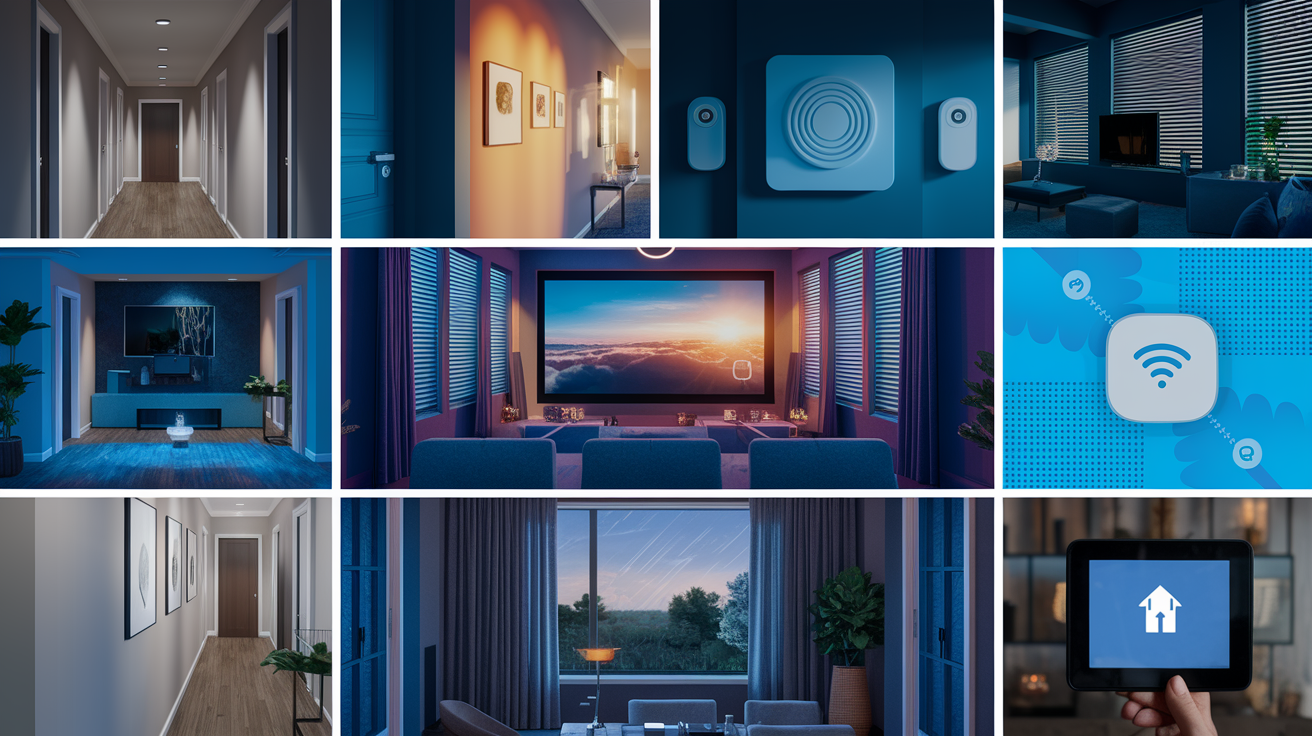
Automation turns separate smart devices into coordinated systems that respond to triggers without you lifting a finger. Sensors pick up changes in occupancy, temperature, or time of day. Rules process the data. Devices execute predefined actions. A motion sensor in the hallway can flip on lights when someone walks past after sunset, then turn them off after two minutes of no movement.
Schedules and geofencing push automation past simple if then logic. Thermostats lower heating when everyone leaves for work, then warm the house 30 minutes before the first person usually gets home. Lighting scenes activate at specific times. Bright task lighting in the morning, warm ambient light in the evening. Voice controlled routines bundle multiple actions under one phrase. “Good morning” might open bedroom blinds, start the coffee maker, and play a news briefing.
Six common automation examples show how smart devices tackle daily routines. Automated lighting schedules turn on porch lights at dusk, fake occupancy while you’re traveling, and slowly dim bedroom lights before bed. Thermostat adjustments based on occupancy use motion sensors or geofencing to cut energy use when rooms are empty. Voice controlled routines run multi step scenes like “movie night,” which dims lights, closes blinds, and fires up the TV and soundbar. Security alerts triggered by cameras, motion sensors, or smart locks send notifications when unexpected activity pops up. Leakage detection monitors water sensors under sinks and appliances, sending alerts and shutting off water mains to stop damage. Appliance monitoring tracks energy consumption through smart plugs and flags devices left on longer than normal.
Practical automation cuts down on decision fatigue and makes sure tasks happen consistently. Lights always turn off when you leave, thermostats always adjust for empty rooms, and security systems always arm at bedtime. The efficiency comes from not having to remember small actions that happen dozens of times each week.
Integration and Compatibility Across Smart Home Ecosystems
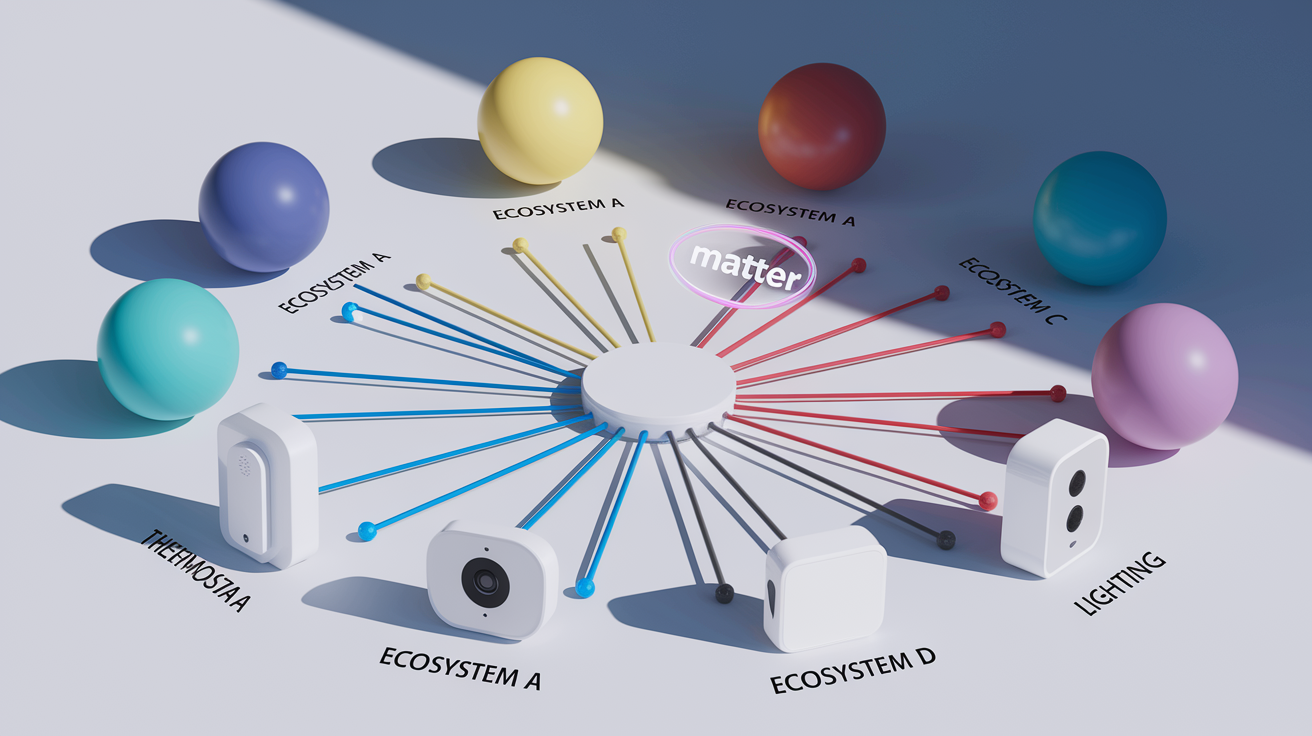
Smart home hubs and ecosystems decide which devices can talk to each other and which automations you can actually pull off. A hub acts like a translator, converting signals from Wi‑Fi bulbs, Zigbee sensors, and Z‑Wave locks into one unified interface. Without compatible protocols or a central controller, devices work alone. Each needs its own app and can’t trigger actions in other products.
Ecosystems from major platforms offer different levels of openness and device support. Some focus on simplicity and tight integration within a small device family. Others support hundreds of third party products but need more setup. Picking an ecosystem early shapes what you buy later and limits which devices will work together smoothly.
| Ecosystem | Key Features | Device Types Supported |
|---|---|---|
| Amazon Alexa | Voice control, routines, Guard mode, wide third party support | Lights, thermostats, cameras, locks, plugs, appliances, speakers |
| Google Home | Voice commands, room grouping, routines, Nest integration | Lights, thermostats, cameras, doorbells, speakers, smart displays |
| Apple HomeKit | Siri control, secure end to end encryption, automation scenes | Lights, locks, thermostats, cameras, sensors, garage openers |
| Samsung SmartThings | Multi protocol hub, scenes, favorites, automation builder | Lights, locks, sensors, cameras, appliances, window treatments |
Compatibility matters because smart home investments pile up over years. If you start with an Alexa compatible thermostat and lighting system, you’ll hit friction when a new camera or lock only works with HomeKit. Checking ecosystem support before each purchase stops you from ending up with orphaned devices and makes sure new stuff slots into existing routines. Multi protocol hubs and emerging standards like Matter try to cut down on lock in, but right now most people still benefit from picking one main ecosystem and verifying compatibility for every device.
Final Words
You walked straight into the most useful parts: top devices, clear categories, room-by-room examples, real automation scenarios, and what compatibility means for long-term use.
Keep it practical. Check device compatibility, think about routines you already follow, and start with one device, like a smart thermostat or a smart plug, so you can feel the payoff.
Use these smart home technology examples to pick a small upgrade that saves time or energy. Small changes add up, and you’ll get more confident as you go.
FAQ
Q: What are the 4 smart devices?
A: The four smart devices are smart thermostats, smart speakers, smart lighting, and smart security cameras, common staples that add convenience, remote control, energy savings, and basic home monitoring.
Q: Which device is commonly used in a smart home and what is the most popular smart device?
A: The device commonly used in a smart home and often the most popular is the smart speaker (voice assistant), because it controls other devices, plays media, and simplifies daily routines with voice commands.
Q: What is an example of smart technology?
A: An example of smart technology is a smart thermostat that learns schedules, adjusts temperature remotely, cuts energy waste, and notifies users about issues so you save money and stay comfortable.