
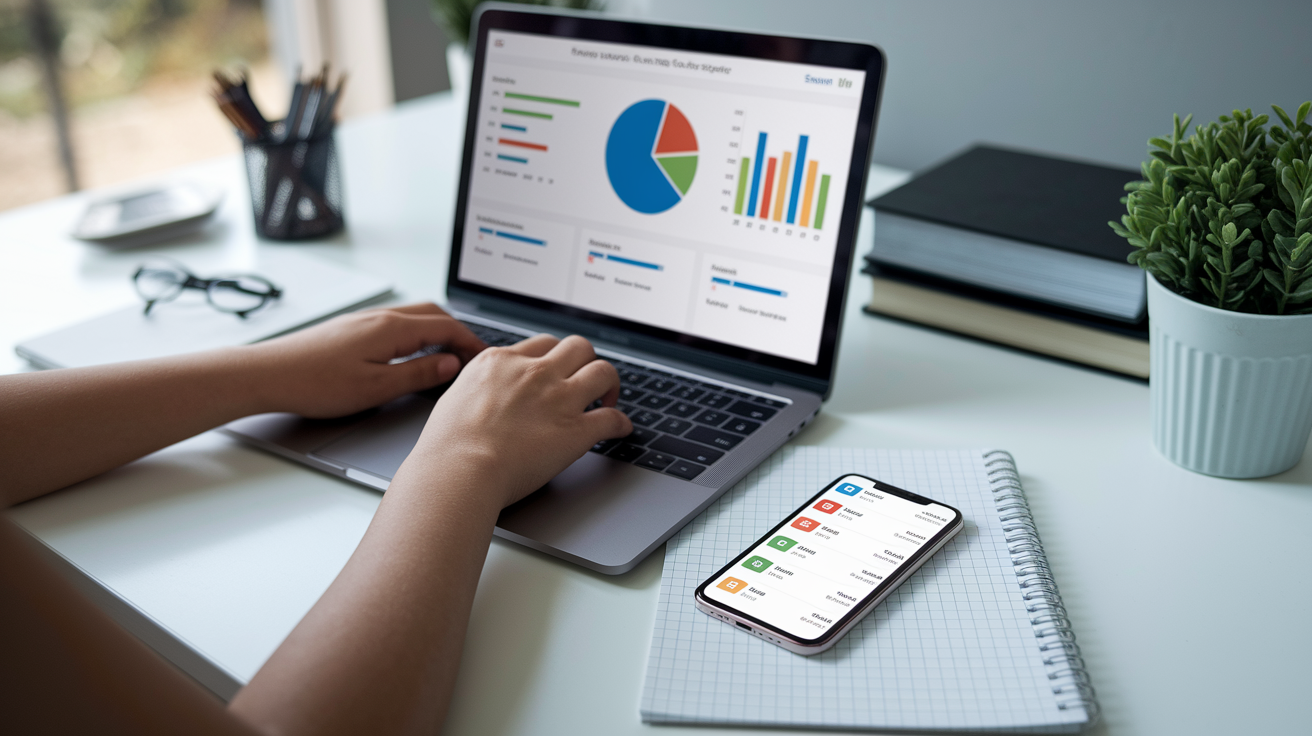


Think all money apps are the same?
Think again. Quicken Personal Finance still leads when you want deep desktop reports, investment tax planning, or combined business-and-household tracking.
This post explains Quicken’s key features, the real costs behind each plan, and the best use cases—who benefits from Starter or Simplifi, and who needs Premier or Business & Personal.
Understanding How Quicken Personal Finance Works Today

Quicken’s been around for over thirty years, tracking money for more than 20 million people. It connects to 14,000+ financial institutions and pulls everything into one place: bank accounts, credit cards, investments, loans. You control it from your desktop, laptop, tablet, or phone. Quicken Classic keeps your data on your computer and syncs the latest stuff to mobile apps, so you’ve got current balances and spending trends wherever you are.
The lineup splits into different products. Quicken Classic has four editions (Starter, Deluxe, Premier, Business & Personal), each one adding more features as you step up. Simplifi by Quicken is separate, built mobile-first for people who want lightweight budgeting without desktop software. Business & Personal includes rental property tools, invoicing, and accounts receivable for landlords and solo entrepreneurs. Premier adds retirement planning with Lifetime Planner and pulls data straight into TurboTax when tax season hits.
What Quicken does for you:
• Tracks every dollar automatically and sorts it into categories as transactions arrive
• Builds budgets, watches spending by category, sends alerts when you’re nearing a limit
• Shows net worth month to month (real estate, retirement, debts, all of it)
• Scans receipts with your phone and attaches them to transactions
• Models retirement scenarios, projects future balances decades out
• Manages rentals, sends invoices, tracks tenant payments, generates profit-and-loss by unit
Most people set it up once, link accounts, check spending a few times a week, then let the software do the heavy lifting. Desktop versions give you deeper reports, investment analysis, and export options. Mobile apps focus on quick balance checks, bill reminders, and daily spending.
Core Quicken Personal Finance Tools and Daily Money Management
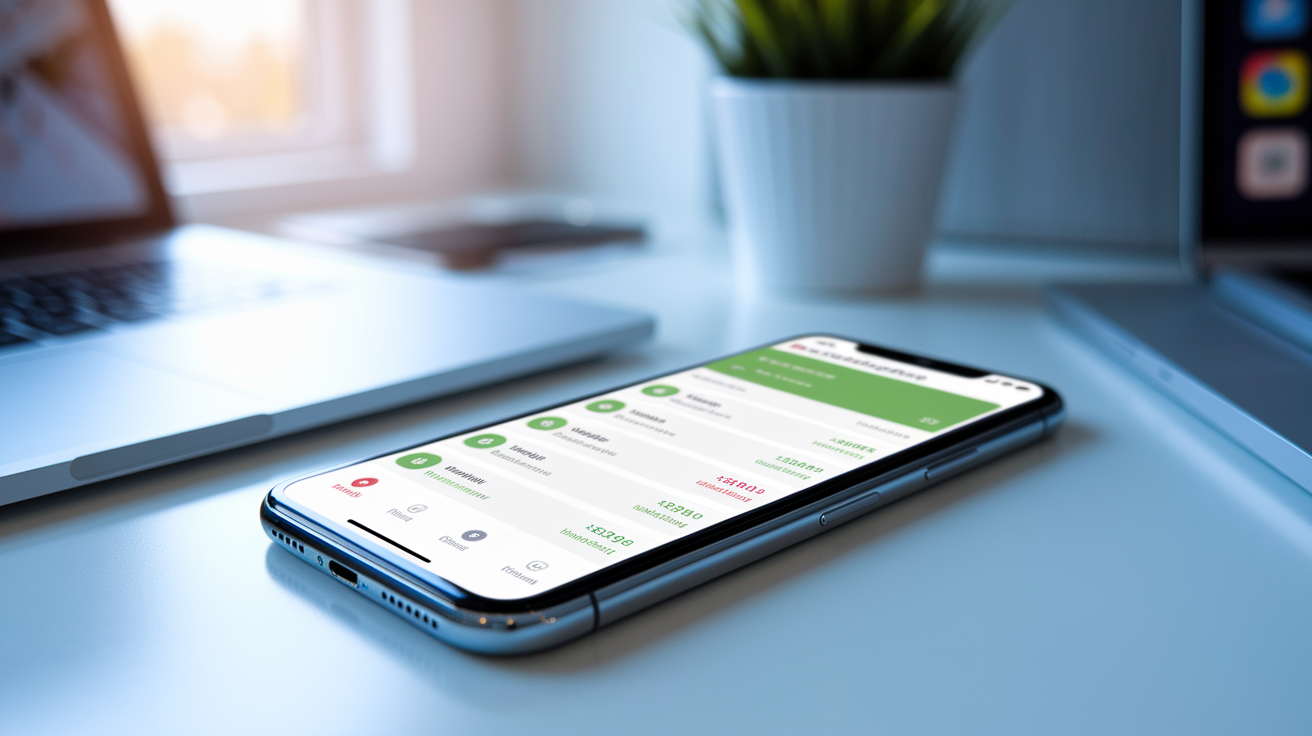
Each morning, Quicken grabs fresh data from your linked accounts, sorts purchases (groceries go to “Food & Dining,” the electric bill to “Utilities”), and updates your budget bars and net worth. You open the app, scan the week’s spending, confirm your checking balance looks right. If a forgotten subscription charge shows up, you can flag it, note it, or kill the service before it bills again. The dashboard goes green when you’re under budget, amber when you’re close, red when you’ve blown past your target. Takes seconds.
Scheduled transactions let you model bills before they actually hit. Enter the amount, how often it repeats, who gets paid, and Quicken projects your cash flow weeks ahead, warning you if a balance might dip too low. Paycheck early? Credit card payment late? Adjust the schedule once and future projections update. Alerts arrive by email or push when bills are due, big transactions post, or balances drop below your minimum.
What you get for budgeting and tracking:
• Automatic syncing from 14,000+ banks, brokerages, credit card companies
• Real-time downloads, one-click sorting, custom tags and memo fields
• Spending insights by merchant, category, month-over-month shifts
• Budget templates you can tweak, with rollover for unused amounts
• Bill and subscription tracking, reminders, overdue notices
Some features live only on desktop: detailed reports, investment breakdowns, bulk edits. But the latest summaries, balances, and snapshots sync to your phone so you can decide on the fly. Spot an error or duplicate in the app? Delete or edit it. The change syncs back to your desktop file next time you open it.
Quicken Personal Finance Setup, Installation, and System Requirements

You start by picking your edition and paying the yearly fee. Download link arrives by email. Install the desktop software on Windows or Mac. The installer checks your operating system, adds required components (.NET on Windows, macOS frameworks on Mac). Launch Quicken, create a master password to lock down your data file, start linking bank accounts by entering your online banking login for each one.
The onboarding wizard asks which account types you want to track (checking, savings, credit cards, loans, investments, retirement), then connects to each institution and downloads recent transactions. Switching from another program? You can import QXF, QIF, or CSV files during setup, mapping columns to Quicken’s categories. After the initial sync finishes, review and accept or fix transaction categories, set up your first budget, configure alerts for due dates or low balances.
- Download the installer from your email or the Quicken site, run it.
- Pick an install folder, let it add libraries and frameworks.
- Launch Quicken, create a new data file, protect it with a master password.
- Connect your first bank by entering your login. Repeat for each institution.
- Import old files or CSVs if you’re leaving Mint, Microsoft Money, or an older Quicken version.
- Review imported transactions, assign categories where needed, build your first budget.
| Platform | Minimum Requirements |
|---|---|
| Windows | 1 GHz CPU, 1 GB RAM, 450 MB–1.5 GB disk space, Windows 8/8.1/10/11 (not S mode), .NET 4.6+, 1024×768 display |
| Mac | macOS Ventura or previous two versions, 1280×800 display, broadband internet for sync |
| Mobile | iOS 9+ or Android 4.4+, standard data plan for account syncing |
Quicken Personal Finance Subscription Plans and Pricing Breakdown
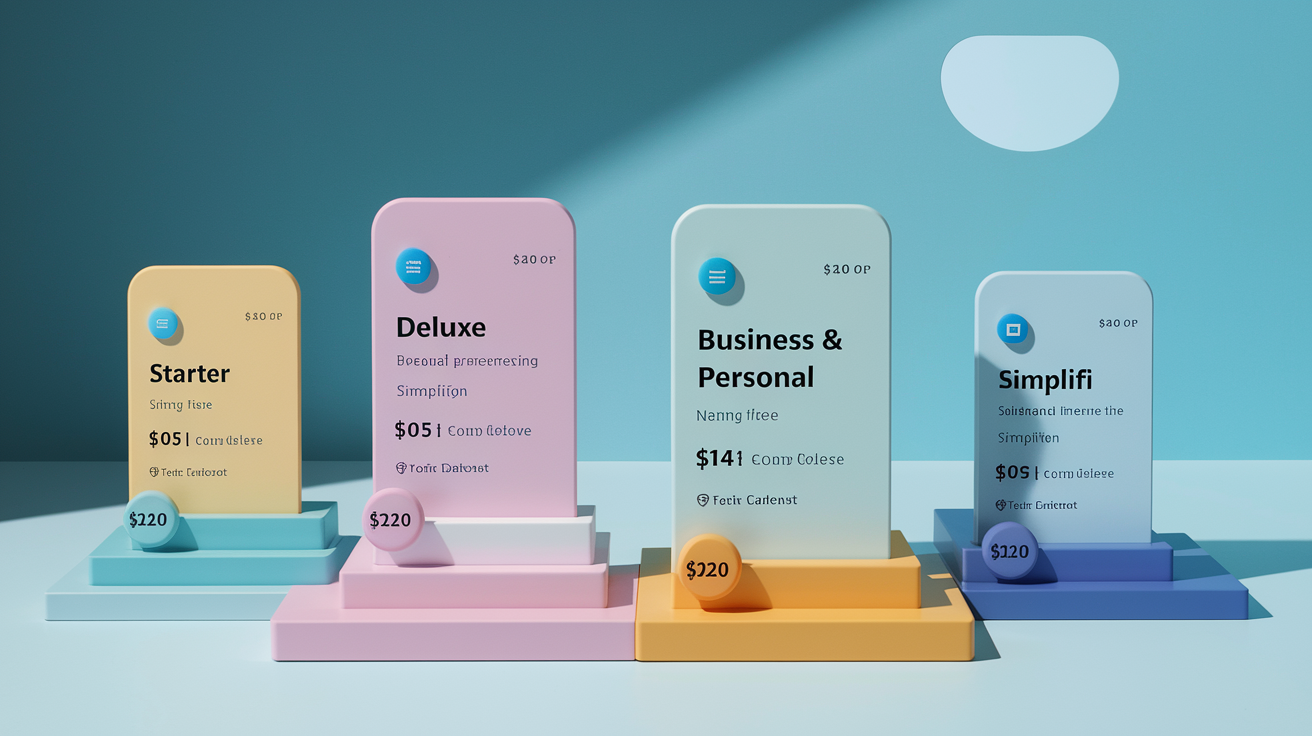
Quicken Classic bills annually but shows monthly rates for easy comparison. Starter runs $4.99/month, covers basic budget tracking and account syncing. Deluxe adds savings goals, more account types, better bill tracking for $5.99/month. Premier costs $7.99/month and includes Lifetime Planner for retirement modeling, priority phone support, TurboTax integration that imports investment transactions and deductions straight into your return. Business & Personal, at $10.99/month, layers on invoicing, accounts receivable, rental property tools, separate business/personal categories. Perfect for landlords, freelancers, solo operators who need household and business tracking combined.
Simplifi by Quicken is different, built mobile-first with no desktop software required. Costs $2.99/month when billed annually. It focuses on predictive budgeting, spending trends, goal tracking. Most tasks take under five minutes a week. All Quicken plans come with a 30-day guarantee. If it doesn’t fit your workflow, request a full refund within the first month. Promotional discounts sometimes knock down the first-year price for new members, but subscriptions auto-renew at standard rates unless you cancel. Check your renewal amount before your term ends.
| Plan | Price | Key Features |
|---|---|---|
| Starter | $4.99/month | Basic budgeting, transaction tracking, mobile sync, net worth dashboard |
| Deluxe | $5.99/month | All Starter features + savings goals, bill tracking, more account types |
| Premier | $7.99/month | All Deluxe features + Lifetime Planner, priority support, TurboTax integration, advanced investment reports |
| Business & Personal | $10.99/month | All Premier features + invoicing, A/R, rental property tracking, separate business/personal categories, tax schedules C/E/F |
| Simplifi | $2.99/month (billed annually) | Mobile/web app, predictive budgeting, spending insights, goal tracking, no desktop software |
Advanced Quicken Personal Finance Features for Investments, Taxes, and Retirement

Quicken Premier and Business & Personal unlock investment tracking that goes way beyond balance snapshots. The software calculates cost basis for every holding, tracks realized and unrealized gains, generates capital gains worksheets that separate short-term from long-term for tax reporting. When you sell shares, Quicken updates your portfolio and flags wash sales or tax-loss harvesting opportunities so you can see which moves might cut your tax bill before you file. TurboTax integration exports investment transactions, dividend income, deductible expenses straight into your return. Saves hours of manual entry, cuts down on typos.
Lifetime Planner models your financial future by pulling together current balances, expected income, planned expenses, inflation guesses, investment returns into one long-term view. Enter major life events (buying a home, kid’s college, retiring at sixty-five) and Quicken projects whether your savings will cover those goals or whether you need to adjust spending, boost contributions, delay retirement. You can run “what if” scenarios to see how a job change, early retirement, or market crash would shake things up, then refine your plan with actual numbers instead of gut feelings. On Windows, Morningstar Portfolio Instant X-Ray gives you third-party analysis of asset allocation, sector exposure, style-box breakdown. The buy/sell tax-modeling tool estimates the tax hit from selling specific lots before you pull the trigger.
Investment and retirement tools:
• Cost basis tracking with FIFO, LIFO, specific-lot methods
• Realized and unrealized gain/loss reports that update with every sync
• Capital gains estimator for year-end tax planning
• Lifetime Planner with flexible assumptions for income, expenses, inflation, returns
• Portfolio diversification analysis, asset allocation reports across all accounts
Tax reporting in Quicken centers on clean summaries of deductible expenses, investment income, business transactions that flow into Schedule C, E, or F. Tag transactions as business expenses, rental repairs, charitable donations all year, and Quicken compiles totals by category when you need them. TurboTax link saves time. But even if you file manually or use another service, you can export reports to Excel or PDF and hand them to your accountant knowing every dollar’s accounted for and sorted correctly.
Quicken Personal Finance for Small Business Owners and Landlords

Business & Personal mixes household budgeting with freelance income tracking, project invoicing, rental property management in one data file. You create separate categories for business revenue and expenses, assign transactions to clients or properties, generate profit-and-loss statements that show exactly how much each rental or project added to your bottom line. Tax season? Quicken compiles numbers for Schedule C (business income), Schedule E (rental income), Schedule F (farm income) so you can file or share clean summaries with your accountant without digging through receipt shoeboxes.
Invoicing lives inside the desktop software, supports unlimited clients, projects, line items. Enter customer details, add services or products with descriptions and prices, apply discounts or early-payment terms, email the invoice as PDF or print it. Quicken tracks which invoices are paid, overdue, pending, sends automatic reminders on dates you pick, records payments against outstanding balances when money arrives. Accounts receivable reports show aging summaries (thirty days, sixty days, ninety-plus) so you know which customers need a follow-up and how much cash you can expect soon.
Rental Property Tools
Rental property tracking lets you assign every expense (mortgage interest, property tax, repairs, utilities, insurance) to a specific unit or building. Log tenant payments, track security deposits in escrow, generate individual profit-and-loss statements showing net income per property after all costs. Tenant moves out and you spend $800 on carpet cleaning and paint? Categorize those charges to the unit. Quicken deducts them from rental income for that property. On Windows, Quicken pulls updated property values from Zillow automatically, so net-worth reports reflect current market estimates without you lifting a finger.
Maintenance logs and repair histories help you budget for future fixes, document improvements that might affect cost basis when you sell. Attach scanned receipts to transactions, add notes about contractor names or warranty details, run reports that summarize total spending by category (HVAC, plumbing, landscaping) over any date range. Managing multiple properties? Quicken separates the data so you can compare performance, spot underperformers, adjust rents or expenses.
| Task | Supported in Quicken? |
|---|---|
| Track income and expenses by property or unit | Yes – assign categories and tags to each transaction |
| Generate invoices and track overdue payments | Yes – unlimited invoices, automatic reminders |
| Integrate payroll or file quarterly payroll taxes | No – Quicken doesn’t handle payroll; use a payroll service |
| Download property values from Zillow (Windows only) | Yes – automatic updates for net-worth tracking |
Quicken Personal Finance Security, Encryption, and Privacy Controls

Quicken protects your financial data with 256-bit encryption during every sync between desktop, mobile app, and the servers that download transactions from your bank. When you connect an account, Quicken uses secure, FDIC-partnered protocols. Your banking credentials never get stored in plain text. Two-factor authentication adds an extra step (usually a code sent to your phone) before anyone can access your Quicken account online, so a stolen password alone won’t compromise your data.
Desktop data files can be locked with a master password you set during install. Without that password, the file stays encrypted on your hard drive, unreadable even if someone copies it to another computer. Quicken also offers LifeHub, a secure document vault where you can store insurance policies, estate plans, other sensitive files, then share access with family or advisors using permissions you control. The software works in the United States and Canada only. Quicken’s privacy policy says certain features rely on third-party partners whose terms and data practices apply when you use those integrations.
Security features you control:
• Master password protection for desktop data
• Optional two-factor authentication for online account access
• Encrypted cloud sync protecting data in transit and at rest
• Ability to disable cloud features, keep everything local if you prefer
Traveling internationally or accessing Quicken from different devices? Always verify you’re logging into the official Quicken website or app before entering credentials. Phishing scams sometimes fake login pages, but checking the URL and using two-factor blocks most unauthorized access. Quicken support can help you reset passwords or fix sync issues. They’ll never ask for your master password over the phone or via email.
Troubleshooting Quicken Personal Finance, Backups, and Data Migration
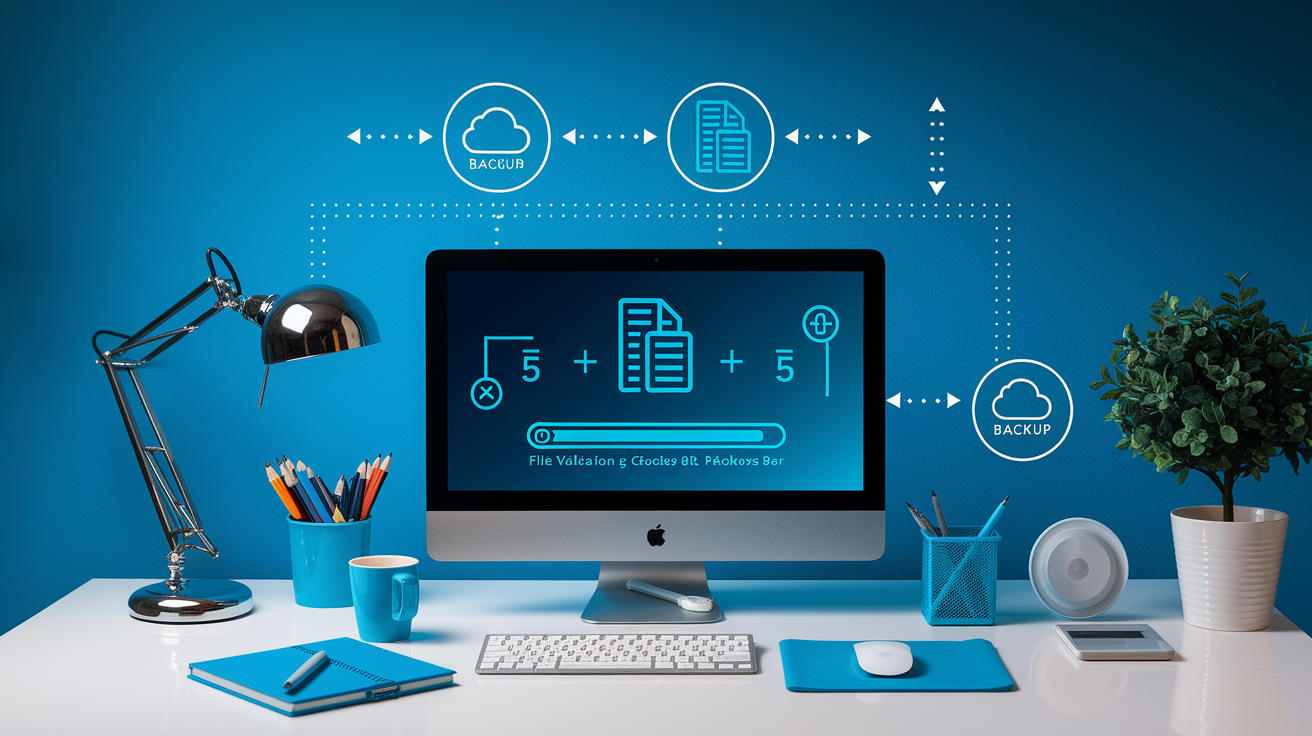
Quicken automatically backs up your data file every time you close the program, storing it in a default folder on your hard drive. You can also trigger manual backups before making bulk changes (deleting old transactions, importing a large CSV, upgrading to a new version) so you’ve got a clean restore point if something breaks. Cloud backups are available through Quicken’s online services, giving you an off-site copy if your hardware dies. But many users keep a second local backup on an external drive or network storage for extra protection.
Data corruption happens occasionally after a crash or interrupted sync. Duplicate transactions, missing categories, balance mismatches. Quicken includes a file validation tool that scans for structural errors and fixes most of them automatically. If validation fails, restore from your most recent backup, which usually means losing only the last session’s entries. Importing from other software (Mint, Microsoft Money, older Quicken versions) is straightforward: export a QXF, QIF, or CSV from the old program, use Quicken’s import wizard to map columns and merge data into your current file.
Troubleshooting steps:
- Run the built-in file validation tool from the File menu to detect and repair corruption.
- Restore from the most recent automatic or manual backup if validation doesn’t fix it.
- Check your internet connection and firewall settings if syncing stalls or times out.
- Deactivate and reactivate problem accounts to refresh the connection with bank servers.
- Clear the Quicken cache, reset cloud sync if mobile apps show stale balances or duplicates.
| Problem | Likely Cause | Fix |
|---|---|---|
| Duplicate transactions | Overlapping imports or sync issues | Delete duplicates manually or use find-and-delete tool; adjust date range on next import |
| Account balance mismatch | Missing or uncategorized transaction | Reconcile the account, compare to bank statement; adjust or add missing entry |
| Sync fails with “connection error” | Bank server downtime or changed credentials | Wait a few hours, retry; update password if bank prompted a reset |
| Reports show incorrect totals | Date filter or category reassignment | Check report date range, ensure all transactions are categorized; rebuild cache if totals still drift |
Quicken Personal Finance vs Leading Alternatives
Quicken Classic wins when you need deep desktop software with robust reporting, investment analysis, multi-year planning. But it requires a paid subscription and a learning curve steeper than mobile-first apps. Simplifi by Quicken offers the same company’s DNA in a lightweight, cloud package that works entirely on your phone or browser, trading advanced features for speed and simplicity. YNAB focuses on envelope-style budgeting (assign every dollar a job before you spend it), appeals to people who want strict spending discipline and hands-on category management every week. Empower (formerly Personal Capital) is freemium, shines for investment tracking and net-worth aggregation, with optional access to human advisors for an annual fee. Lacks the bill-pay and small-business tools Quicken provides.
Mint was the go-to free option for basic budgeting and account syncing, but it shut down in 2024, leaving former users to migrate elsewhere or switch to Credit Karma Money for simpler cash-flow tracking. Moneydance and Banktivity serve Mac users who prefer one-time purchase pricing and local data storage, though both have smaller communities and fewer integrations than Quicken. Best choice depends on whether you prioritize desktop power, mobile convenience, investment depth, or a specific budgeting philosophy. And whether you’re willing to pay yearly or prefer free or one-time-purchase models.
| Software | Strengths | Weaknesses |
|---|---|---|
| Quicken Classic | Comprehensive reports, desktop power, investment tracking, tax integration, rental/business tools | Annual subscription required, steeper learning curve, some features Windows-only |
| Simplifi | Mobile-first, fast setup, predictive budgeting, clean interface | Fewer advanced features, no desktop software, limited reporting depth |
| YNAB | Envelope budgeting philosophy, strong community, proactive spending control | Subscription cost, manual entry preferred, not focused on investments |
| Empower | Free tier, excellent investment dashboard, optional advisor access | Limited budgeting tools, no bill pay, advisor fees apply if you opt in |
| Mint | Was free, easy onboarding, wide bank support | Discontinued in 2024; no longer available |
Who Gets the Most Value from Quicken Personal Finance?

Quicken delivers when your financial life involves multiple account types, overlapping personal and business income, rental properties, or serious retirement planning that requires scenario modeling and decades-long projections. Juggling a checking account, two credit cards, a 401(k), a taxable brokerage, a rental duplex, and a side business? Quicken consolidates all of it into one dashboard, generates combined net-worth reports, tracks every dollar from rent checks to investment dividends. People who prepare their own taxes or work closely with an accountant appreciate detailed sorting, export options, TurboTax integration that turn months of transactions into clean, audit-ready summaries.
Investors and early retirees who want to monitor portfolio performance, model withdrawal strategies, track cost basis across multiple brokerages find Quicken’s investment tools and Lifetime Planner essential for data-driven decisions. Landlords benefit from unit-level profit-and-loss tracking, tenant payment logs, automatic property-value updates that keep net-worth statements accurate without manual entry. Freelancers and sole proprietors who need basic invoicing and accounts receivable (without the complexity of full accounting software) use Business & Personal to separate business expenses, send invoices, generate tax schedules that satisfy IRS reporting.
Quicken’s less ideal for people who want a free app, prefer purely mobile with no desktop component, or find envelope budgeting philosophies more motivating than account aggregation. Minimalists who track spending in a spreadsheet or rarely review finances beyond checking a balance once a week may not use enough features to justify the yearly subscription. College students, single-account households, anyone comfortable with free alternatives like Empower or simple budgeting apps will likely find Quicken’s depth more than they need.
People who get the most from Quicken usually:
• Manage five or more accounts across banks, cards, loans, investments
• Own rental properties or run a small business requiring invoicing and expense tracking
• Plan for retirement, want to model different savings, spending, withdrawal scenarios
• Prepare their own taxes or need detailed reports for an accountant at year-end
Final Words
Jump in: this guide walks through how Quicken works today—what each plan includes, daily budgeting and syncing tools, setup and system needs, advanced investment and tax features, plus business and security protections.
Remember the practical steps: pick the tier that fits your accounts and goals, link institutions, enable backups and two‑factor, and use budgets and reports regularly.
If you try quicken personal finance with a clear plan, it’ll centralize your money and make financial choices easier. You’ll be better prepared to manage money with confidence.
FAQ
Q: Is Quicken good for personal finance and can it be used for personal use?
A: Quicken is good for personal finance and can be used for personal use by people with multiple accounts, investments, or rental/business needs. It offers budgeting, bill tracking, investment tools, and desktop-mobile sync.
Q: What is the best software to manage personal finances?
A: The best software to manage personal finances depends on your needs. Choose Quicken for detailed desktop power, Simplifi for mobile simplicity, YNAB for strict budgeting, and Empower for investment tracking.
Q: How much does Quicken cost for personal use?
A: Quicken costs start at $4.99/month (Starter), $5.99 (Deluxe), $7.99 (Premier), and $10.99 (Business & Personal); Simplifi is $2.99/month when billed annually.