


What if the budgeting app you chose didn’t cost anything, and didn’t hand your data to a company?
Actual Budget is a free, open-source, zero-based budgeting tool that uses an envelope system so every dollar has a job.
It runs on desktop and mobile, keeps your budget file local by default, and offers imports, split transactions, and clear reports without subscription fees.
Read on to see how Actual Budget lets you plan every dollar, protect your privacy, and switch from a paid app without losing years of history.
Understanding the Actual Budget App and Its Core Purpose

Actual Budget is a free, open-source personal finance tool built on zero-based budgeting. You assign every dollar to a category or buffer until your whole paycheck is spoken for. The app uses an envelope system where you create categories like “Groceries,” “Rent,” “Vacation,” and “Emergency Fund,” then put money into each one. When you spend, it pulls from the matching envelope right away and shows what’s left. This lets you see where your money’s going without spreadsheets or formulas you can’t understand.
The cost? Zero. Actual Budget doesn’t charge subscription fees and won’t start, because it’s maintained as an open-source project by volunteers. You download it, install it, and the budget file is yours. Subscription budgeting software usually runs $10 to $15 per month, so you’re saving that ongoing expense while getting the same tracking, category management, and planning tools people actually use. The open-source license means anyone can look at the code, suggest changes, or add custom features.
Privacy drives the whole design. Your financial data stays on your device by default. No mandatory cloud uploads, no third-party servers reading your transactions, no service provider seeing your account balances. If you want to sync across devices, you can self-host a private sync server and turn on optional end-to-end encryption, so even that server can’t read your records. This local-first approach works for people who want control over sensitive information without handing it to a subscription service’s cloud setup.
What it does:
- Zero-based budgeting — put every dollar somewhere before the month starts, then watch actual spending stack up against those assignments.
- Envelope categories — make as many budget envelopes as you need and see balances change the second you log a purchase.
- Flexible imports — pull in years of history from YNAB exports, CSV files, OFX bank statements, or other budgeting apps.
- Detailed and custom reports — check Net Worth, Cash Flow, spending trends over time, and build your own multi-month comparisons.
- Privacy-focused storage — keep budget files local, sync only when you choose, and encrypt data end-to-end if you turn on multi-device syncing.
Actual Budget Features and Tools for Everyday Money Management

Actual Budget makes the daily work of tracking expenses and tweaking category balances straightforward. When you record a transaction, you assign it to a category like “Dining Out,” and the app subtracts that amount from the envelope immediately. If you budgeted $200 for dining and spent $45 on lunch, the category balance drops to $155 the moment you save it. This instant feedback makes it easy to check what’s left before ordering takeout later. Split transactions let you divide one purchase across multiple categories (a grocery run that includes food, household supplies, and a birthday gift), and transfers between accounts link automatically so moving $100 from checking to savings updates both sides without duplicate entries.
The envelope system works because it mirrors how people think about money. Separate the rent fund from the vacation fund, keep grocery money apart from entertainment spending, and don’t raid one envelope to cover another without a conscious choice. Actual Budget enforces this by showing unallocated funds at the top of the screen. If you import your paycheck and see $2,000 unassigned, you drag those dollars into envelopes until the unallocated balance hits zero. Once everything’s budgeted, any new expense pulls from its envelope, and you see the impact before you swipe your card. This stops the common mistake of checking your bank balance, seeing $2,000, and thinking all of it is spendable when $1,500 is already set aside for bills and savings.
Usability features cut friction. The transaction screen loads fast, auto-complete suggests payees and categories as you type, and a robust undo/redo system lets you roll back mistakes without digging through settings. The app remembers your frequent entries (recurring subscriptions, monthly rent, weekly gas fill-ups) so you can log them with a few keystrokes. Because the interface is minimal and quick, entering a week’s worth of receipts takes minutes instead of feeling like homework.
| Feature | Description | Benefit |
|---|---|---|
| Real-time balance updates | Category totals adjust instantly when you add or edit a transaction | See exactly how much remains in each envelope before spending more |
| Split transactions | Divide one purchase across multiple categories with custom amounts | Track mixed expenses (groceries + household items) without guessing |
| Linked transfers | Moving money between accounts updates both sides automatically | Gets rid of duplicate entries and balance errors when shuffling funds |
| Undo/redo actions | Reverse recent changes with one click; redo if you change your mind | Recover from accidental deletions or edits without starting over |
Setting Up Actual Budget: Installation and First‑Time Budget Creation

Actual Budget runs on Windows, macOS, and Linux desktops, with mobile clients for Android and iOS. You download a single installer from the project’s official releases page, run it, and launch the app. No account creation, no email verification, no cloud sign-in. The installer is small (usually under 100 MB) and installs in seconds. Once the app opens, you create a new budget file stored locally on your device. Each budget is a standalone file, so you can keep separate budgets for personal finances, a side business, or a household shared with a partner by making multiple files. The local-first design means your data lives on your hard drive, not a remote server, and you control when and where it moves.
First-time setup walks you through the basics without overwhelming you. The app asks you to add accounts (checking, savings, credit cards, cash) so you have somewhere to record transactions. You enter the current balance for each account (check your bank’s website or last statement), and Actual Budget uses that as the starting point. From there, you create categories matching your spending habits: fixed expenses like rent and insurance, variable costs like groceries and gas, and savings goals like a vacation fund or emergency buffer. The category list is fully customizable. Add as many or as few as you need, rename them, group them under headings, and reorder them to reflect priorities. Once categories exist, you assign money to each envelope until your unallocated income reaches zero, completing the zero-based budgeting cycle.
Steps to get started:
- Download the installer for your operating system from the Actual Budget releases page.
- Run the installer and follow the prompts.
- Launch Actual Budget and choose “Create a new budget” from the welcome screen.
- Name your budget file and save it to a folder you’ll remember (desktop, documents, or a dedicated finance folder).
- Add your accounts by clicking “Add Account,” selecting the account type (checking, savings, credit), and entering the current balance.
- Create budget categories under headings like “Monthly Bills,” “Daily Spending,” and “Savings Goals.” Use labels that make sense for your life.
- Assign your available funds by dragging income into each category envelope until the unallocated balance shows zero.
- Start tracking transactions by clicking “Add Transaction,” entering the payee, amount, and category, then saving. Repeat for every purchase or deposit.
Importing Data into Actual Budget (YNAB, CSV, OFX, QIF)
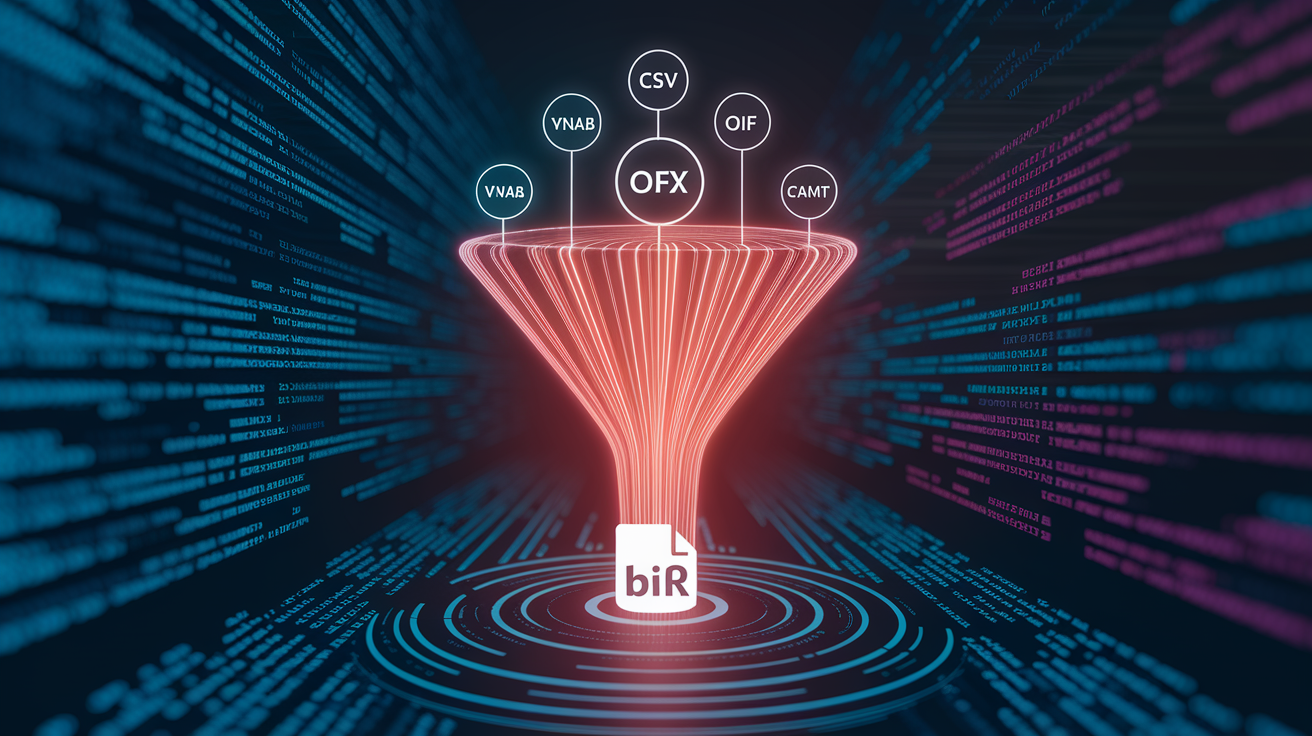
Actual Budget removes the need to rebuild years of financial history from scratch. If you’ve used YNAB (You Need A Budget) or another budgeting app, you can import your existing data in minutes using the “Let’s get started” page that shows up when you create a new budget. The app includes built-in importers for YNAB4 (the desktop version) and nYNAB (the web-based subscription version), plus community-built importers for other tools. When you import a YNAB file, Actual Budget brings in all accounts, transactions, categories, and balances, then maps them to its own structure. The process keeps transaction history spanning months or years. One reviewer mentioned importing years of data without losing a single entry, so you can look at long-term trends and compare current spending to previous periods right after you switch.
For people who don’t have a YNAB export, Actual Budget accepts standard bank file formats: CSV (comma-separated values), OFX (Open Financial Exchange), QFX (Quicken’s OFX variant), QIF (Quicken Interchange Format), and CAMT.053 (European bank statement standard). Most banks let you download transaction history in at least one of these formats from their online portal. You export the file covering the period you want (one month, six months, or several years), then select “Import” in Actual Budget, choose the file, and follow the prompts. The app tries to match columns (date, payee, amount, account) automatically, but you can adjust mappings if your bank uses weird headers or includes extra columns. After the import finishes, you check category assignments (the app guesses categories based on payee names) and reconcile starting balances to make sure your imported totals match your bank statements.
Migration steps for a smooth transition:
- Export your data from your current budgeting app or bank. Look for “Export to CSV” or “Download Transactions” in the settings or account menus.
- Clean the CSV file if needed by opening it in a spreadsheet, removing any summary rows or extra headers, and checking that dates follow a consistent format (YYYY-MM-DD works best).
- Import into Actual Budget by clicking “Import” on the setup page, selecting your file type (YNAB, CSV, OFX), and uploading the file.
- Verify category mappings by reviewing the imported transactions and reassigning any that landed in the wrong envelope (common with generic payees like “ATM Withdrawal”).
- Reconcile account balances by comparing the imported starting balance to your actual bank balance on the import date, then adding or removing a single adjustment transaction if they don’t match.
- Confirm historical data by checking that past months show accurate spending totals and that no transactions are missing or duplicated. Use the search feature to spot gaps.
Syncing and Data Storage: How Actual Budget Keeps Your Information Local and Secure

Actual Budget’s default behavior is local-first storage. Your budget file lives on your device, and the app reads and writes to that file whenever you make changes. No internet connection needed to track expenses, assign funds, or run reports. This protects privacy because your transaction history never touches a third-party server unless you explicitly enable syncing. If you lose your device or it crashes, you should back up your budget file to an external drive, cloud storage service you trust (like Dropbox or Google Drive, where you control access), or a USB stick. The file is small (typically a few megabytes even with years of data), so backups are quick and easy to automate.
For people who want to track spending on multiple devices (a laptop at home and a phone for entering purchases on the go), Actual Budget offers optional multi-device sync through a self-hosted syncing service. You run your own sync server (instructions and code are available in the project’s documentation) on a personal server, a cloud virtual machine, or a third-party hosting service. Once the server’s running, you configure each device to connect to it, and changes you make on one device spread to the others. The sync uses distributed-systems technology to handle conflicts gracefully (for example, if you edit the same transaction on two devices before they sync, the app merges the changes or asks you to pick the correct version). End-to-end encryption is available as an option. When enabled, your data is encrypted on your device before it reaches the sync server, so even someone with full server access can’t read your transactions, balances, or category names. This setup gives you the convenience of cloud sync without sacrificing control or exposing your data to a service provider.
Bank sync (automatically downloading new transactions from your financial institutions) is handled through third-party aggregation providers that connect to Actual Budget. In Europe and the UK, Actual Budget works with goCardless, a service that uses open banking APIs to fetch transaction data. In the US and Canada, SimpleFIN provides similar functionality. Both providers require you to set up an account with them, link your bank, and grant Actual Budget permission to pull transactions on your behalf. This feature is optional and separate from the core app. Many users prefer to import CSV files manually once a week rather than linking their banks, especially if they value the extra privacy layer that comes from never giving a third party read access to their accounts.
Reporting and Insights: How Actual Budget Helps You Understand Spending

Actual Budget includes two standard reports out of the box: Net Worth and Cash Flow. The Net Worth report adds up all your asset accounts (checking, savings, investment balances) and subtracts liabilities (credit card debt, loans), then tracks how that total changes over time. Seeing your net worth increase month after month, even by small amounts, gives tangible proof that your budget’s working and you’re building financial stability. The Cash Flow report shows money in (paychecks, side income, refunds) versus money out (expenses across all categories) for any date range you specify. You can compare the current month to the previous month to spot unusual spikes or confirm you stayed within your targets. “Comparing previous month to present month” is a direct quote from the scraped content, showing that users commonly run these month-to-month comparisons to catch rising costs before they become problems.
The custom report engine lets you build your own reports tailored to specific questions. Want to see how much you spent on dining out over the past six months? Create a custom report, select the “Dining Out” category, set the date range, and view totals by month in a table or chart. One user example from the scraped material described a “planned vs actual vacation spending across several months” report, tracking whether vacation expenses stayed within the budgeted amount as the trip approached. Multi-month comparisons like this reveal trends that single-month snapshots miss: maybe your grocery spending drifts upward every winter, or your gas costs drop in summer when you bike to work. Spotting these patterns helps you adjust future budgets before overspending becomes chronic.
Standard and custom reports available:
- Net Worth over time — track total assets minus liabilities month by month to measure progress toward financial goals.
- Cash Flow summary — compare income to expenses over any period to confirm you’re living within your means.
- Category spending trends — view one or several categories across multiple months to spot rising costs or seasonal patterns.
- Planned vs actual comparisons — overlay budgeted amounts against actual spending to see which envelopes consistently overflow.
- Custom date ranges — run any report for a week, quarter, or rolling 12-month window to answer specific questions about your finances.
Comparing Actual Budget to Subscription Apps Like YNAB
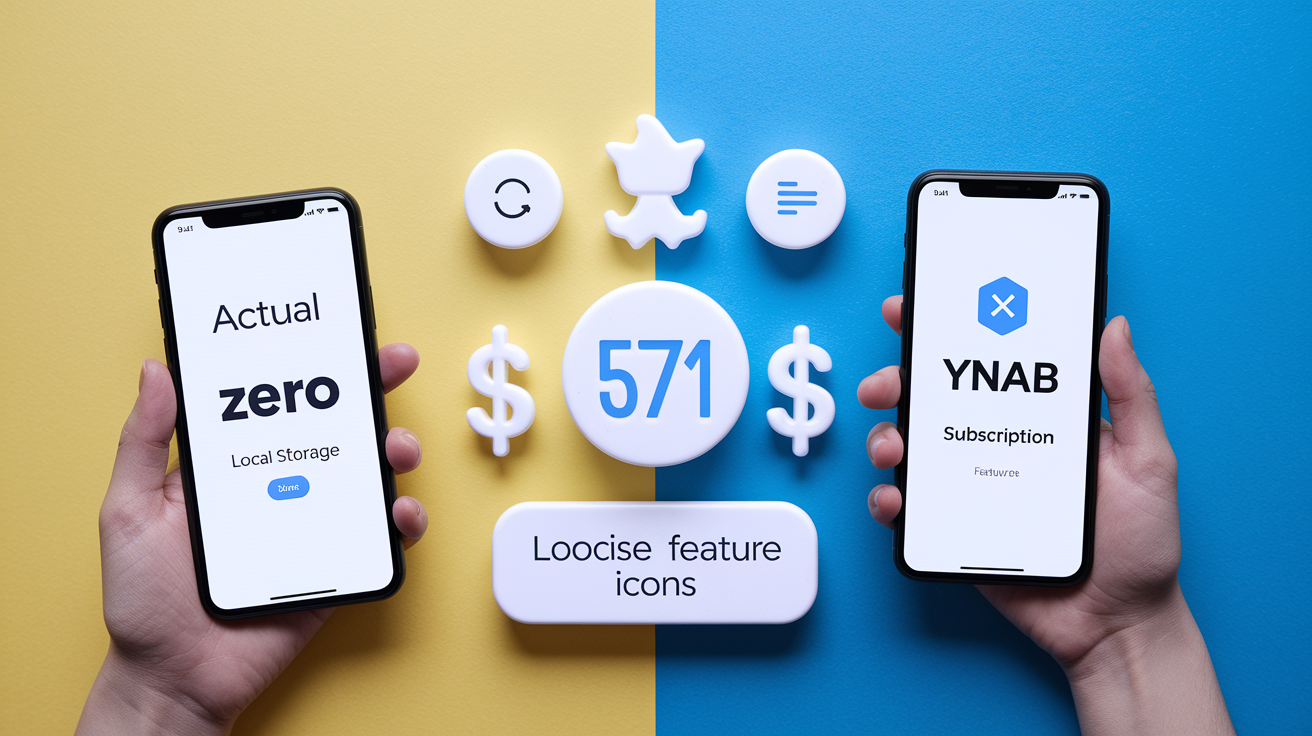
The biggest difference between Actual Budget and subscription-based budgeting software like YNAB is cost. Actual Budget is free (no monthly fee, no annual payment, no premium tier) because it’s open-source and maintained by volunteers. YNAB, one of the most popular alternatives, charges around $14.99 per month or $99 per year as of 2024. Over five years, a YNAB subscription costs roughly $500 to $750, while Actual Budget stays at zero. For people who track spending long-term, that difference adds up to real money that could go into savings, debt repayment, or other budget categories. The trade-off? YNAB offers turnkey setup, built-in tutorials, and dedicated customer support, whereas Actual Budget relies on community documentation and a GitHub repository for troubleshooting.
Privacy and data ownership also split. Actual Budget stores your budget file locally by default and gives you the option to self-host sync, meaning your transaction history never lands on a company’s servers without your explicit consent. YNAB runs entirely in the cloud. Your budget lives on YNAB’s servers, and you access it through their web app or mobile apps. For many people, cloud storage is convenient because it handles syncing automatically and provides access from any device with a browser. For others, especially those wary of data breaches or uncomfortable with a third party holding sensitive financial details, local-first storage is a dealbreaker feature. Actual Budget’s end-to-end encryption option reassures people who want both multi-device sync and strong privacy guarantees.
Customization and migration paths differ too. Actual Budget includes built-in importers that read YNAB exports directly, so moving from YNAB to Actual Budget takes minutes. Export your YNAB data, import it into Actual Budget, verify categories, and continue where you left off. The reverse path (Actual Budget to YNAB) is less direct because YNAB doesn’t officially support importing from other apps, though workarounds exist using CSV exports. On the customization front, Actual Budget’s open-source codebase and developer API let technically inclined users build custom features, integrations, or importers that the community can share. YNAB is closed-source, so modifications require working within the constraints of their official app and feature roadmap.
| Feature | Actual Budget | YNAB |
|---|---|---|
| Pricing | $0 (free, open-source) | ~$14.99/month or $99/year subscription |
| Data storage | Local-first, optional self-hosted sync with encryption | Cloud-based on YNAB’s servers |
| Bank sync | Optional via goCardless (EU/UK) or SimpleFIN (US/Canada); many users import CSV manually | Built-in automatic bank sync included with subscription |
Troubleshooting Common Issues in Actual Budget

Most problems new users run into stem from data import quirks or syncing conflicts that pop up when switching from another app. Knowing what to check saves frustration and keeps you from starting over.
Common issues and fixes:
- CSV import errors — check that your CSV file has headers in the first row and that columns match the expected format (date, payee, amount, account); remove any summary rows or extra text at the top before importing.
- Duplicate transactions — happens when you import the same CSV twice or when bank sync downloads transactions you already entered manually; use the search feature to find duplicates and delete them one by one.
- Balance mismatches after import — compare the imported starting balance to your actual bank balance on the import date; add a single adjustment transaction to bring them in line if they differ.
- Category mapping confusion — imported transactions often land in generic categories like “Uncategorized”; review recent imports and reassign each transaction to the correct envelope based on payee or description.
- Sync conflicts between devices — if you edit the same transaction on two devices before syncing, Actual Budget will ask you to choose which version to keep; turn on backups before enabling sync to avoid losing data.
- File permission errors on macOS or Linux — grant the app permission to read and write files in your budget folder by adjusting privacy settings or running the installer with the correct user privileges.
- Missing historical data — double-check that your export from the previous app included all date ranges and accounts; some apps limit CSV exports to one year unless you select “all time” in the export dialog.
- Slow performance with large files — if your budget file contains tens of thousands of transactions, the app may lag on older devices; consider archiving very old transactions (moving them to a separate budget file) to speed things up.
Advanced Capabilities: API, Developer Tools, and Community Enhancements

Actual Budget ships with a fully-featured API that runs on your local budget file, letting developers write custom scripts, importers, or integrations without sending data to an external server. The API is documented in the project’s GitHub repository and supports read and write operations. Query transactions, create new entries, modify categories, and export reports programmatically. This opens the door to automation: for example, you could write a script that imports transactions from a bank’s CSV export every Monday morning, categorizes them based on rules you define, and generates a weekly spending summary. Community members have built importers for budgeting apps beyond YNAB, extended the reporting engine with new chart types, and created tools that sync budget data with spreadsheets for users who want both the app’s envelope system and Excel’s pivot tables.
The community aspect extends to themes and interface tweaks. Actual Budget includes a built-in dark mode and dynamic theming that follows your operating system’s light/dark preference. If your OS switches to dark mode at sunset, the app does too. Power users can customize colors, fonts, and layout elements by editing the app’s stylesheet files, though most people stick with the defaults because the interface is clean and fast out of the box. The project’s Open Collective page (referenced in the scraped content) accepts donations, and third-party hosting services like PikaPods donate a portion of user fees back to the project, keeping development going even though the app itself is free.
Final Words
We jumped into how Actual Budget works, with zero-based envelopes, local-first storage, free and open-source access. You saw core features, setup steps, and how to import years of history.
You also learned about optional sync and encryption, reporting and spending analysis, comparisons to paid apps, troubleshooting tips, and developer tools for extra customization.
Try creating a local budget and importing a small file. actual budget offers a private, no-subscription way to manage money. Stick with it for a few weeks and you’ll see clearer spending choices.
FAQ
Q: What is an actual budget?
A: An Actual Budget is a free, open-source, zero-based budgeting app that uses envelope-style categories, local-first storage, optional sync, and no subscription fees to help you manage money.
Q: Is actual budget safe?
A: Actual Budget is safe because it stores data locally by default, is open-source for audits, offers optional end-to-end encrypted sync, and supports self-hosted sync servers for extra control.
Q: What is the difference between budget and actual budget?
A: The difference between a budget and Actual Budget is that a budget is your financial plan, while Actual Budget is the app that helps you run zero-based, envelope-style budgets locally and for free.
Q: Is actual budget mortgage on or off budget?
A: A mortgage in Actual Budget is typically treated on-budget; create an envelope/category for monthly payments and assign funds. Track mortgage principal in an account if you want a separate balance.