


What if your budgeting app is quietly making money harder instead of simpler?
Too many apps promise clarity and deliver clutter.
This post cuts through the noise and shows which financial planning tools actually help with budgeting, investing, and paying down debt.
You’ll learn what each tool does best, how much it costs, and which one fits your life—student, family, investor, or small business owner.
Think of this as a practical map: pick the right tool, spend less time fiddling, and start reaching real money goals.
Best Financial Planning Software (Quick Summary)

Picking the right financial planning software starts with knowing what you’re actually trying to fix. Need something that budgets for you? Want to watch your investments grow? Trying to dig out of debt? There are tons of options out there, but most people only need to look at a handful that actually work.
• Quicken – Works on your computer and phone for budgeting, bills, and keeping tabs on investments. Best if you like control and want reports that show you everything.
• Mint – Doesn’t cost anything, connects to your bank automatically, and tells you your credit score. Good for beginners who just want to see where money goes without paying monthly.
• YNAB (You Need A Budget) – Makes you give every dollar a purpose before you spend it. Works great if you’re serious about killing debt and actually want to build up savings.
• Empower – Free tool that shows your whole financial picture, tracks investments, and helps plan retirement. Built for people juggling several accounts.
• Personal Capital – Combines investment tracking with budgeting, gives you the kind of analysis financial advisors use. Makes sense for people with bigger portfolios.
• PocketGuard – Shows you what’s safe to spend after bills and savings. Perfect when you just need a quick answer to “can I afford this?”
These six get used the most because they each solve specific problems. What works for you depends on whether you want the software doing everything, you want total control, you’re focused on investments, or you just want something dead simple. Try the free versions first and see what feels right.
Feature Comparison of Leading Financial Planning Tools
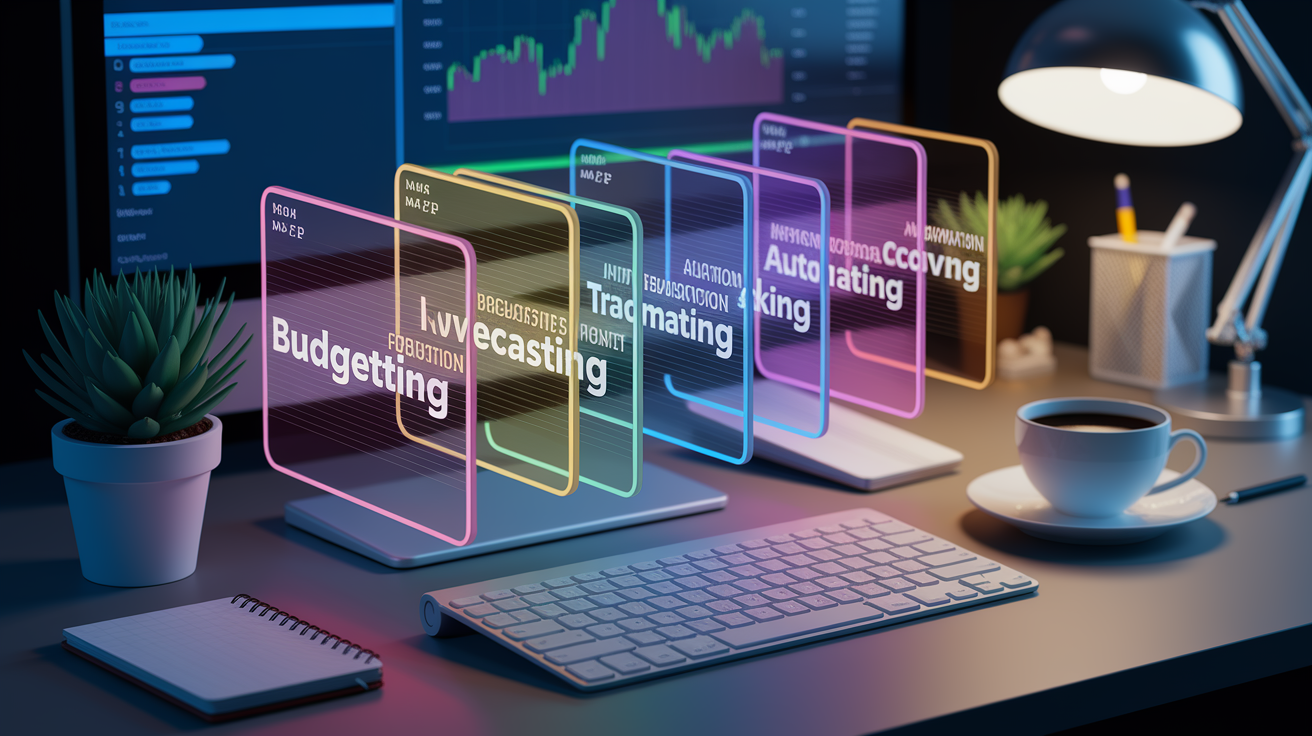
Features matter because they decide if a tool actually helps or just gets in your way. The stuff people compare most? Budgeting automation, forecasting what’s coming, investment tracking, how accounts sync up, and plans for paying off debt. Knowing what each platform does best saves you from buying something that doesn’t fit.
| Tool | Budgeting | Forecasting | Investment Tracking | Automation |
|---|---|---|---|---|
| Quicken | Manual and auto categories | Long-term projections | Real-time portfolio analytics | Bill reminders, auto sync |
| Mint | Auto categorization | Basic trends only | Limited view | Spending alerts, bill tracking |
| YNAB | Zero-based, manual entry | Age-of-money metric | None | Goal tracking, reports |
| Empower | Auto categorization | Retirement calculator | Comprehensive portfolio tools | Auto sync, net worth dashboard |
| Personal Capital | Auto categorization | Retirement planner | Advanced analytics, fees tracker | Auto sync, alerts |
How deep the features go decides how much manual work you’re stuck doing every month. Tools with solid automation cut down on data entry but you might lose some control over categories. Forecasting becomes important when you’re planning big stuff like buying a house, paying for college, or retiring in the next five or ten years.
Investment tracking only matters once you’ve got more than just a 401(k). Debt payoff planners and bill reminders keep you honest without needing spreadsheets. Figure out which features solve your actual problems right now, then check if there’s room to grow when your situation changes.
Pricing Breakdown of Financial Planning Software
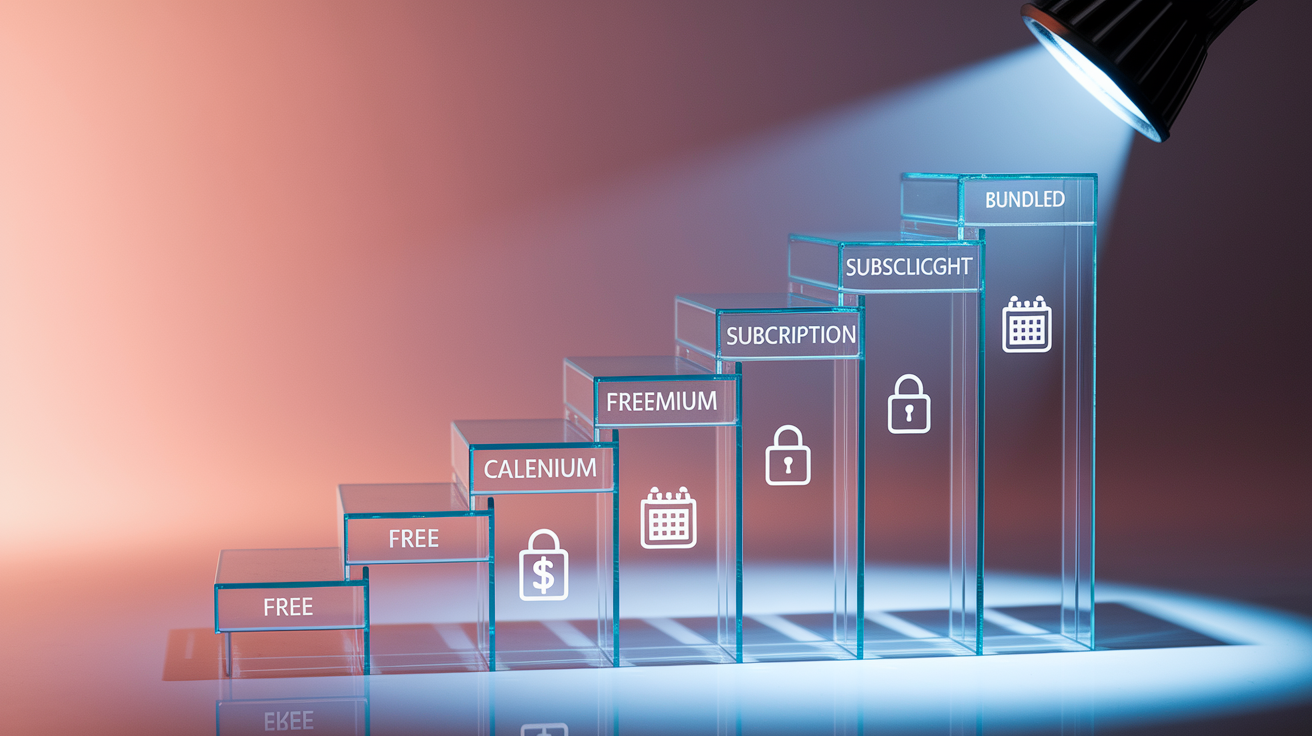
Financial planning tools run the full range from totally free to over $100 a year. Knowing how they charge helps you match what you can spend to what you actually need. Free ones usually show ads or try to sell you premium stuff, while paid versions drop the ads and give you better analytics.
• Free tiers – Mint and Empower give you full budgeting and investment tracking without charging. They make money by suggesting financial products and getting affiliate cuts.
• Freemium models – PocketGuard lets you budget for free but charges $4 to $8 monthly if you want debt payoff planning and help negotiating bills.
• Subscription plans – YNAB runs about $14.99 monthly or $99 yearly. Quicken’s different tiers go from roughly $36 to $104 per year depending on whether you need investment tools or rental property tracking.
• One-time purchase – Older Quicken versions let you buy once and own it. Now they’ve switched to yearly renewals so you can keep syncing banks and getting updates.
• Bundled financial services – Personal Capital’s tools don’t cost anything, but they make money connecting people with paid wealth management once your portfolio hits certain levels.
Picking between free and paid usually comes down to whether you need forecasting, syncing across devices, or actual phone support. Free tools handle budgets and tracking fine but might skip retirement projections or detailed investment breakdowns. Paid subscriptions make sense when automation saves you hours or when better reports stop you from making expensive mistakes.
Pros and Cons of Popular Financial Planning Tools

Every financial planning tool has trade-offs between how easy it is to use, what it costs, and how much it can do. Knowing the upsides and downsides before you start keeps expectations realistic.
Pros:
• Automated syncing with your accounts means you don’t have to type in every transaction. Your spending data stays current without extra work.
• Visual dashboards turn boring numbers into charts that actually show you patterns, net worth changes, and how close you are to your goals.
• Budget alerts hit you right away when you blow past a category limit or a bill’s coming due. Fewer late fees, less overspending.
• Investment tracking pulls all your accounts into one place so you can see allocation, performance, and what fees you’re paying across everything.
• Goal features break big scary targets into monthly chunks. Retirement or debt payoff stops feeling impossible.
• Mobile apps let you check your budget before you buy something. No more “I think I can afford this” guessing.
Cons:
• Subscription costs stack up. Paying $100 yearly for budget software might not make sense if you’re fine with spreadsheets.
• Free versions lock you into their categories and workflows. If your finances don’t fit their mold, you’re stuck.
• Ads in free tools mess up the interface and push products that make them money, not ones you actually need.
• Bank syncing breaks sometimes during updates. Your balances go stale and you have to reconnect everything manually.
• Privacy issues come up when apps store your login info and transaction history. You’re trusting their security without much choice.
• Tools like YNAB take hours of tutorial watching and rule tweaking before they actually work smoothly.
Whether these pros and cons matter depends on how you handle money now. If you’re already tracking stuff in a notebook or Excel, paying for automation might feel like a waste. If you overdraft constantly or forget bills, real-time alerts and auto-syncing are probably worth the cost.
Tools with learning curves pay off once you figure them out, but only if you’re willing to invest the setup time. Pick based on what’s actually broken in your finances, not what sounds cool.
Best Tools for Different Use Cases

Different situations need different strengths. Matching software to where you’re at gets better results than just picking the most popular one.
Students
Students do best with free tools that track spending and send alerts. Mint handles part-time income, student loans, and discretionary spending without charging anything. PocketGuard’s “In My Pocket” thing shows exactly what you can spend after bills and savings, so you don’t blow through your budget. YNAB gives students a free year if you prove you’re enrolled, teaching you envelope budgeting so you’re not drowning in credit card debt.
Families
Families dealing with multiple incomes, childcare, and savings goals need serious budgeting and tracking. YNAB works well here because everyone can access the same budget from their own devices, and the envelope system stops you from overspending on groceries or going out. Quicken’s bill manager and transaction tags help track spending by kid or project, and forecasting shows you college savings or when you can afford that home upgrade.
Investors
Investors with taxable accounts, retirement funds, and maybe real estate need deep portfolio analytics. Empower and Personal Capital both give you free investment tracking with breakdowns of how your assets are allocated, what fees you’re paying, and retirement calculators. They show whether your portfolio matches your risk tolerance and point out expensive funds killing your returns. Personal Capital adds paid advisory services if you want professionals managing things alongside the software.
Small Business Owners
Small business owners need to keep personal and business finances separate while syncing with accounting software. Quicken’s Home & Business version tracks rental properties, business income, and invoices next to personal budgets. It connects with QuickBooks so you can move business transactions over for taxes. PocketGuard and Mint work fine for solo freelancers with simple income, but they don’t have the invoicing and expense depth growing businesses actually need.
Free vs. Paid Financial Planning Tools

Choosing between free and paid comes down to what features you need and whether the time saved is worth paying for. Free tools handle basic budgeting and tracking without monthly charges. Paid ones add forecasting, deeper analytics, and investment planning.
Benefits of free tools:
• No subscription means anyone can use them, even on a tight budget or just starting to track money.
• Bank syncing and auto categorization give you insights without typing everything in manually.
• Credit score tracking and bill reminders do more than just budgeting.
• Mobile access lets you check balances and recent transactions when you’re out shopping.
• Good enough if you just want to control spending and build an emergency fund without complicated goals.
Advantages of paid tools:
• Forecasting projects retirement, college costs, and big purchases based on what you’re saving now.
• Investment analytics show allocation, performance, and hidden fees across all your accounts.
• Multi-device syncing with version history means you won’t lose data and can switch between phone, tablet, and computer easily.
• Customer support actually helps instead of making you dig through forums.
• No ads means you can focus without getting pitched financial products disguised as advice.
Go with free tools when you mainly want spending awareness and simple budgets. Upgrade to paid when you need retirement projections, detailed investment info, or when automation saves you more than an hour monthly. Figure out what your time’s worth per hour and compare it to subscription costs.
People managing complex portfolios or planning major life changes usually find paid tools worth it.
Integrations and Compatibility Considerations

How well software connects to your existing setup decides whether it fits smoothly into your life or creates extra work. Tools that sync automatically with banks, payroll, and tax software cut out double entry and mistakes.
Personal finance connections focus on checking, savings, credit cards, and investment accounts. Mint, Empower, and Personal Capital sync with thousands of banks, pulling transactions automatically and updating balances in real time. YNAB needs manual CSV imports or connects through Plaid, a third-party service that links accounts securely. Quicken downloads directly from most major banks but sometimes needs manual fixes when transaction descriptions don’t match your budget categories.
Tax software connections matter when you’re filing. Quicken exports sorted transactions straight to TurboTax. Mint users have to manually pull deductions from transaction lists.
Business connections reach accounting platforms, invoicing tools, and payroll services. Quicken Home & Business syncs with QuickBooks, moving business income, expenses, and invoices over for tax prep. FreshBooks and Wave connect with business bank accounts for automated bookkeeping, but they skip the personal finance tracking consumer tools have.
Small business owners managing both personal and business money often run separate tools. Quicken for personal budgets, QuickBooks for business accounting, then manually sort out owner draws and business expenses that overlap. Check integration depth before you buy so you’re not stuck doing workarounds and manual entry after you’ve committed.
Security and Data Privacy in Financial Planning Software

Security and privacy worries are the main reasons people hesitate to use financial planning software. Understanding how tools protect your info and what they do with your data helps you decide if you can trust them.
Encryption protects data moving around and sitting on servers. Most decent tools use 256-bit SSL encryption when sending account credentials and transactions between your device and their servers. Data stored on their end should be encrypted too, so breaches can’t expose readable financial records. Multi-factor authentication adds a second check beyond passwords, blocking unauthorized access even if your login leaks. See if your tool offers it and turn it on right after signing up.
Data usage policies tell you whether vendors sell your transaction history or spending patterns to advertisers. Free tools like Mint make money by suggesting financial products like credit cards, loans, investment accounts based on your profile. They get affiliate cuts when you sign up. Read privacy policies to see if anonymized data gets shared with others or stays private. Paid tools like YNAB and Quicken usually don’t sell user data since subscriptions pay the bills.
Checking if software’s trustworthy means looking for third-party security audits, reading about recent breaches, and confirming they follow financial data protection rules. Look for SOC 2 compliance reports showing independent auditors verified their security. Search recent news about the vendor to spot data breaches or privacy issues.
Pick tools backed by established companies with real security teams instead of new startups that might not have resources to fight off serious attacks. You’re trading some risk for convenience when you automate, but only when vendors prove they take protecting your data seriously.
Final Words
Pick the tool that fits your routine: a simple budgeting app, a forecasting planner, or a full investment tracker. This guide gave quick top picks, compared key features, laid out pricing, listed pros and cons, suggested tools by use case, and covered integrations and security.
Start with a free tier to test workflows, check bank syncing and data protection, and decide whether forecasting or investment tracking matters most. Revisit your choice after big life changes.
With the right financial planning tools, you’ll feel more organized and ready for what’s next.
FAQ
Q: What are the best financial planning tools?
A: The best financial planning tools are Quicken, Mint, YNAB, Empower, and Personal Capital, each fitting different needs: Quicken for power users, Mint for free budgeting, YNAB for hands-on budgeting, and Empower/Personal Capital for investing.
Q: How do I choose the right financial planning software?
A: Choosing the right financial planning software starts with your goals—budgeting, investing, or business—then compare features, pricing, account syncing, security, and try a free trial to test the workflow.
Q: What’s the difference between free and paid financial planning tools?
A: The difference between free and paid financial planning tools is that free apps handle basic budgeting and tracking, while paid plans add forecasting, advanced analytics, personalized advice, no ads, and priority support.
Q: Which financial tools are best for budgeting only?
A: The financial tools best for budgeting only are YNAB for active envelope-style budgeting, Mint for automated low-effort tracking, and Quicken for detailed, offline budget control.
Q: Which tools are best for investment tracking and retirement planning?
A: The tools best for investment tracking and retirement planning are Personal Capital and Empower for portfolio analysis and retirement planners, with Quicken offering detailed transaction-level investment tracking.
Q: How important are integrations and bank syncing?
A: Integrations and bank syncing are important because they automate updates, cut manual entry, and connect payroll, accounting, or tax tools—choose apps with reliable syncing and clear connection limits.
Q: How secure are financial planning apps and what should I check?
A: Financial planning apps are secured differently; check for bank-level encryption, multi-factor authentication, clear data-use policies, and whether the app shares or sells user data before trusting it.
Q: What are common pros and cons of financial planning tools?
A: Common pros and cons of financial planning tools are automation, account syncing, and ease of use versus subscription costs, limited customization, occasional sync glitches, and ads in free versions.
Q: Can small businesses use consumer financial planning software?
A: Small businesses can sometimes use consumer software for basic cash flow and owner finances, but growing businesses should choose business-focused tools with invoicing, payroll, and accounting integrations.
Q: How much do financial planning tools typically cost?
A: Financial planning tools typically cost from free to about $5–$20 per month, with some annual licenses or one-time purchases; common models are free, freemium, subscription, one-time fees, and bundles.
Q: How do I switch tools and keep my data?
A: Switching tools and keeping data involves exporting transactions to CSV or using built-in transfers, saving backups, carefully mapping categories, and testing imports on a small dataset first.
Q: Are forecasting tools accurate enough to plan my budget or retirement?
A: Forecasting tools are reasonably accurate for planning when inputs are good, but they aren’t guarantees—use multiple scenarios, check assumptions, and update forecasts as life or markets change.