



Think you don’t need a budget because you “just know” where your money goes?
A budget planner proves that wrong. It’s like a map that turns fuzzy spending into clear steps.
It records every income and expense, shows whether you’re saving or slipping, and helps you plan for bills, emergencies, and goals.
Whether you use paper, a spreadsheet, or an app, a good planner stops guessing and gives control.
This post will explain what a budget planner does, the main formats, and how to pick one that fits your life.
Core Explanation of a Budget Planner and Its Purpose

A budget planner is basically a tool (or system) you use to track what comes in, what goes out, and whether you’re actually getting closer to the goals you set. It creates a record of your money flow, making decisions visible instead of guesswork. Doesn’t matter if you pull a steady paycheck or cobble together gig income. A planner shows you if you’re spending less than you earn and if the gap between those two numbers is growing or shrinking.
The whole point? Control. A planner doesn’t just sit there logging numbers. It helps you plan for bills, stash money away, chip down debt, and catch patterns you’d miss otherwise. Here’s what a solid budget planner actually does:
- Monitors every income source and tracks what’s left after taxes and deductions hit
- Records and sorts expenses so you know what’s going to rent, groceries, gas, subscriptions, and the stuff you didn’t really need but bought anyway
- Plans for the regular bills and the curveballs like car insurance renewals, holiday spending, or that annual gym membership you forgot about
- Tracks how you’re doing on savings targets (emergency fund, trip, down payment) and debt payoff goals
- Gives you a snapshot each month or week so you can course correct before things get messy
Say you’re bringing home $3,500 a month after tax. A planner might split that into $1,400 for housing and utilities, $450 for groceries, $300 for transport, $200 toward debt, $500 into savings, and whatever’s left covers discretionary spending and those irregular costs. That breakdown turns your paycheck into something you can actually navigate.
Common Formats and Types of Budget Planners
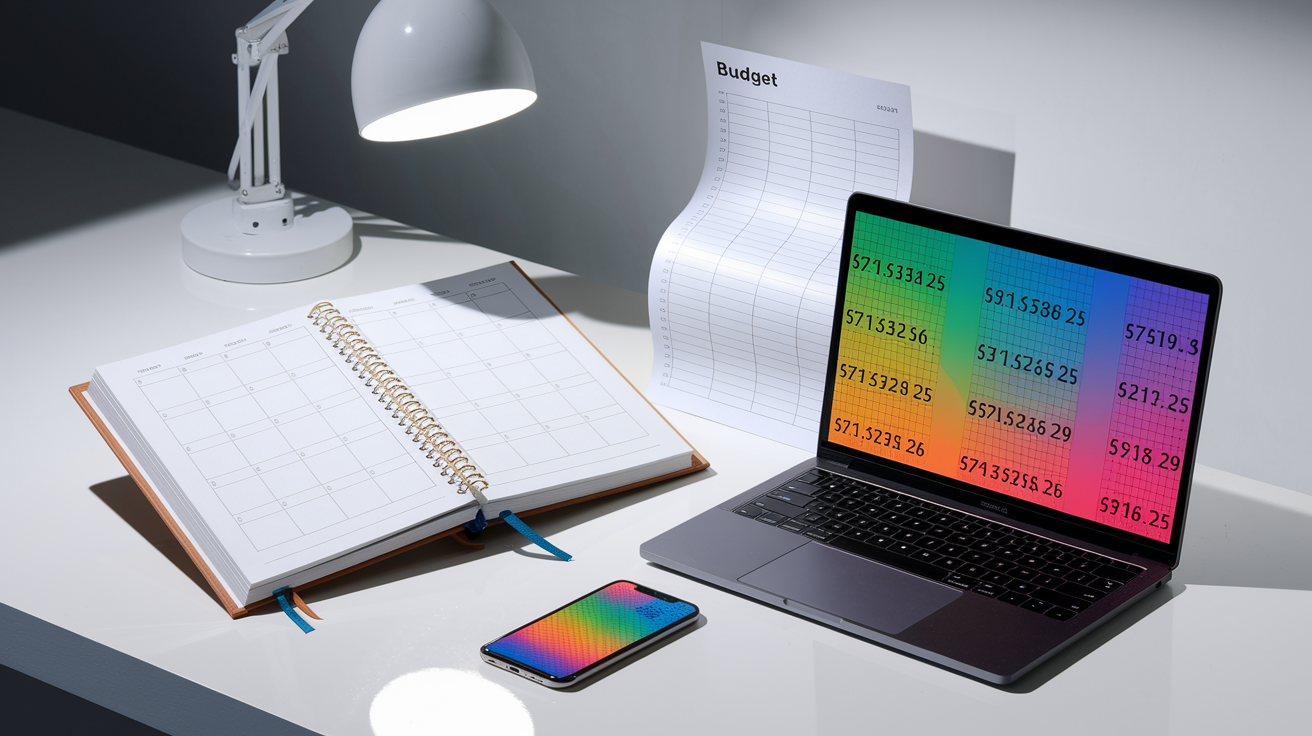
Budget planners show up in four main flavors: paper planners, printable PDFs, spreadsheets, and mobile apps. Paper planners and printables usually run $10 to $40 or free to $15 and come with 12 monthly pages plus a year-end summary. Spreadsheets in Excel or Google Sheets cost nothing or maybe a small one-time fee, and they use formulas to auto-calculate your totals and balances. Mobile apps range from free versions to $3–$10 a month or $30–$100 annually, and a lot of them sync straight to your bank to pull in transactions and spit out charts.
Picking between manual and automated comes down to how many transactions you’re dealing with and what feels right to you. Manual planners (paper or printable PDFs) make you more mindful because you’re physically writing every transaction. That can help the spending sink in and might even slow down impulse buys. Digital planners and apps win on speed and automation, especially when you’re logging more than 100 transactions a month or tracking multiple accounts. Spreadsheets land somewhere in between. They calculate sums and balances instantly, but you’re still entering data by hand unless you import bank statements.
Here’s the breakdown on cost, automation, and how much you can tweak things:
- Paper and printable planners are cheap and give you total control, but you’re doing the math yourself and there’s no auto-import
- Spreadsheets (Excel, Google Sheets) give you formulas and pivot tables while keeping full customization and usually a one-time or zero cost
- Apps bring the most automation (auto-import, real-time sync, spending alerts) but charge recurring fees and sometimes lock down category options
- Hybrid approach: plenty of people use a spreadsheet or app for daily tracking and a printable monthly sheet for review sessions or goal check-ins
| Format | Cost Range | Strength |
|---|---|---|
| Paper / Printable PDF | $0–$40 one-time | Manual entry promotes mindfulness; no recurring fees; full privacy |
| Spreadsheet (Excel, Sheets) | $0–$15 one-time | Auto-calculates totals; highly customizable; works offline; one-time cost |
| Mobile App | $0–$10/month or $30–$100/year | Auto-imports transactions; syncs across devices; real-time alerts and charts |
Final Words
In the action, we defined a budget planner as a simple system for tracking income, expenses, savings and debt. We covered core pieces like monthly pages, yearly summaries, a bills checklist, and trackers, and used a $2,500 example to show how money moves through categories.
If you still wonder what is a budget planner, think of it as a practical map for your money that helps control spending and reach goals. Pick the format that fits your life, review it often, and you’ll build steady progress and more financial confidence.
FAQ
Q: What does a budget planner do?
A: A budget planner tracks your income and expenses to manage cash flow, control spending, and reach financial goals. It helps set savings targets, prioritise bills, monitor progress and identify areas to cut spending.
Q: Can you save $10,000 in 3 months?
A: Saving $10,000 in 3 months is possible but tough: you need about $3,333 per month. It requires big expense cuts, extra income (overtime or side work), selling assets, or a windfall.
Q: Does Schwab have a budgeting tool?
A: Charles Schwab’s online and mobile accounts include some budgeting and spending-analysis tools when you link accounts, but features vary by account. Check your Schwab dashboard or contact support to confirm.
Q: Can budgeting help with debt reduction?
A: Budgeting can help reduce debt by freeing up cash for extra payments, prioritising high-interest balances, and preventing new borrowing. Use the snowball or avalanche method and track progress to stay motivated.