


Most budgeting apps won’t fix your budget if you pick one that doesn’t match how you actually manage money.
You don’t need every feature; you need the app that fits your style—automatic syncing, hands-on envelope tracking, or a zero-based plan.
Here we compare the six most-used apps—Mint, YNAB, PocketGuard, Goodbudget, EveryDollar, and Personal Capital—so you can pick the one you’ll actually use.
We’ll break down costs, ease of use, and the trade-offs you’ll face so you can match an app to your goals, not marketing.
Top Budgeting Apps Compared

Picking the right budgeting app shouldn’t feel like decoding a mortgage contract. You’ve got dozens of options, but most people need one of six tools. Each one fits a different style.
- Mint — Free, automated setup that tracks everything. Bill reminders and credit score included.
- YNAB (You Need A Budget) — Zero-based budgeting where every dollar gets assigned before you spend it. 34-day trial, then $14.99/month or $99/year.
- PocketGuard — Shows what’s safe to spend after your bills and goals get paid. Free version exists, paid tier unlocks more.
- Goodbudget — Digital envelope system with manual entry. Free tier gives you limited envelopes, paid opens it up.
- EveryDollar — Zero-based approach with a free manual version or paid tier ($18/month or $80/year) that syncs banks and adds coaching.
- Personal Capital (Empower) — Free budgeting plus investment tracking and net worth analysis. Optional wealth services charge around 0.89% AUM.
Three questions matter when you’re comparing: How much automation do you want? How hands-on do you prefer to be? And what’s your budget for the app itself?
Apps that sync automatically save you time but usually cost money or show you promotions. Manual tools like Goodbudget’s free tier give you control without linking accounts, but you’ve got to actually log your spending. It’s about whether you value convenience, customization, or keeping costs low.
Key Features of Leading Budgeting Apps

A budgeting app only works if it actually shows you where your money goes. The good ones turn messy bank statements into clear categories, realistic goals, and next steps you can act on.
Most connect to your accounts through services like Plaid or Yodlee. Transactions get pulled automatically. You don’t type in every coffee. They sort expenses into categories (groceries, dining, utilities, subscriptions) and let you set limits or savings targets. Apps built around specific methods like envelope budgeting or zero-based budgeting add structure by making you allocate money before you spend it. Snapshot apps show you what’s safe to spend after fixed bills and savings.
- Automatic bank syncing — pulls from checking, savings, credit cards, loans, sometimes investments.
- Expense categorization — sorts purchases into standard or custom buckets and tracks spending against your monthly limits.
- Goal setting and tracking — define savings targets (emergency fund, vacation, down payment) and watch progress build.
- Bill reminders and alerts — notifies you when bills are coming, when you’re close to limits, or when spending looks unusual.
- Budgeting method support — some guide zero-based (assign every dollar), envelope (digital cash envelopes), or flexible tracking (monitor without restricting).
- CSV and spreadsheet export — download transaction data so you can build custom reports or switch apps without losing history.
Pricing Overview for Popular Budgeting Apps
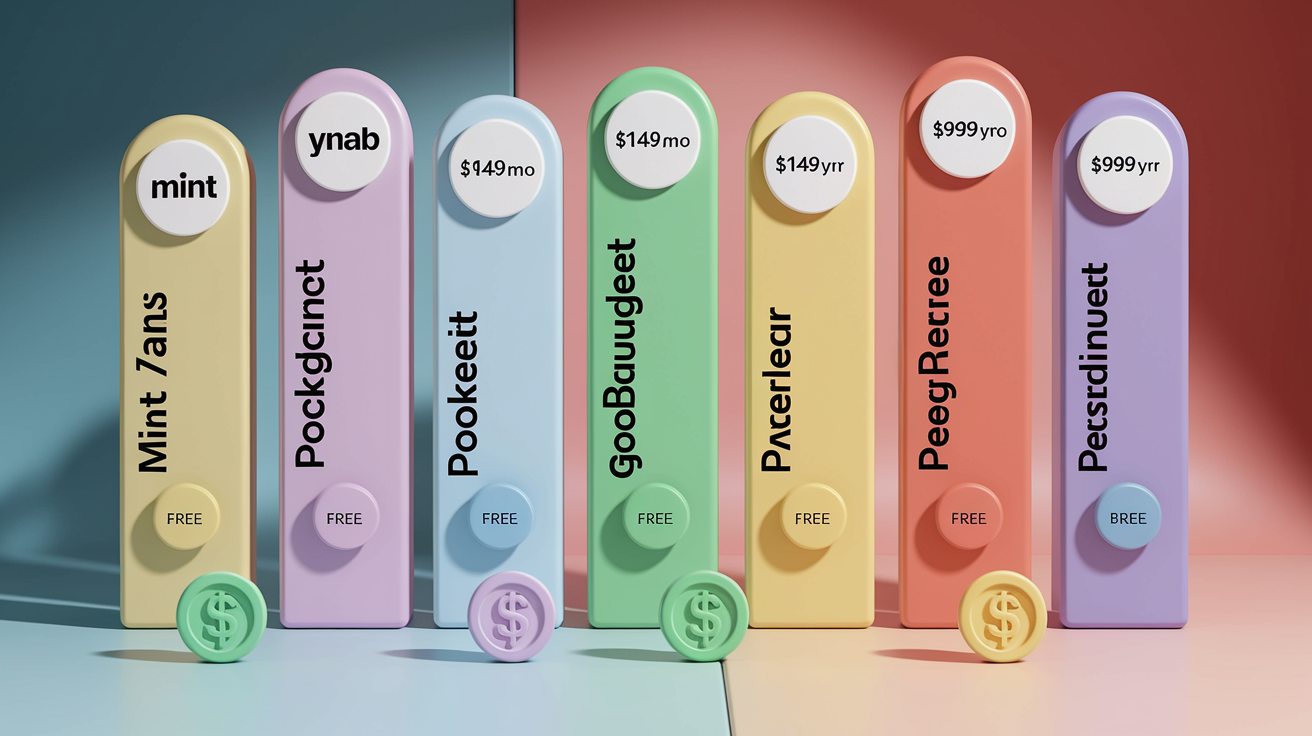
Budgeting apps range from totally free (with ads or upsells) to around $100 per year. Most paid options charge $75 to $110 annually, or $13 to $18 monthly if you pay month to month. Free tiers often cap the number of accounts, categories, or envelopes you can use. Or they make you enter transactions manually instead of syncing banks.
| App | Free Version | Paid Version Cost | Notable Limitations |
|---|---|---|---|
| Mint | Yes (ad-supported) | N/A | Ads and financial product promotions; limited advanced customization |
| YNAB | 34-day free trial | $14.99/month or $99/year | No permanently free tier; steeper learning curve |
| PocketGuard | Yes (limited features) | $13/month or $75/year | Free tier lacks detailed customization and advanced reports |
| Goodbudget | Yes (10 envelopes, 1 account) | $10/month or $80/year | Free tier requires manual entry; no bank linking |
| EveryDollar | Yes (manual entry) | $18/month or $80/year | Bank syncing and group coaching only in paid tier |
| Personal Capital | Yes (budgeting tools free) | Advisory fees ~0.89% AUM if using wealth management | Wealth-advisory upsell; budgeting less prescriptive than YNAB |
Trial lengths vary. YNAB gives you 34 days. Rocket Money and PocketGuard typically offer 7. Goodbudget has a 30-day refund window if you cancel early. Check whether the features you need (bank syncing, unlimited categories, shared household access) are locked behind a paywall before you commit.
Pros and Cons of the Best Budgeting Apps
Every app makes trade-offs. Here’s what each one does well and where it misses.
-
Mint
Pros: Completely free. Automatic bank syncing and transaction sorting across all your accounts. Free credit score monitoring included.
Cons: Ads show up throughout. Financial product promotions clutter the interface. Limited customization if you want granular control. -
YNAB (You Need A Budget)
Pros: Strong zero-based methodology helps you assign every dollar before spending. Excellent educational content, support, and community. Supports up to 5 household members.
Cons: $14.99/month or $99/year is pricier than most. Learning curve feels steep if you’ve never budgeted hands-on before. -
PocketGuard
Pros: Simple “In My Pocket” calculation shows exactly what you can safely spend after bills, savings, and debt. Clean mobile interface. Includes subscription tracking and bill negotiation referral.
Cons: Limited customization for detailed category breakdowns. Desktop interface can feel cluttered. Data sharing with third parties noted in privacy policy. -
Goodbudget
Pros: Digital envelope method is beginner-friendly and visual. Free tier lets you test without linking banks. Paid tier supports unlimited envelopes and up to 5 devices for shared budgets.
Cons: Requires manual entry (no automatic linking in free tier). Interface looks dated compared to newer apps. Free tier caps you at 10 preset envelopes. -
EveryDollar
Pros: Intuitive zero-based builder with a clean layout. Ties into debt snowball planning. Group coaching and lessons included in paid tier.
Cons: Bank syncing locked behind paid tier ($18/month or $80/year). Free version requires manual categorization of every transaction, which many abandon. -
Personal Capital (Empower)
Pros: Best-in-class investment tracking, retirement planning, and net worth dashboard. Budgeting and cash flow tools completely free. Strong portfolio analytics.
Cons: Budgeting features less structured than YNAB or EveryDollar. App pushes wealth management advisory services (fees start near 0.89% AUM). Not ideal if you only want a spending tracker.
Which Budgeting App Is Best for Your Needs?

The “best” app is the one you’ll actually open. Match the app’s philosophy to your financial habits, goals, and tolerance for manual work.
- Best for automation and beginners: Mint. Free, automatic syncing, no learning curve. Easiest entry point if you’ve never tracked spending.
- Best for zero-based budgeting and behavior change: YNAB. If you want to assign every dollar a job and break paycheck-to-paycheck cycles, the $99/year cost pays for itself through discipline.
- Best for envelope budgeting: Goodbudget. Digital envelopes let you allocate cash visually without linking banks. Free tier is enough to test before upgrading.
- Best for couples and shared budgets: YNAB or Goodbudget. YNAB supports up to 5 household members. Goodbudget’s paid tier allows 5 devices so partners can log from separate phones.
- Best for investors and net worth tracking: Personal Capital. Free budgeting tools plus portfolio tracking, asset allocation, and retirement projections. Built for users managing investments alongside daily spending.
- Best for quick spending snapshots: PocketGuard. The “In My Pocket” calculator answers “Can I afford this?” without forcing detailed category planning or zero-based budgeting.
Final Words
We ranked the top apps: Mint, YNAB, PocketGuard, Goodbudget, EveryDollar, and Personal Capital, and compared features, pricing, pros and cons so you can see the leading choices at a glance.
Focus on the features that matter to you: automation, envelope-style control, price. Match app strengths to your habits and try a free plan or trial before committing.
Still asking what are the best budgeting apps? Try one for a month, tweak categories, and review your progress. You’ll find a tool that makes budgeting less painful and more useful.
FAQ
Q: What’s the highest rated budgeting app?
A: The highest rated budgeting app depends on priorities, but YNAB often tops ratings for proactive budgeting and user satisfaction, while Mint leads for free automated tracking and Personal Capital for investments.
Q: What is the 50/30/20 rule?
A: The 50/30/20 rule is a simple budget split: 50% of after-tax income for needs, 30% for wants, and 20% for savings and debt repayment—good for beginners and straightforward planning.
Q: Is Rocket money or Mint better?
A: Whether Rocket Money or Mint is better depends on needs: choose Mint for free automatic tracking and budgeting, Rocket Money for subscription management and stronger bill-negotiation tools.
Q: What budget app does Dave Ramsey use?
A: Dave Ramsey uses EveryDollar, his zero-based budgeting app that assigns every dollar a job; it offers free and premium plans, with premium adding bank syncing for easier tracking.