


What if your front door stopped needing a metal key?
Smart locks do exactly that: they replace a mechanical deadbolt with an electronic lock you open with a phone app, a PIN code, or a fingerprint.
They give remote access, temporary or scheduled codes, and an activity log so you know who came and when, but they also mean managing batteries, firmware updates, and choices about Bluetooth, Wi‑Fi, or hub‑based setups.
This post explains how smart locks work, the main types, and the practical trade-offs to help you decide what fits your home.
Clear Definition and Core Purpose of Smart Locks
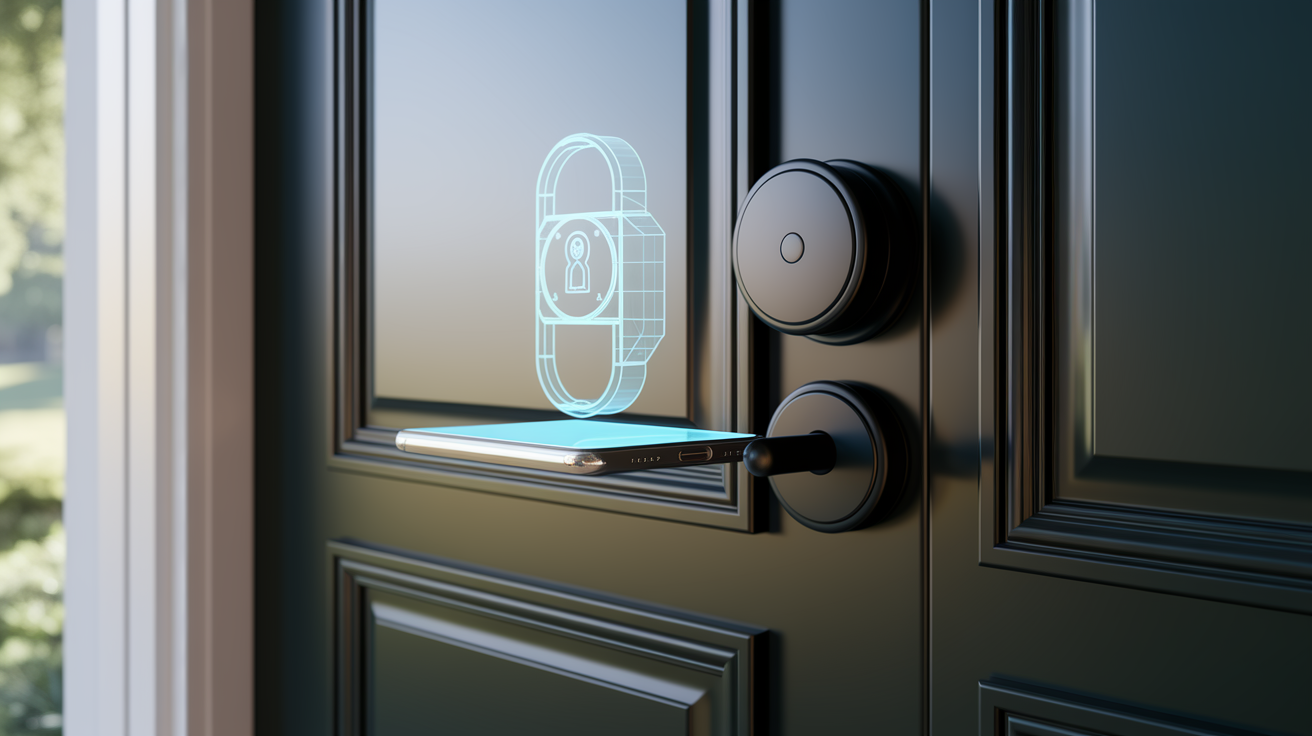
A smart lock is an electronically controlled deadbolt or latch that replaces or upgrades your traditional mechanical lock. It lets you unlock the door without a physical key, using things like a smartphone app, a PIN code, a fingerprint scan, or a temporary access code instead. Where a regular lock needs a metal key cut to match internal pins, a smart lock verifies you digitally. It checks a Bluetooth signal from your phone, reads your fingerprint, or accepts a four to eight digit PIN you punch into a keypad mounted on the door. Inside the hardware you’ll find a motorized bolt mechanism, a wireless radio for connectivity, and an app or control interface that tracks who comes in and when.
The whole point of a smart lock is to get rid of the need to carry, copy, or hide physical keys. You get precise control over who can unlock your door and exactly when that access works. You can issue a temporary code to your dog walker that stops working at 5 PM. You can give a houseguest access for the weekend. Or unlock the front door remotely from across town when the repair guy shows up early. Each entry gets timestamped in an activity log, creating a record that mechanical locks can’t touch. This mix of convenience, visibility, and programmable access makes smart locks popular for single family homes, rental properties, small offices, and anywhere multiple people need different levels of access without passing around a single master key.
Most smart locks support anywhere from ten to two hundred fifty user codes, depending on the model. They connect with voice assistants or smart home systems to trigger things like turning on lights when the door unlocks, or automatically locking when your security system arms. Many offer auto lock timers that re-secure the door thirty seconds or a few minutes after it closes, and geofencing features that unlock as you pull into the driveway. You end up with a door lock that feels less like a piece of hardware and more like a manageable access control system tied to your phone.
High level functions smart locks perform:
- Issue and revoke digital codes or biometric credentials without re-keying hardware
- Unlock and lock the door remotely via smartphone app
- Create temporary or scheduled access for specific dates and times
- Log every unlock event with a timestamp and user identifier
- Integrate with smart home routines, security systems, and voice assistants
- Send real time alerts when someone enters or exits
How Smart Locks Work and Their Key Technologies
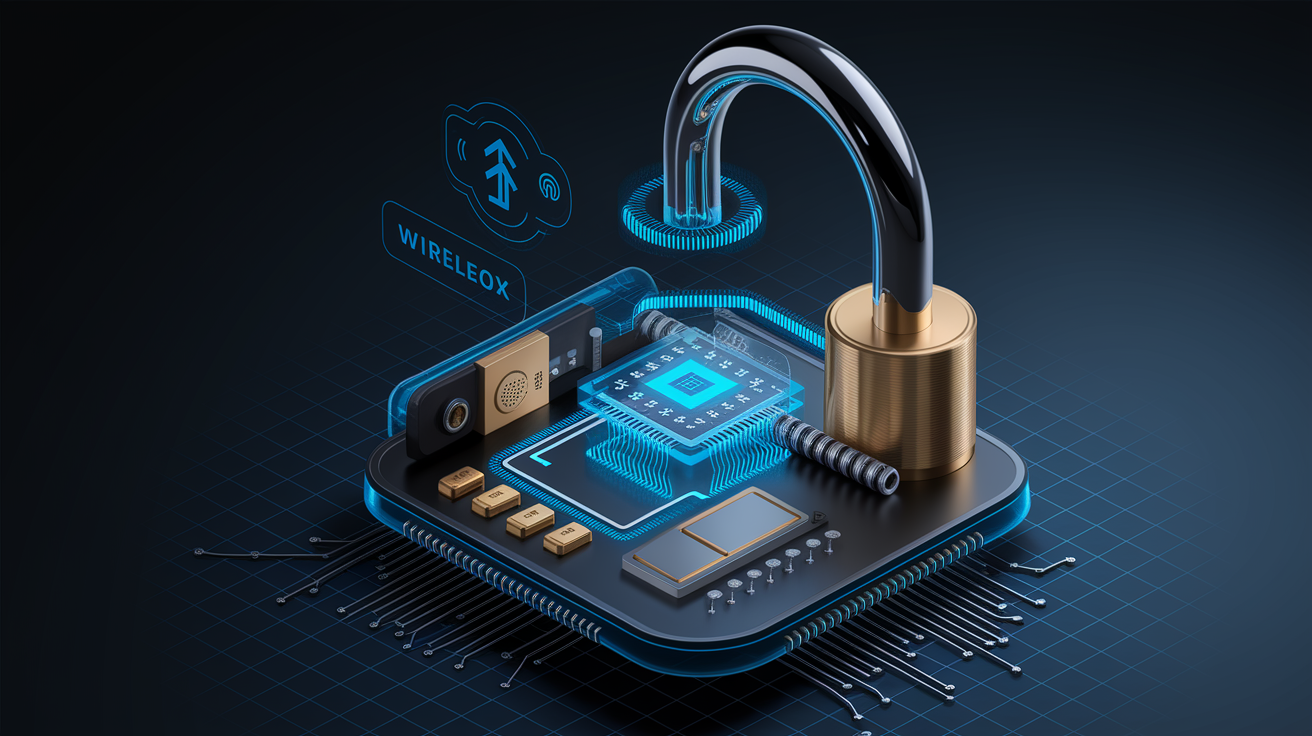
Inside the housing of a smart lock sits a small electric motor or solenoid that physically drives the deadbolt in and out of the strike plate, doing what you’d normally do when you turn a key. When you enter a valid PIN on the keypad, tap “unlock” in the app, or scan your fingerprint, the lock’s internal microcontroller checks the credential against stored data, then tells the motor to pull back the bolt. Sensors monitor the bolt position and door status so the app can show you “locked” or “unlocked” in real time. Power comes from batteries, most often four AA cells or a rechargeable lithium pack. The lock talks to your phone, hub, or router using one of three main wireless technologies: Bluetooth, Wi‑Fi, or a mesh protocol like Z‑Wave or Zigbee. Encryption, usually AES‑128 or AES‑256, scrambles the radio signals to block interception.
Installation typically means removing the interior thumbturn and deadbolt assembly from your existing lock, then mounting the smart lock’s motor unit and exterior escutcheon in their place. It’s a fifteen to sixty minute job with a screwdriver and basic alignment checks. Retrofit models slip over the existing cylinder and thumbturn, keeping the outside keyhole and requiring almost no disassembly. Full replacement locks swap out the entire deadbolt mechanism and may include a new strike plate and latch bolt. Once it’s mounted, you pair the lock with your phone or hub through the manufacturer’s app, assign user codes or fingerprints, and set preferences like auto lock delay and notification settings.
Bluetooth Operation
Bluetooth smart locks create a short range wireless link between the lock and your smartphone, typically good for ten to thirty feet. When you walk up to the door, the lock detects your phone’s Bluetooth signal, checks your credentials, and unlocks automatically if you’ve turned that feature on. Or you just open the app and tap the unlock icon. Because Bluetooth radios sip power, these locks often run twelve to twenty four months on a single set of AAs. The catch is that Bluetooth needs you to be close. You can’t unlock the door from across town unless you add a separate Bluetooth to Wi‑Fi bridge accessory that stays plugged in near the lock and relays commands over the internet. Bluetooth locks are popular if you care about battery life and simple pairing without needing a smart home hub.
Wi‑Fi Operation
Wi‑Fi enabled smart locks connect straight to your home router, giving you the ability to lock or unlock the door from anywhere with an internet connection and to get instant push notifications when someone comes in. This always on connection to the cloud means you can let in a delivery person while you’re at the office or check the door status from a hotel room halfway around the world. The downside is power draw. Keeping a Wi‑Fi radio active uses more energy than Bluetooth, so these locks typically burn through batteries in six to twelve months, or they include a rechargeable battery pack you charge via USB every few months. Some models offer a wired power option to skip battery changes entirely. Wi‑Fi locks also increase the remote attack surface a bit, since the lock is reachable over the internet. Strong passwords, two factor authentication, and regular firmware updates are important to keep that risk low.
Z‑Wave/Zigbee Communication
Z‑Wave and Zigbee are low power mesh networking protocols designed for smart home devices. A smart lock using one of these doesn’t connect directly to the internet. Instead, it talks to a compatible hub, like Samsung SmartThings, Hubitat, or a dedicated security panel, and that hub acts as the bridge between the lock and your phone. Each Z‑Wave or Zigbee device in your home can relay signals to the next, forming a mesh network with a per hop range of roughly thirty to one hundred feet indoors, which extends coverage throughout larger properties. This approach saves battery life in the lock itself, often delivering twelve to eighteen months on four AAs, and it fits seamlessly into broader home automation routines like “unlock the door and turn on the entryway lights when the security system disarms.” The requirement for a hub adds an upfront cost of fifty to two hundred dollars and a bit of setup complexity, but it centralizes control and can work even if your internet goes down, since the hub and lock communicate locally within the mesh.
Common Types of Smart Locks for Homes and Businesses
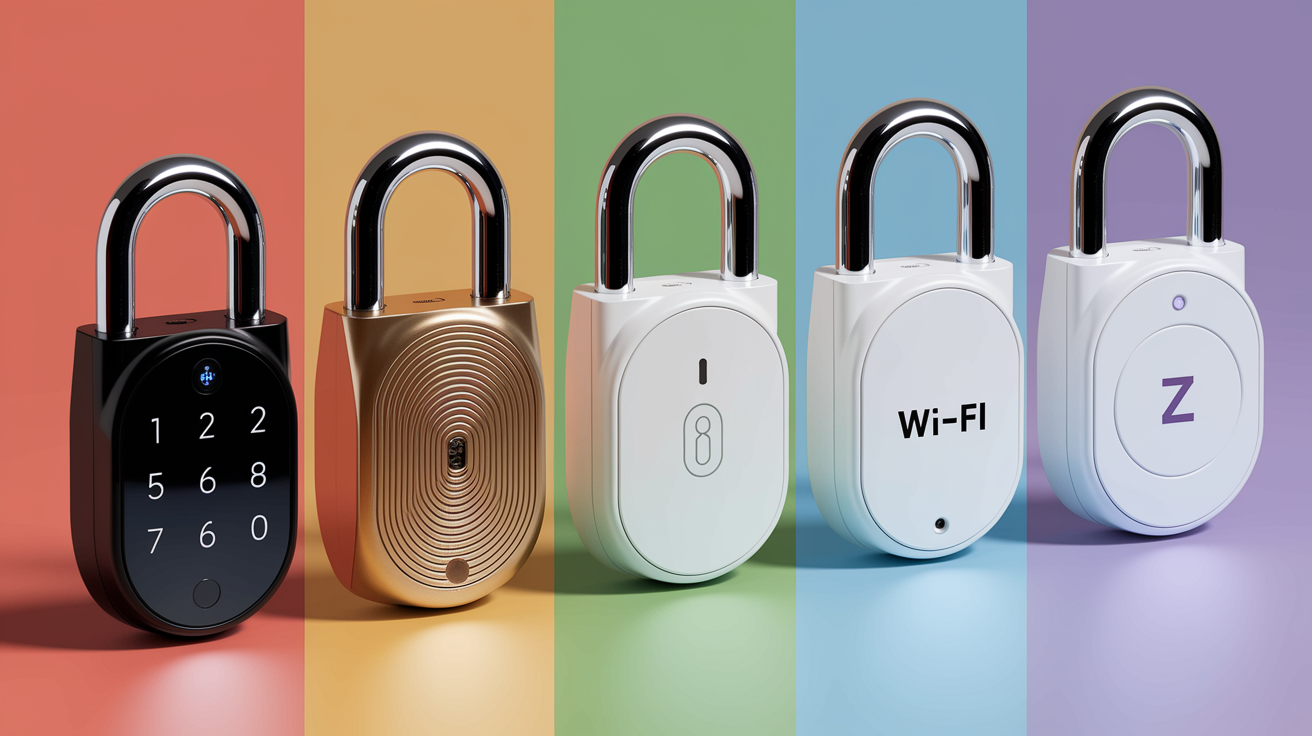
The simplest and most common category is the keypad smart lock, which mounts a numeric touchpad on the exterior and lets you enter via four to eight digit PIN codes programmed through the lock’s app or keypad interface. Keypad models may include Bluetooth or Z‑Wave radios for remote management, or they can run entirely standalone with codes entered and managed right on the device. These locks are popular in rentals and small offices because you can issue unique codes to each tenant or employee and delete them instantly when someone moves out or leaves the company, all without touching a physical key.
Biometric smart locks add a fingerprint scanner, storing enrolled fingerprints in the lock’s memory and unlocking when a registered finger touches the sensor. This method is fast and hard to share accidentally, making it appealing for families who want to grant access only to specific household members without worrying about lost codes or borrowed phones. Most biometric models also include a backup PIN keypad and sometimes a physical key override, since fingerprint readers can struggle with wet or very dry fingers. Bluetooth based proximity locks focus on automatic unlocking as you approach the door with your paired smartphone in your pocket, relying on the phone’s presence rather than a manual app tap or code entry. These are favored by users who want a truly hands free experience and are willing to keep Bluetooth enabled on their phone.
Five major smart lock categories:
- Keypad/PIN code locks (standalone or connected, four to eight digit codes)
- Biometric/fingerprint locks (optical or capacitive sensors with backup PIN)
- Bluetooth proximity locks (auto unlock when phone is near, short range only)
- Wi‑Fi smart locks (direct remote access via router, higher power draw)
- Z‑Wave/Zigbee hub dependent locks (mesh networking, requires separate hub)
Smart Lock Features and Capabilities Users Value Most
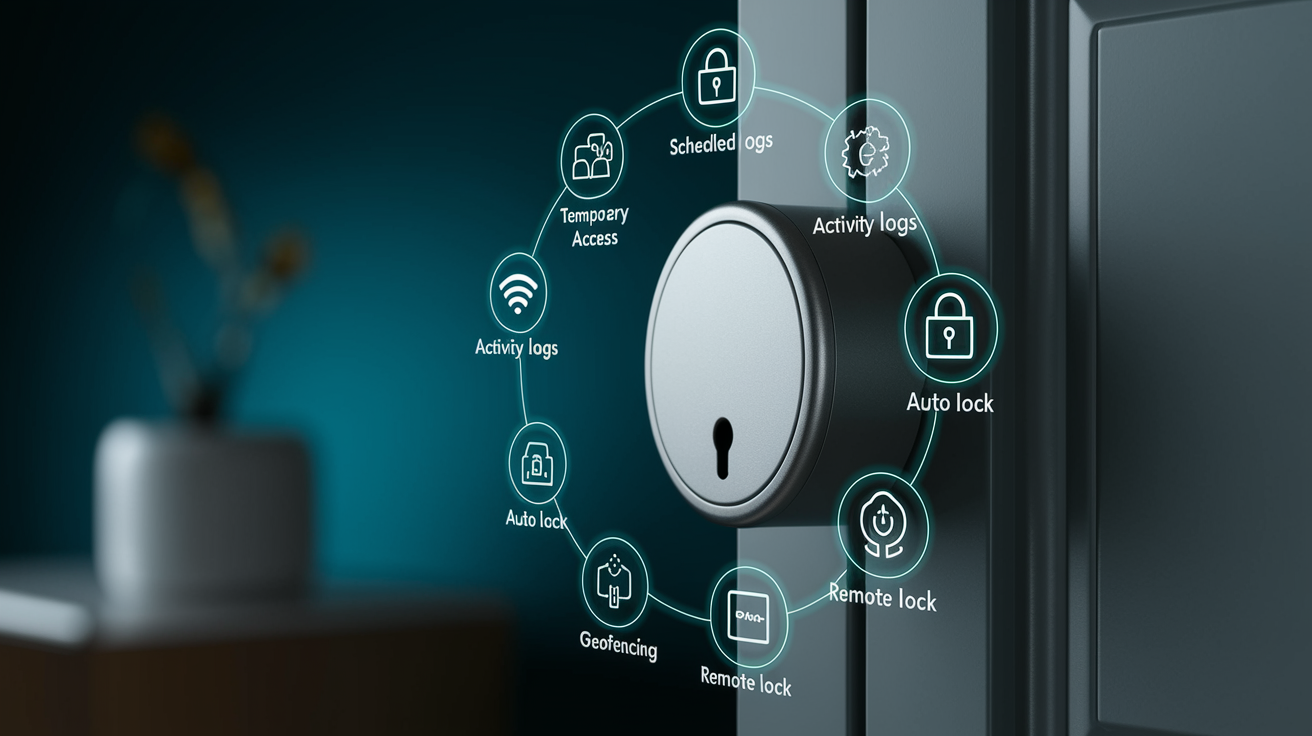
Keyless entry is the basic capability, unlocking the door without inserting a metal key. But the features users actually lean on daily go way beyond that. Temporary access codes let you create a PIN that works only during a specific window, like a single afternoon for a plumber or a three day span for weekend guests, then automatically shuts off without any follow up action. Scheduled access takes this further, allowing recurring time slots. A nanny’s code that unlocks the door only on weekdays between 8 AM and 6 PM, for example, so you never have to remember to enable or disable access manually. Activity logs record every unlock event with a timestamp and the user identifier (which code, which fingerprint, or which phone), giving you a running history you can review in the app to see exactly when your teenager came home or whether the contractor showed up on time.
Auto lock timers re-engage the deadbolt a set number of seconds after the door closes, typically defaulting to thirty seconds but adjustable from fifteen seconds to several minutes. This makes sure you never leave the house with an unlocked door because you forgot to twist the thumbturn. Geofencing uses your phone’s GPS to detect when you leave or approach home, triggering automatic locks when you drive away or unlocks as you pull into the driveway. This feature works reliably only on Wi‑Fi or hub connected locks that can receive location data from the cloud. Integration with voice assistants (“Alexa, lock the front door”) and smart home routines (“Good night” scene that locks all doors and turns off lights) turns the lock into part of a coordinated system rather than a standalone device.
Seven distinct functional features smart locks provide:
- Temporary access codes with start and end dates
- Scheduled recurring access tied to days and times
- Activity logs with timestamps and user identification
- Auto lock timers that re-secure the door after a delay
- Geofencing that locks or unlocks based on phone location
- Voice assistant control through Alexa, Google, or Siri
- Remote lock and unlock from anywhere via smartphone app
Smart Lock Benefits Compared to Traditional Mechanical Locks
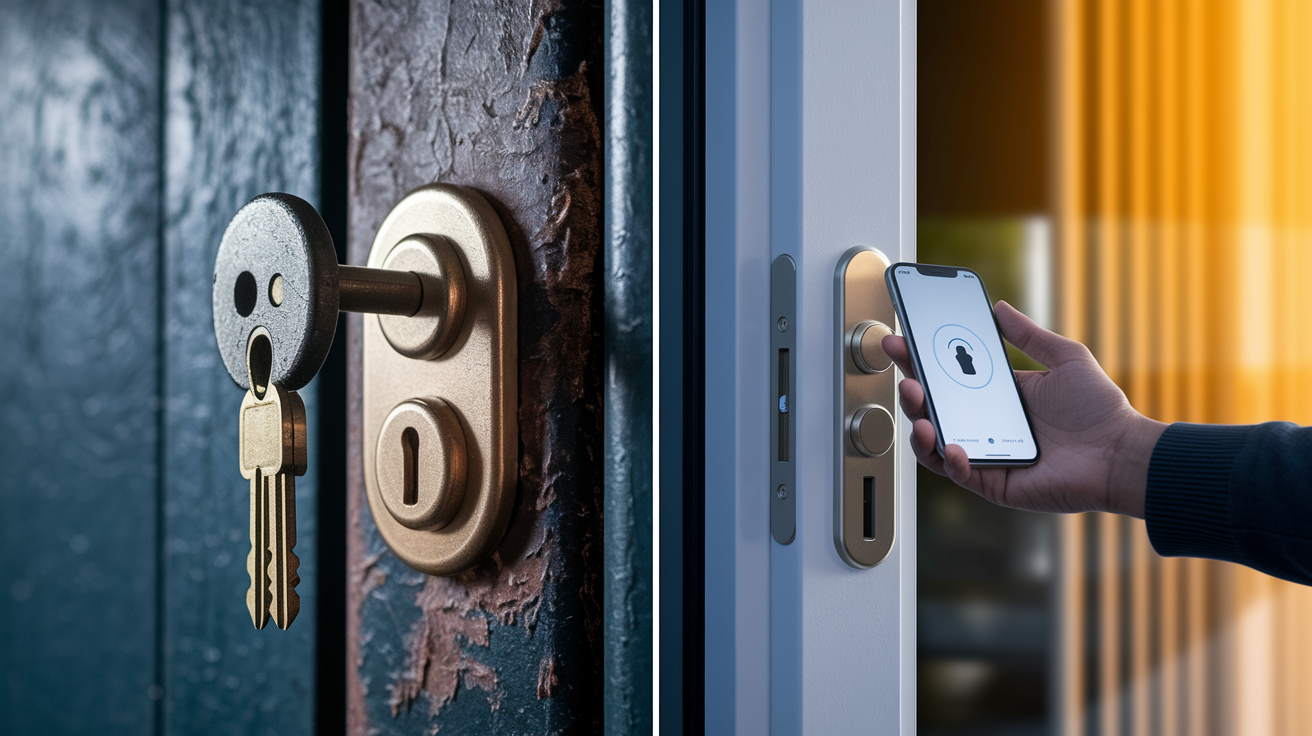
The clearest benefit is convenience. No more digging for keys in the rain, no need to leave a spare under the doormat or with a neighbor, and no locksmith calls when someone loses their key. You issue a code or register a fingerprint in seconds through the app, and you revoke that access just as quickly when it’s no longer needed. For families with kids who forget keys or elderly parents who struggle with small metal keys, a simple four digit code or a tap on the phone is faster and less frustrating. Remote access means you can unlock the door for a repair technician even if you’re stuck in a meeting across town, or check from your vacation hotel whether you remembered to lock up before you left, then lock the door with a single tap if you didn’t.
The audit trail changes security from “did someone get in?” to “who got in and when?” Every entry is logged, so if a package goes missing you can verify that the delivery window matches the unlock event. Or if a contractor claims they arrived at nine but the log shows an eleven o’clock entry, you have actual data. Multi user management lets each household member, guest, or employee have their own credential rather than copying a single key that everyone shares. You know exactly who opened the door and you don’t have to re-key the lock every time someone moves out or quits. You just delete their code or fingerprint from the app. Automation extends this further, linking the door lock to routines that arm the security system when the last person locks the door at night or turn on interior lights when someone unlocks in the evening, creating an integrated experience that a mechanical lock can’t trigger.
Smart Lock Security, Encryption Standards, and Safety Considerations
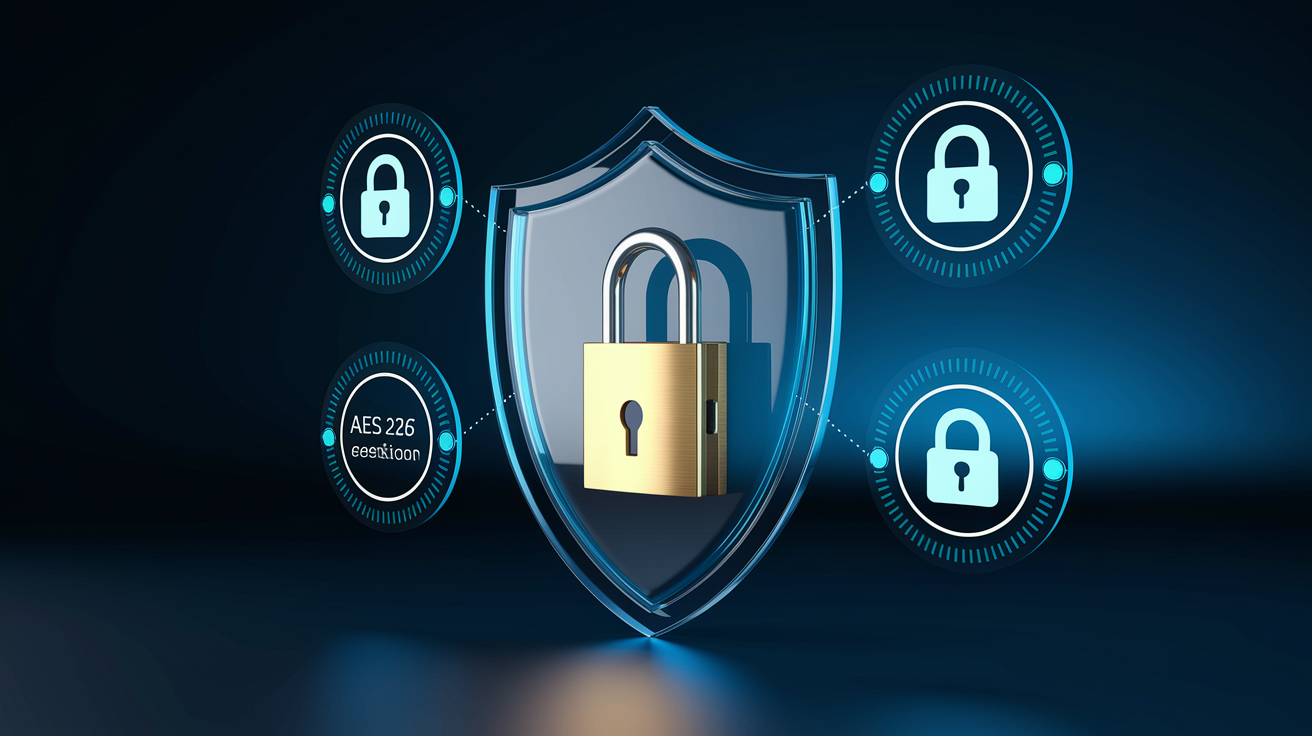
Most established brand smart locks encrypt wireless communications using AES‑128 or AES‑256, the same standard banks use for online transactions. An attacker can’t simply intercept the Bluetooth or Wi‑Fi signal and replay the unlock command. Two factor authentication, requiring both your password and a one time code sent to your phone, protects the app login and stops someone who steals your password from accessing the lock remotely. Tamper alarms sound if the lock detects forceful attempts to pry the exterior escutcheon or drill the cylinder, alerting you via push notification and often triggering a loud siren at the door. Higher end models include anti pick pins and hardened drill resistant cylinders in the mechanical backup key slot, matching the physical security of a good traditional deadbolt. Auto lock timers shrink the window when a door is left unsecured, and some locks require entering the PIN on the keypad even after unlocking via Bluetooth to ensure that just having the phone isn’t enough.
Vulnerabilities fall into a few buckets. Outdated firmware can leave known security flaws unpatched, so turning on automatic updates or checking manually every few months is important. Weak passwords (“1234” or “password”) on the app account or reused credentials that have been exposed in a data breach give attackers an easy way in remotely. A strong unique password and two factor authentication close that gap. Wi‑Fi connected locks are reachable over the internet, which expands the potential attack surface compared to Bluetooth only models. If the manufacturer’s cloud service gets breached, attackers might gain control unless it’s encrypted end to end. Physical bypass risks stick around if the lock is poorly installed. If the strike plate screws are too short or the door frame is weak, a strong kick can beat any lock, smart or mechanical. And some retrofit models leave the original keyhole exposed, which means an attacker who can pick or bump that cylinder can still open the door.
Five risks paired with security mitigations:
- Outdated firmware exposing vulnerabilities – Turn on auto updates or check for patches monthly in the app
- Weak or reused app passwords – Use a strong unique password and enable two factor authentication
- Intercepted wireless signals – Make sure the lock uses AES‑128/256 encryption and keep firmware current
- Physical bypass through weak installation – Use three inch strike plate screws into the door frame stud and verify alignment
- Cloud service breach or outage – Pick locks with local Bluetooth fallback and physical key backup
Smart Lock Installation Requirements and Door Compatibility
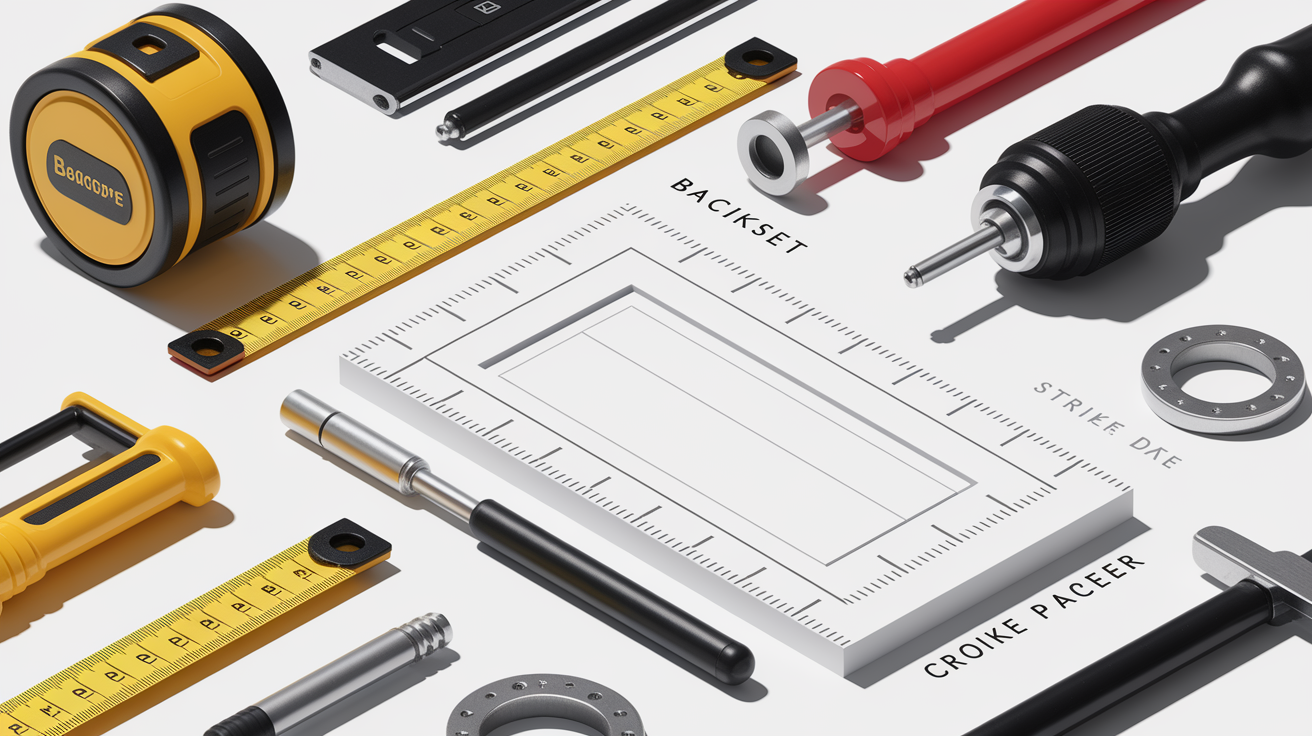
Many smart locks are designed to retrofit onto a standard single cylinder deadbolt with minimal tools, typically just a Phillips screwdriver. The manufacturer’s instructions walk you through removing your old thumbturn, aligning the new motor assembly, and securing it with the included screws. The whole process takes ten to thirty minutes for a straightforward replacement, though adding a strike plate or drilling new holes can push that to sixty minutes. Full replacement locks that swap out the entire deadbolt mechanism take longer, especially if your door has an unusual backset (the distance from the door edge to the center of the cylinder bore) or a non-standard bore diameter. Before buying, measure your door’s backset (commonly two and three eighths inches or two and three quarters inches), door thickness (usually one and three eighths to two inches), and the cross bore diameter (typically two and one eighth inches in the U.S.) to confirm compatibility.
Door alignment is critical and often overlooked. If your door sags, sticks, or needs a firm push or pull to latch, the motor may not have enough force to drive the bolt smoothly. The lock will report errors or drain batteries quickly fighting the resistance. Fixing alignment usually means adjusting the hinges, planing the door edge, or shimming the strike plate. In bad cases, replacing a warped door or sagging frame. Some retrofit locks sit thicker than the original thumbturn, so check interior clearance if you have a storm door or narrow entryway that might block the housing. A properly installed lock should bolt and unbolt with no manual assist. If you’re still pulling the door tight to get it to lock, the installation isn’t finished.
| Requirement | Description |
|---|---|
| Backset measurement | Distance from door edge to bore center; confirm 2‑3/8″ or 2‑3/4″ matches lock specs |
| Door thickness | Common range 1‑3/8″ to 2″; some locks require adapters for thicker or thinner doors |
| Cross-bore diameter | Hole diameter through the door face; standard U.S. is 2‑1/8″ for single-cylinder deadbolts |
| Door alignment and closure force | Lock motor must operate freely; doors that stick or sag can cause jams and rapid battery drain |
Smart Lock Costs, Battery Life, and Ongoing Maintenance
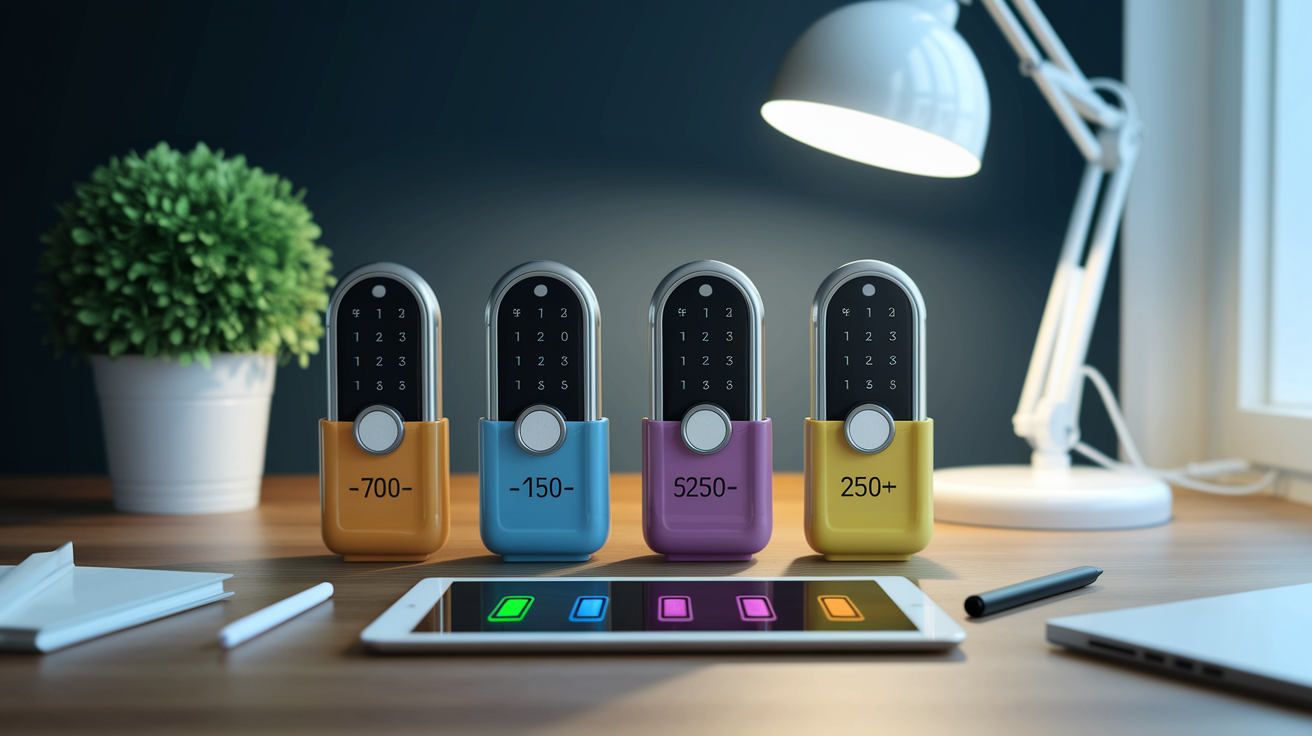
Entry level smart locks typically cost seventy to one hundred fifty dollars and include basic keypad or Bluetooth functionality with a physical key backup and support for ten to thirty user codes. Midrange models in the one hundred fifty to two hundred fifty dollar range add Wi‑Fi connectivity or Z‑Wave/Zigbee radios, larger code capacities, biometric readers, and integration with major voice assistants and smart home platforms. Premium locks priced from two hundred fifty to four hundred dollars or more pack in features like built in cameras, touchscreen keypads, multiple credential types on a single device, and longer warranties. If you need a separate Wi‑Fi bridge or smart home hub to enable remote access, budget an extra thirty to one hundred dollars for that accessory.
Battery life depends heavily on connectivity type and usage frequency. Bluetooth only locks often run twelve to twenty four months on four AA batteries because the radio sleeps most of the time and wakes only when a phone comes near. Wi‑Fi locks that keep a constant connection to the router typically need fresh AAs every six to twelve months, or they include a rechargeable lithium pack you top up every few months via a USB cable. Z‑Wave and Zigbee locks fall in the middle, averaging twelve to eighteen months. Most locks show a low battery warning in the app several weeks before the batteries die, and many include an emergency nine volt terminal on the exterior that lets you power the lock temporarily if the internal batteries fail while you’re locked out. Touch a standard nine volt battery to the contacts, enter your code, and the lock draws just enough juice to unlock so you can replace the AAs inside.
Maintenance is minimal but not zero. Firmware updates show up a few times a year and usually install automatically if you turn that setting on in the app. These patches fix bugs, improve battery efficiency, and close security holes. Check the app every couple of months to confirm the lock is running the latest version. Wipe dust and moisture from the keypad and fingerprint sensor with a soft cloth now and then, and check the strike plate and bolt for dirt or paint buildup that could cause binding. If the lock starts reporting “bolt jammed” errors, make sure the door closes smoothly and that the strike plate hole aligns cleanly with the bolt path. Manufacturer warranties typically run one to three years and cover defects in materials and electronics. Physical damage from forced entry or improper installation is usually excluded, so hang onto the installation manual and proof of purchase.
Best Smart Lock Brands and Real‑World Examples
August became widely known for its original retrofit design that left the exterior of the door untouched, mounting only on the inside thumbturn. Their models range from one hundred fifty to two hundred fifty dollars and often include a separate Wi‑Fi bridge to enable remote access from Bluetooth only locks. Schlage offers a full line of connected deadbolts priced around one hundred fifty to two hundred fifty dollars, with built in Z‑Wave or Wi‑Fi, keypad entry, and optional fingerprint readers, backed by a brand legacy in mechanical lock hardware that reassures buyers worried about build quality. Yale’s Assure series sits in a similar price bracket (one hundred fifty to two hundred fifty dollars) and focuses on sleek touchscreen keypads, compatibility with multiple smart home ecosystems, and optional network modules you can swap to match your preferred platform.
Kwikset SmartCode locks occupy the affordable midrange at roughly one hundred thirty to two hundred twenty dollars, delivering Z‑Wave or Bluetooth connectivity, a physical keyhole backup, and straightforward installation that works with existing Kwikset deadbolt preparations. Ultraloq and Lockly focus on biometric and multi credential models in the one hundred fifty to three hundred dollar range, often combining fingerprint sensors, keypads, smartphone apps, and physical keys in a single unit to give users maximum entry flexibility. Each brand publishes compatibility lists for hubs, voice assistants, and smart home platforms, so confirm before buying that your chosen lock works with the ecosystem you already own or plan to build.
Five representative brand examples with approximate price ranges:
- August Smart Lock – Retrofit Bluetooth/Wi‑Fi models, ~$150–$250 including bridge accessory
- Schlage Encode/Connect – Z‑Wave or Wi‑Fi deadbolts with keypad, ~$150–$250
- Yale Assure – Touchscreen keypad locks with modular network options, ~$150–$250
- Kwikset SmartCode – Z‑Wave/Bluetooth deadbolts with keyed backup, ~$130–$220
- Ultraloq/Lockly – Biometric multi credential locks, ~$150–$300
Potential Drawbacks and Limitations of Smart Locks

Battery dependence means that unlike a mechanical lock which works indefinitely, a smart lock will stop operating electronically when the AAs die. Most include a physical key backup or the nine volt emergency terminal to get you inside so you can replace the batteries, though. If you ignore low battery warnings or travel for months without checking, you might come home to find the app features disabled and only the backup key working. Connectivity reliance becomes obvious when your home Wi‑Fi router crashes or your internet service goes down. Wi‑Fi locks lose remote access until service comes back, though local Bluetooth or Z‑Wave control usually keeps working, and physical keys or keypads stay unaffected. Cloud service outages at the manufacturer’s end can also block remote unlocking and push notifications temporarily, a risk you accept when choosing a cloud dependent platform.
Installation quality directly affects reliability. A lock forced onto a misaligned door will jam, report errors, and chew through batteries as the motor fights resistance every time it tries to bolt or unbolt. Doors that expand and contract with humidity changes or frames that have settled over decades may need adjustment or replacement before a motorized lock will run smoothly. Retrofit locks that reuse an old strike plate sometimes discover that the plate’s hole is slightly off center or worn, causing the new bolt to catch on the edge. Replacing the strike plate with the one included in the lock kit usually fixes this, but it adds fifteen minutes and a drill to the installation.
Cost and complexity are higher than a traditional deadbolt. A decent mechanical lock costs twenty to sixty dollars and installs in ten minutes. A smart lock starts at seventy dollars, requires battery management, firmware updates, and app pairing, and may need a hub or bridge that adds another setup layer. For users who rarely grant access to others and who are comfortable carrying keys, the added features may not justify the price or maintenance overhead. Compatibility fragmentation means that not every lock works with every smart home platform. One model supports HomeKit but not SmartThings, another integrates with Alexa but not Google. Expanding or switching ecosystems later can force you to replace the lock or live without full integration.
Smart Lock Use Cases for Homes, Rentals, and Small Businesses
Homeowners install smart locks to skip the daily key routine. Walk up with grocery bags, the door unlocks automatically via Bluetooth, walk inside, and thirty seconds later it locks behind you without a second thought. Parents issue PIN codes to kids who lose house keys and check the activity log after school to confirm everyone arrived home safely. Elderly family members who struggle with arthritis appreciate a large button keypad that’s easier to operate than twisting a stiff deadbolt, and the auto lock feature makes sure they never accidentally leave the door unsecured overnight. Guest access becomes simpler when relatives visit for the holidays. Create a temporary code valid for the week, share it via text, then delete it when they leave. No key handoff or retrieval required.
Short term rental hosts rely on smart locks to automate guest check in and check out without meeting every arrival in person. A property manager programs a unique code for each reservation, sets it to activate at 3 PM on check in day and expire at 11 AM on checkout day, and the guest gets the code via email along with the rental confirmation. The activity log shows exactly when the guest entered for the first time. If a cleaner or maintenance worker needs access between bookings, they get their own scheduled code. Platforms like Airbnb and Vrbo integrate with some smart lock brands to generate and distribute codes automatically as bookings are made, streamlining operations for hosts managing multiple properties.
Small businesses and offices use smart locks to grant role based access. Employees get permanent codes, contractors receive temporary codes valid only during their project timeline, and the office manager monitors the log to make sure no one enters after hours without authorization. Delivery and service access scenarios are more cautious. Some users create a one time code for a specific delivery window and watch the real time notification to confirm the package arrived, then immediately delete the code. Others prefer to unlock remotely via the app only after seeing the courier on a doorbell camera. The flexibility to issue and revoke access within seconds, combined with a timestamped record of every entry, makes smart locks a practical fit for any situation where multiple people need different levels of door access without the risk and hassle of copied physical keys.
Final Words
You can now see how smart locks replace physical keys, add remote and scheduled access, and give useful features like guest codes and activity logs.
We walked through what they do, how they communicate, common types, security trade-offs, installation needs, price ranges, brands, and real-world use cases.
If you’re still asking what are smart locks, remember they’re tools to make entry easier and more manageable when chosen carefully. Take your door measurements, compare features, and you’ll find a good fit.
FAQ
Q: What are the disadvantages of smart locks?
A: The disadvantages of smart locks are battery or power dependence, possible connectivity or cloud outages, higher cost than basic locks, setup or compatibility issues, and added security risks if firmware or passwords aren’t kept current.
Q: What does a smart lock do?
A: A smart lock replaces or augments a mechanical lock and lets you unlock doors without keys using apps, PINs, biometrics, or temporary codes, plus remote access, activity logs, and automation options.
Q: Do smart locks work if power goes out?
A: Smart locks keep working during power outages because they run on batteries, but remote or cloud features may fail if internet or hub power is down; many models include a physical key or emergency power option.
Q: Is Kwikset a smart lock?
A: Kwikset makes smart locks—its SmartCode and Halo lines offer electronic deadbolts, app control, and smart‑home integrations; check the specific model for wireless protocol and compatibility.