


Think budgeting means giving up everything you enjoy? Think again.
A good budget maker helps you see where your money goes, cut the real leaks, and hit saving or debt goals without guessing.
This post shows the best tools and templates, from spreadsheets and apps to printable worksheets, and when each makes sense.
You’ll learn what to gather first, how templates use the 50/30/20 rule, and which features save time so you can pick a tool and start organizing your finances today.
Best Budget Maker Tools and Templates to Start Immediately
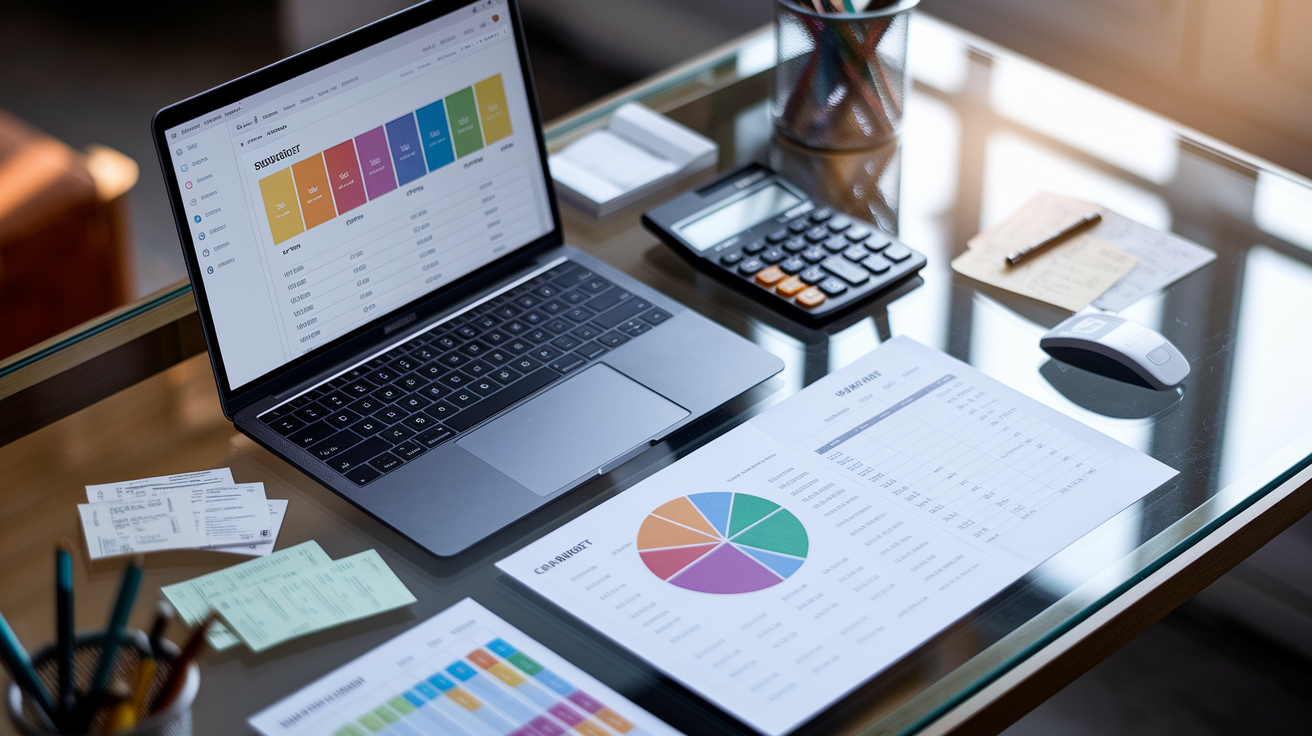
A budget maker is software or a template that helps you track monthly income, log expenses, and measure progress toward savings or debt goals. Most tools automatically calculate how much you spend in each category and compare the totals to frameworks like the 50/30/20 rule. Fifty percent of your income covers needs. Thirty percent goes to wants. Twenty percent funds savings or pays down debt.
Budget makers fall into two groups: downloadable spreadsheets and online planners. Spreadsheets live on your computer or in the cloud, use formulas to add up income and expenses, and let you customize every column. Online planners and mobile apps usually offer quiz-style setup flows, automatic bank imports, and dashboards with colorful charts. Both types work. Spreadsheets give you full control while apps save time through automation.
The best templates include more than blank rows. Look for tools that ship with prefilled sample months, built-in formulas that calculate category totals, and visual breakdowns that show where your money goes. A strong template also divides expenses into fixed costs (rent, insurance, loan payments, child care, memberships) and variable costs like utilities, groceries, fuel, shopping, dining out, travel, and entertainment.
Six tool types to try right away:
- Excel budget template with formulas and category breakdowns
- Google Sheets budgeting template that syncs across devices
- Printable PDF worksheet for pen and paper tracking
- Online budget planner with guided setup and 50/30/20 analysis
- Mobile budgeting app for on the go expense entry
- Standalone expense tracker that logs transactions and generates reports
How to Build a Budget With a Budget Maker Step by Step

Before you open any tool, spend twenty minutes gathering numbers. Pull out your last three months of bank statements, credit card bills, and utility invoices. Make two lists: fixed expenses that stay the same each month and variable expenses that change. Fixed costs include rent or mortgage, insurance premiums, loan payments, child care fees, gym memberships, and subscription services. Variable costs cover electricity, water, groceries, fuel, shopping, dining out, travel, and entertainment. For each variable expense, calculate a monthly average by adding the last three months and dividing by three. Your grocery bills were $420, $390, and $450. The average is $420.
Once you have the numbers, enter your total monthly income. Include salary, freelance pay, side hustle revenue, investment dividends, and any recurring government benefits. If your income changes every month, use the lowest recent month as your baseline so you don’t overestimate.
Next, categorize every expense as a need, a want, or savings and debt. Needs are rent, utilities, groceries, insurance, minimum loan payments, and child care. Wants are dining out, streaming services, hobbies, travel, and shopping that goes beyond essentials. Savings and debt contributions include emergency fund deposits, retirement account transfers, extra credit card payments, and student loan overpayments. Your budget maker will total each category and show the percentage of income it represents.
Compare your percentages to the 50/30/20 rule. If needs consume 65 percent of your income, look for ways to trim housing costs, switch insurance providers, or carpool to cut fuel. If wants sit at 40 percent, identify subscriptions you rarely use and reduce dining out frequency. If savings and debt fall below 20 percent, redirect money from the wants column or negotiate lower rates on existing loans.
- Collect fixed expense amounts from recurring bills (rent, insurance, loan payments, memberships).
- Estimate variable expense averages by reviewing three months of utility, grocery, fuel, and shopping receipts.
- Enter total monthly income into the budget maker.
- Categorize each expense as need, want, or savings/debt.
- Let the tool calculate category totals and percentages.
- Compare your percentages to 50/30/20 targets.
- Adjust spending in over budget categories until the allocation matches the rule.
Comparing Free vs. Paid Budget Maker Apps and Software
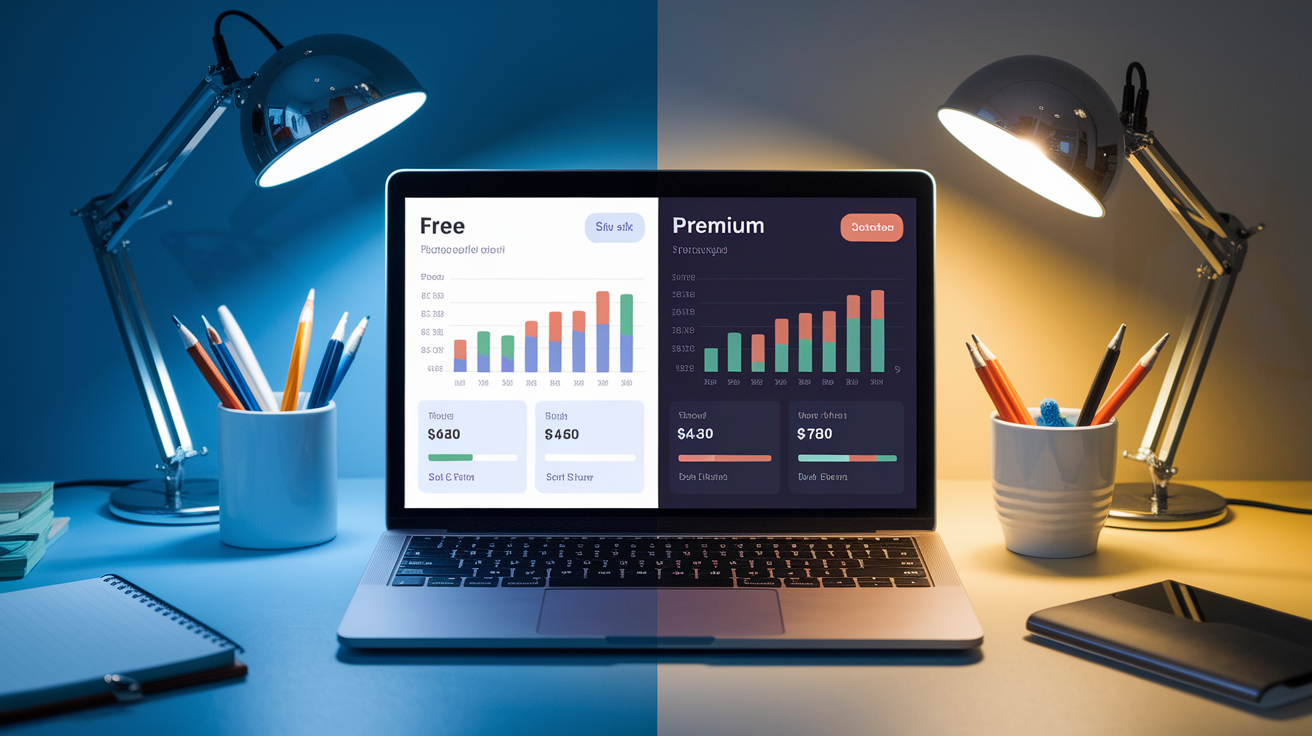
Free budget makers let you manually enter income and expenses, categorize transactions, and view basic summaries. They work well if you’re comfortable logging receipts each evening and prefer full control over every line item. Paid apps add automation: they connect to your bank, import transactions overnight, detect recurring charges, and tag purchases by merchant. Premium tiers also unlock features like investment account tracking, multi currency support, customizable spending alerts, and detailed trend reports that show whether grocery costs are climbing month over month.
Automation saves hours, but it costs between five and fifteen dollars per month depending on how many accounts you link and which reports you need. Upgrading makes sense when you manage three or more bank accounts, run a side business with dozens of transactions each week, or want instant alerts when a bill is higher than usual. If you only track one checking account and a single credit card, a free spreadsheet will cover your needs without a subscription.
The table below shows which tool fits your situation.
| Tool Type | Key Features | Ideal For |
|---|---|---|
| Free spreadsheet template | Manual entry, custom formulas, offline access, full control | Single account, simple income, comfortable with spreadsheets |
| Free mobile expense tracker | Receipt scanning, category tags, basic charts, no bank sync | Cash heavy budgets, students, occasional expense logging |
| Paid budgeting app (basic tier) | Automatic bank import, recurring charge detection, mobile and web access | Multiple accounts, busy schedule, wants weekly spending snapshots |
| Paid budgeting app (premium tier) | Investment tracking, bill negotiation tools, advanced reports, multi currency, shared household access | Complex finances, couples managing joint accounts, small business owners, frequent travelers |
Advanced Budget Maker Features That Improve Accuracy and Ease
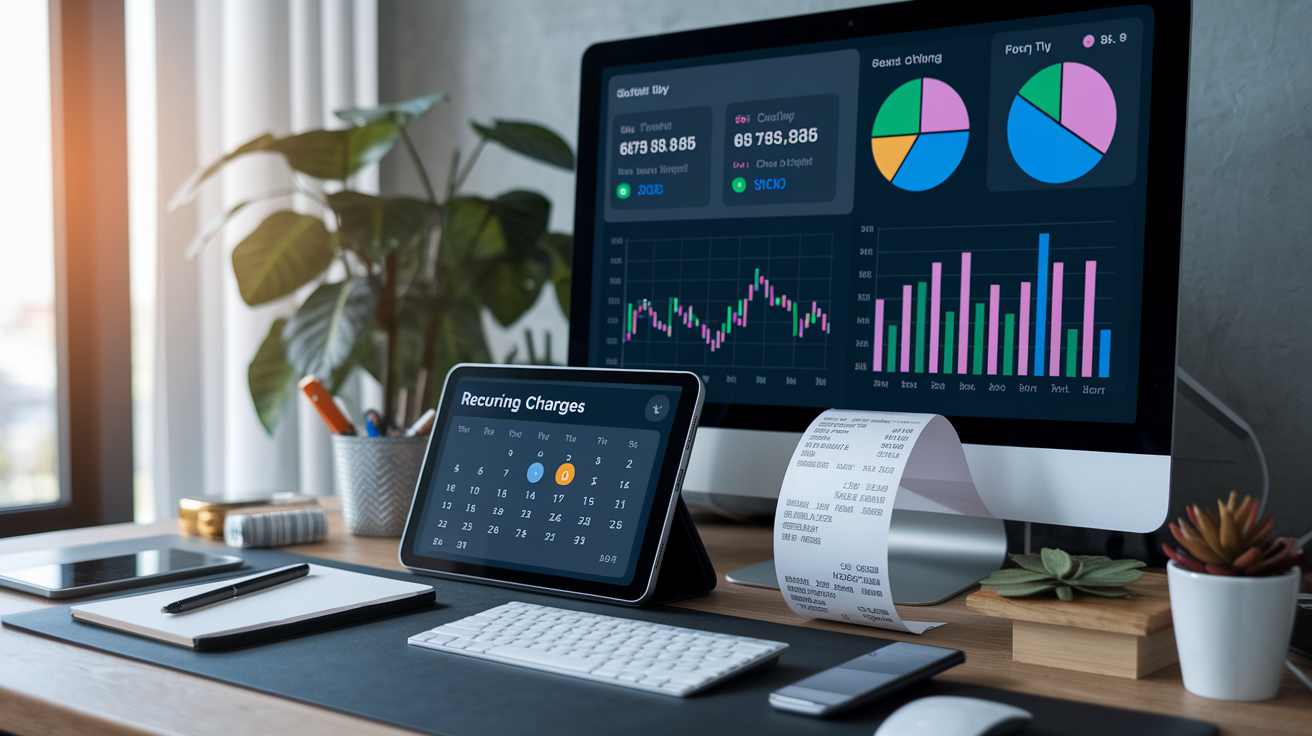
Modern budget makers include automations that catch expenses you might overlook when entering data by hand. Recurring charge detection scans your transaction history and flags subscriptions, insurance premiums, and loan payments so you never forget a monthly bill. Receipt scanning tools use optical character recognition to read paper receipts, extract the merchant name and total, and assign the purchase to the correct category. Snap a photo of your grocery receipt and the app logs it under “Food” without typing.
Dashboards and visual charts turn raw numbers into decisions. A pie chart that shows rent consuming 40 percent of your income is faster to interpret than a column of expenses. Spending trend graphs reveal whether your dining out habit is climbing or your fuel costs dropped after you started carpooling. Alerts notify you when a category nears its limit, when an unusual charge appears, or when a bill is due in three days.
Six advanced features that reduce manual work and improve accuracy:
- Recurring charge detection that identifies subscriptions and monthly bills automatically
- Receipt OCR that reads paper receipts and logs amounts without typing
- Visual spending charts (pie, bar, trend line) that highlight category imbalances
- Customizable alerts for overspending, due dates, and unusual transactions
- Dashboards that summarize income, expenses, and goals on one screen
- Subscription tracker that lists every recurring service and its renewal date
Budget Maker Templates for Families, Couples, Students, and Small Businesses

Families benefit from shared access templates that multiple people can edit at the same time. A Google Sheets budget lets one partner log grocery receipts while the other enters utility bills, and both see real time totals. Family templates also include extra categories for child care, school supplies, extracurricular fees, and medical co pays that single person budgets omit. Some tools ship with a “Budgeting is a Team Sport” worksheet that divides responsibility: one person tracks fixed costs, the other monitors variable spending, and both review the summary together each week.
Couples who split expenses need templates with contribution columns. You might pay rent while your partner covers groceries and utilities. A couple focused budget shows who contributed what, calculates each person’s share of joint expenses, and highlights when one partner is shouldering more than agreed. This transparency prevents arguments and makes monthly reviews feel collaborative instead of accusatory.
Students juggle irregular income from part time jobs, financial aid disbursements, and family support. A student budget template includes term based sections (fall semester, spring semester, summer) and tracks one time costs like textbooks, lab fees, and housing deposits alongside recurring expenses. It also allocates leftover aid money to savings so students don’t spend the spring disbursement in January.
Small business owners need cash flow templates that separate personal and business income, track receivables and payables, and forecast tax obligations. Business budget sheets include columns for cost of goods sold, contractor payments, software subscriptions, marketing spend, and estimated quarterly tax deposits. A yearly template helps owners compare revenue and expenses across all twelve months to spot seasonal patterns.
- Family budget template with child care, medical, and school categories
- Couple budget worksheet with contribution tracking columns
- College student template organized by academic term
- Small business cash flow sheet with receivables, payables, and tax estimates
- Yearly budget planner with monthly comparison charts
Using a Budget Maker With Irregular Income, Side Hustles, and Freelance Work

When your paycheck changes every month, average the last six months of income and use that number as your baseline. Pull bank statements from January through June, add the deposit totals, and divide by six. Enter the average into your budget maker as “expected monthly income.” This approach prevents you from building a budget around your best month and then falling short in slower periods.
Tag side hustle and freelance deposits separately so you can see how much of your income is stable versus variable. A budget maker with income source columns lets you label your full time salary as “primary” and ride share earnings or consulting fees as “secondary.” When secondary income dries up, you’ll immediately know which expenses to pause because you’ve already marked them as funded by variable revenue. Some tools also support cash flow forecasting: you enter expected invoices and upcoming bills, and the software calculates whether you’ll have enough to cover everything or need to delay a purchase.
Freelancers should adjust their budget monthly instead of setting it once and forgetting it. After each deposit clears, update your income total and recalculate category limits. If you earned $3,800 instead of the forecasted $4,200, trim wants by $400 that month. If you beat the estimate, funnel the surplus into savings or make an extra debt payment.
- Average the last six months of deposits to create a conservative income baseline
- Use cash flow forecasting to compare expected invoices against upcoming bills
- Tag side hustle income separately so you know which expenses depend on it
- Adjust spending limits every month after actual income is confirmed
Savings, Debt, and Goal Planning Inside a Budget Maker

Budget makers track savings goals by letting you name a target (emergency fund, vacation, down payment) and assign a monthly contribution. The tool calculates how many months you need to reach the goal at your current pace and shows a progress bar that fills as deposits accumulate. For example, if you want a $6,000 emergency fund and save $500 per month, the planner displays “12 months remaining” and updates the countdown each time you transfer money.
Emergency fund planners use a common rule: save three to six months of essential expenses. The budget maker totals your needs category (rent, utilities, groceries, insurance, minimum loan payments) and multiplies by three or six. If your needs cost $2,400 per month, the tool sets a $7,200 to $14,400 target and tracks deposits until you hit it. Once the fund is full, the planner can redirect those monthly contributions to the next goal.
Debt payoff tools compare two strategies. The snowball method ranks debts from smallest balance to largest, directing extra payments to the smallest debt while making minimums on the rest. The avalanche method targets the highest interest rate debt first to minimize total interest paid. Your budget maker runs both scenarios, shows how many months each strategy takes, calculates total interest for each path, and highlights which approach saves the most money. Then it generates a month by month payoff schedule so you know exactly when each balance will hit zero.
| Goal Type | Tool Feature | Example Output |
|---|---|---|
| Emergency fund | Expense based target calculator, progress bar | “You need $9,600 (four months of needs). Current balance: $3,200. Save $400/month to finish in 16 months.” |
| Vacation savings | Named goal tracker with deadline and monthly deposit | “Goal: $3,000 by December. Contribute $250/month for 12 months.” |
| Debt payoff (snowball) | Balance ordered payment scheduler | “Pay credit card #1 ($800) in 4 months, then card #2 ($2,100) in 10 months.” |
| Debt payoff (avalanche) | Interest rate ordered scheduler with total interest comparison | “Pay card #2 (18% APR) first. Total interest: $340 vs. $485 with snowball.” |
Exporting, Importing, and Reporting With Modern Budget Makers

CSV export lets you download your entire budget as a comma separated values file that opens in Excel, Google Sheets, or accounting software. This feature is useful when switching tools, sharing data with a tax preparer, or building custom reports that your budget maker doesn’t generate. Most apps let you filter the export by date range, account, or category so you only download the transactions you need.
CSV import works in reverse: you upload a file of transactions from your bank or another budgeting app, and the tool maps columns (date, merchant, amount, category), then adds every row to your budget. Import saves hours when you have months of historical data to backfill or when you consolidate multiple accounts into one tracker. Some budget makers also accept Quicken, Mint, or YNAB file formats directly, skipping the CSV conversion step.
Printable reports turn your digital budget into a PDF or physical page. Monthly summary reports show income, expenses by category, and net savings or deficit. Year end reports total every category across twelve months and calculate annual averages. Print these reports for tax filing, loan applications, or household budget reviews with your partner. Bank reconciliation features compare your budget maker balance to your actual account balance, flag discrepancies, and help you find missing or duplicate transactions before they throw off your numbers.
- CSV export to download transaction history for tax prep or tool migration
- CSV import to backfill historical data or consolidate multiple accounts
- Printable monthly and annual reports for offline review or loan applications
- Bank reconciliation workflow that matches tool balance to real account balance and highlights mismatches
Security, Privacy, and Encryption in Budget Maker Apps

Budget makers store sensitive financial data, so encryption is non negotiable. Look for apps that use AES 256 encryption to protect data at rest and TLS encryption to secure data in transit when syncing between your phone and the cloud. Strong tools also offer two factor authentication, requiring a code from your phone in addition to your password every time you log in. This second layer stops unauthorized access even if someone guesses your password.
Privacy policies explain how the app uses your data. Some budget makers analyze spending patterns to recommend products or sell anonymized trend reports to advertisers. Others pledge never to sell data and earn revenue solely through subscription fees. If you live in the European Union or California, verify that the app complies with GDPR or CCPA rules, which give you the right to download your data, request deletion, and opt out of marketing. When linking external bank accounts, check whether the app uses a trusted aggregation service like Plaid and read the third party disclaimer so you understand who controls your login credentials.
Data backup and recovery features protect you if the app shuts down or your device is lost. Cloud based budget makers automatically back up your data every time you save a change. Offline spreadsheet tools require manual backups. Save a copy to cloud storage every week so you can restore your budget if your computer crashes. Some apps let you export a full backup file that includes all transactions, categories, and settings, giving you a snapshot you can import into another tool if needed.
Final Words
Get started with the right tools: we covered top budget maker formats—Excel and Google Sheets templates, printable PDFs, online planners, mobile apps, and expense trackers—and why they help you track income, expenses, and goals.
You also learned the step-by-step setup, how to use the 50/30/20 rule, when to choose free versus paid tools, and which advanced features speed up accuracy and reporting.
Pick a budget maker that matches your routine, try a template, and adjust monthly. Small changes add up, and you’ll feel more in control.
FAQ
Q: What is the 50/30/20 rule budget?
A: The 50/30/20 rule budget divides your take-home pay: 50% for needs, 30% for wants, and 20% for savings or debt repayment. It’s a simple guide to balance spending and saving.
Q: How much should I have left over after bills?
A: How much you should have left over after bills depends on income and goals. Aim to free roughly 30% for wants and 20% for savings, or at minimum enough to fund an emergency cushion.
Q: What’s the best free budgeting tool?
A: The best free budgeting tool depends on your needs; start with a Google Sheets or Excel template for control, or try a free app or online planner if you want automatic tracking and mobile access.
Q: How to create a budget for free?
A: To create a budget for free, list your net income, collect fixed and variable expenses, plug numbers into a free Excel or Google Sheets template, apply the 50/30/20 rule, and adjust monthly.