


Is your thermostat smarter than you?
Smart thermostats use sensors, local logic, and cloud services to learn your routine, check the weather, and signal your furnace or AC so your home stays comfortable with less effort and lower bills.
They combine temperature, humidity, and motion sensors with Wi-Fi, learning algorithms, and simple relay commands to automate heating and cooling.
In this post we’ll break down the tech, what each part does, why it matters for comfort and energy, and what to check before you buy.
Core Mechanics Behind Smart Thermostats

Smart thermostats combine physical sensors with digital intelligence to manage your indoor climate. Built-in temperature sensors measure the air around them, while humidity sensors track moisture levels that change how warm or cool a space actually feels. A lot of models also include motion sensors that detect whether anyone’s home, letting the device switch into energy saving mode when rooms sit empty.
Wi-Fi connectivity links the thermostat to your phone and to cloud servers that crunch usage data, pull in weather forecasts, and analyze your heating and cooling history. When you open the app, you’re talking to both the device on your wall and remote servers storing your schedules and energy reports. This two-way setup lets the thermostat learn from what you do and what’s happening outside at the same time.
The thermostat converts all that sensing and processing into simple relay commands sent to your furnace, AC, and fan. When the temperature drops below your target, the thermostat closes a circuit that tells the furnace to fire up. Need cooling? A different relay kicks the air conditioner compressor into gear. Routine stuff happens in the background without you lifting a finger. Setbacks during work hours, pre-heating thirty minutes before you get home, overnight adjustments.
[Sensors] → [Local Logic] → [Cloud Analytics] → [HVAC Relays] → [App Notifications]
Smart Thermostat Sensors and Measurement Technology

Temperature sensors in smart thermostats use thermistors or digital integrated circuits to measure air within a fraction of a degree. The sensor sits inside the wall unit, reading whatever air passes by. Humidity sensors work next to temperature sensors to figure out the “feels like” number, since high humidity makes warm air feel hotter and low humidity makes cool air feel colder.
Motion and occupancy sensors rely on passive infrared to detect movement. When the sensor picks up motion, the thermostat knows you’re there and sticks to the active schedule. No motion for a while? The device assumes you’ve left and can trigger away mode, dialing back heating or cooling.
Sensor types you’ll find in smart thermostats:
- Temperature sensors that constantly check ambient air and compare it to your setpoint
- Humidity sensors that adjust comfort calculations and help prevent mold or overly dry air
- Motion sensors that figure out occupancy from activity near the thermostat
- Occupancy sensors in wireless remote units you can stick in bedrooms or basements to track presence across multiple rooms
- External remote sensors that send temperature and motion data back to the main unit for better accuracy in different zones
Sensor drift can creep in as components age or dust builds up on the housing. A thermostat that consistently reads a degree or two off might need recalibration through the app or a manual offset adjustment buried in settings. Some models will prompt you to double check accuracy by comparing the display to a trusted thermometer placed nearby. Regular cleaning of the cover and occasional checks against a known reference keep things accurate and prevent your HVAC from cycling on and off because of bad readings.
Learning and Automation in Smart Thermostats
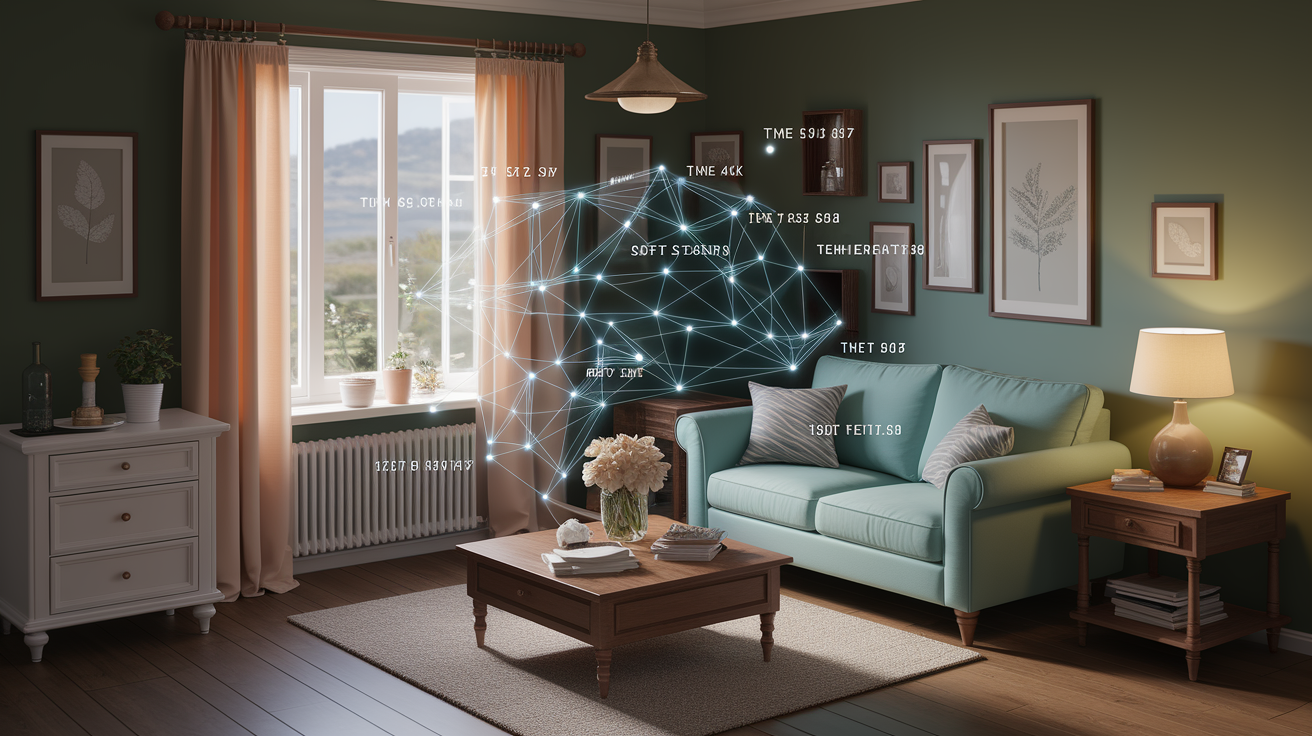
Learning thermostats watch how and when you manually tweak temperature settings, then use that history to predict what you want without making you program a schedule.
Learning User Routines
Every time you lower the temp before bed or crank it up on a weekend morning, the thermostat logs the time, day, and direction of the change. After a week or two of normal use, the device spots patterns. A consistent 19°C every weeknight at 22:00, or a 22°C boost every Saturday at 08:00. The thermostat starts making those moves automatically, so you wake up to a warm house without touching anything. If your routine shifts, the system adapts within a few days as new inputs overwrite the old pattern.
Geofencing Automation
Geofencing uses your phone’s location to trigger temperature changes when you leave or come back. You set a virtual boundary, usually a radius around your address, and give the app permission to track location. When the last phone linked to the system crosses that line, the thermostat switches to away mode and cuts heating or cooling by whatever amount you’ve set. As soon as a phone comes back inside the fence, the thermostat starts warming or cooling so the house hits your target temp by the time you walk in. Works even when your schedule’s all over the place, since the thermostat responds to real movement instead of a fixed clock.
Cloud-Driven Optimization
Cloud servers grab weather forecasts for your zip code and stack them against your energy use and comfort history. On a day when temps are expected to tank in the afternoon, the cloud might tell the thermostat to start heating earlier than usual so your house stays comfortable without making the furnace work overtime during peak cold. If a sunny day’s going to warm your place through windows, the cloud can delay or skip a scheduled heating cycle. Energy insights and monthly reports from the cloud show when the system ran, how much energy different schedules ate up, and where you can dial back setpoints to save more without freezing.
Connectivity and Smart-Home Integration for Smart Thermostats
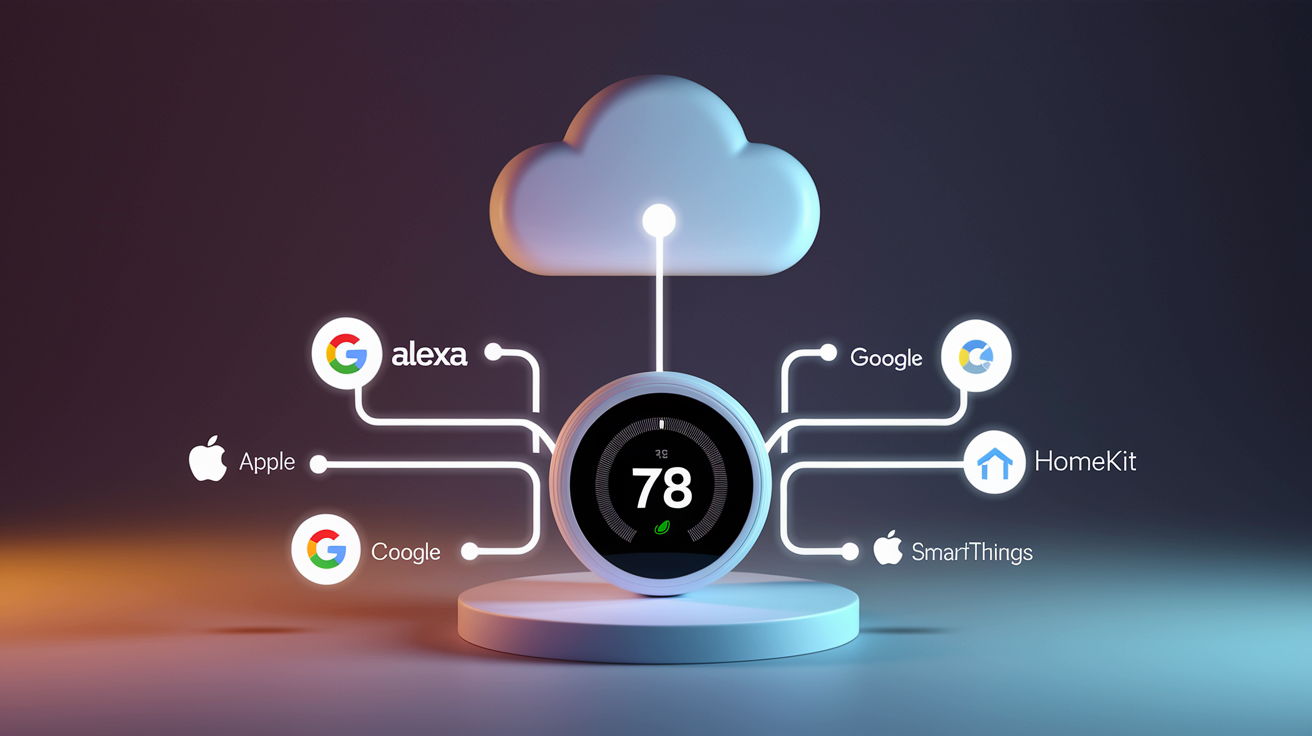
Smart thermostats join your Wi-Fi during setup, which means you can control them remotely from anywhere with cell service or internet. The app on your phone sends commands through your router to the thermostat, so you can bump the heat from the office or shut off the AC from vacation. Cloud servers hold your schedules, usage history, and system settings. Switch phones or reinstall the app, and you won’t lose anything.
Voice assistants add another convenience layer by letting you adjust temp with spoken commands. Link your thermostat to Amazon Alexa, Google Assistant, or Apple HomeKit and you can say “set the temperature to twenty-one degrees” or “turn off the air conditioning” without opening an app or walking to the wall. Integration with broader ecosystems also enables multi-device automations. When your security system arms in away mode, the thermostat can drop the setpoint and the lights can shut off at the same time.
| Ecosystem | Main Capabilities |
|---|---|
| Amazon Alexa | Voice commands, routines that tie thermostat adjustments to door locks or motion sensors, energy usage questions |
| Google Assistant | Voice control, home/away routines, integration with Nest devices and Google Home displays |
| Apple HomeKit | Siri voice commands, automation rules in the Home app, secure end-to-end encryption for remote access |
| SmartThings | Hub-based automation, linking thermostat behavior to door/window sensors, lighting scenes, and third-party smart vents |
Remote control features include live temperature readings, the ability to switch between heating and cooling modes, fan control, and detailed energy reports that break down daily or monthly HVAC runtime. Push notifications alert you when the thermostat changes modes on its own, when a temp threshold gets crossed, or when the system detects something off like a furnace shutdown or an unusually long cooling cycle. These alerts help you jump on problems that could waste energy or trash equipment if you let them slide.
Energy Efficiency and Savings with Smart Thermostats
Smart thermostats cut energy use by running your heating and cooling gear only when it’s actually needed. No more conditioning an empty house or keeping aggressive setpoints going 24/7. Automated schedules and responsive adjustments shrink the hours your HVAC runs at full blast, which shows up as lower bills and less wear on your furnace and AC.
Energy saving strategies you get with smart thermostats:
- Automated setbacks that drop heating a few degrees during work hours or raise cooling setpoints when nobody’s home, trimming runtime without making you uncomfortable when you get back
- Geofencing triggers that flip to away mode the second the last person leaves, dodging hours of pointless conditioning before you’d remember to touch the thermostat
- Weather-based preconditioning that uses cloud forecasts to heat or cool more gently when conditions help out, cutting peak demand on the system
- Zoned control that focuses heating or cooling in occupied rooms while letting unused bedrooms or basements drift toward more efficient temps
- Time-of-use automation that shifts heavy heating or cooling to off-peak hours when electricity’s cheaper, if your utility offers time-of-use rates
- Energy reports and insights delivered weekly or monthly that show which days burned the most energy and suggest tweaks to tighten up your schedule
Heating and cooling eat roughly half of a typical household’s energy costs, making the thermostat one of the biggest wins you can go after. The U.S. Department of Energy says adjusting your thermostat 7–10°F from normal for 8 hours a day can save up to 10% per year on heating and cooling. Smart thermostats automate that whole process, making sure setbacks happen even when your routine goes sideways or you forget to lower the temp before rushing out the door.
Installation and Compatibility for Smart Thermostats

Before you buy a smart thermostat, check that your HVAC system uses standard low-voltage wiring and that the model supports your equipment type. Forced air, heat pump, radiant, multi-stage systems all have different needs.
DIY installation usually goes like this:
- Turn off power at the breaker controlling your furnace or air handler. Don’t skip this.
- Remove the old thermostat from the wall plate, leaving wires attached for now so you can snap a photo of the connections.
- Label and photograph each wire and its terminal letter (R, C, W, Y, G, whatever’s there) for reference when you hook up the new one.
- Disconnect the wires by loosening screws or pressing release tabs, then pull off the old wall plate.
- Install the new wall plate using the screws and level that came in the box. You want the thermostat sitting straight.
- Connect wires to the new terminals according to the wiring diagram in the manual, matching each labeled wire to the right spot.
- Snap the thermostat onto the wall plate, flip power back on at the breaker, and follow the screen prompts to connect Wi-Fi and set up the app.
Most smart thermostats need a C wire (common wire) to supply continuous low-voltage power for the Wi-Fi radio, display, and processors. If your old thermostat didn’t use one, check the wire bundle in the wall. There might be an unused wire you can repurpose, or you might need to install a power adapter kit that pulls from the furnace control board. Battery-powered models skip the C-wire hassle but usually give up features like constant display backlighting or advanced cloud stuff, and you’ll be swapping batteries every six to twelve months.
Professional installation makes sense when your wiring’s confusing, when you don’t have a C wire and you’re not comfortable messing with furnace wiring, or when you want the thermostat integrated into a whole-home setup with security panels, smart vents, or zoned HVAC. An HVAC tech can confirm compatibility, add a C wire if you need one, and make sure the thermostat talks correctly to multi-stage or heat-pump gear that requires specific wiring.
Smart Thermostats for Zoned Comfort and Multi-Room Control
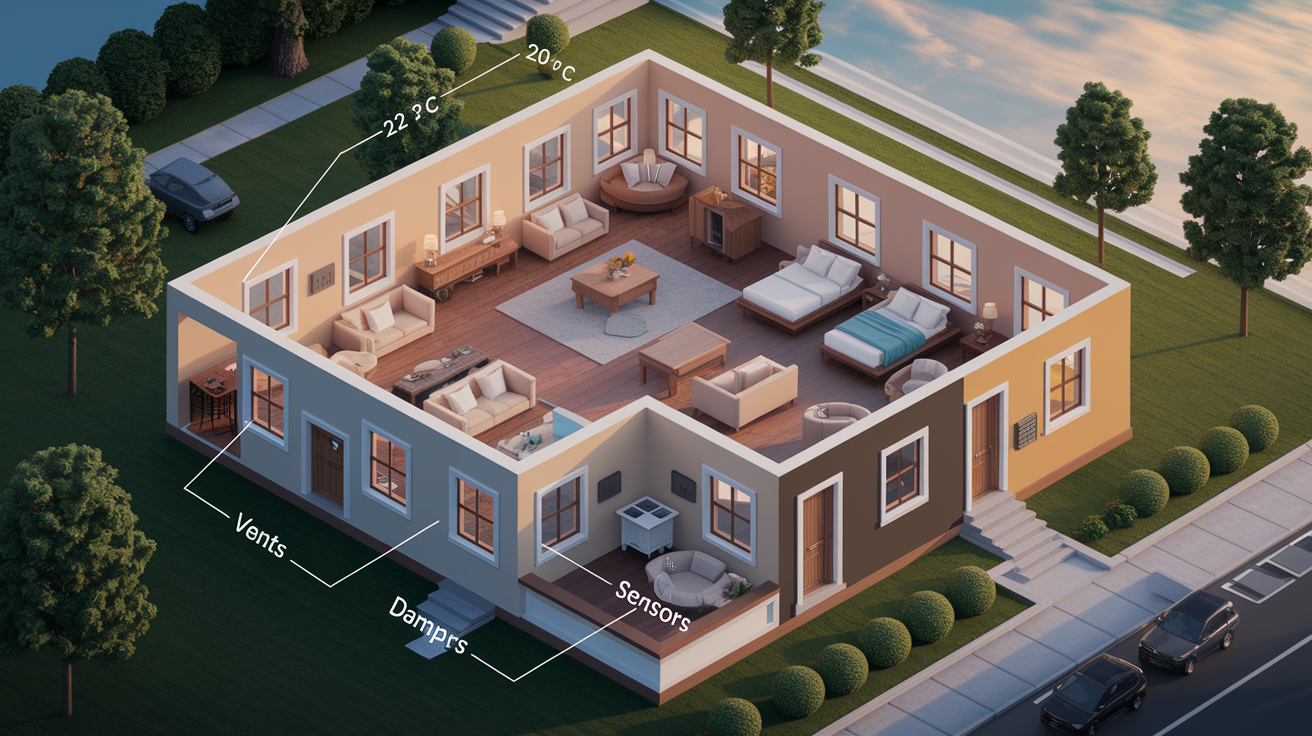
Zoning systems split your home into separate temperature zones, each controlled by its own thermostat or motorized dampers that open and close ducts to push conditioned air where it’s needed. A smart thermostat in the main living area can team up with wireless remote sensors in bedrooms, basements, or upper floors to watch temps across the house and tweak HVAC output to balance comfort everywhere. When a bedroom sensor says the room’s too warm at night, the system can cut overall heating or crack a damper to shove more cool air that direction.
Multi-room control shines in homes where one area gets way more sun or where people move around at different times. You might keep the living room at 22°C during the afternoon when everyone’s there, then shift focus to bedrooms at 20°C overnight while the living room drifts to 18°C. Smart vents can automate this further by closing off vents in empty rooms, forcing more airflow to active zones without needing separate thermostats everywhere.
Common multi-zone scenarios:
- Daytime living zones that prioritize ground-floor comfort during work-from-home hours while easing off upstairs
- Nighttime bedroom focus that boosts heating or cooling in sleeping areas and drops it in common spaces after bedtime
- Basement or bonus-room control that conditions lower levels only when motion sensors catch activity, skipping energy waste when those spaces sit dark
- Guest-room scheduling that keeps spare bedrooms at minimal heating or cooling until a sensor picks up occupancy or you flip on guest mode in the app
Troubleshooting and Maintenance for Smart Thermostats
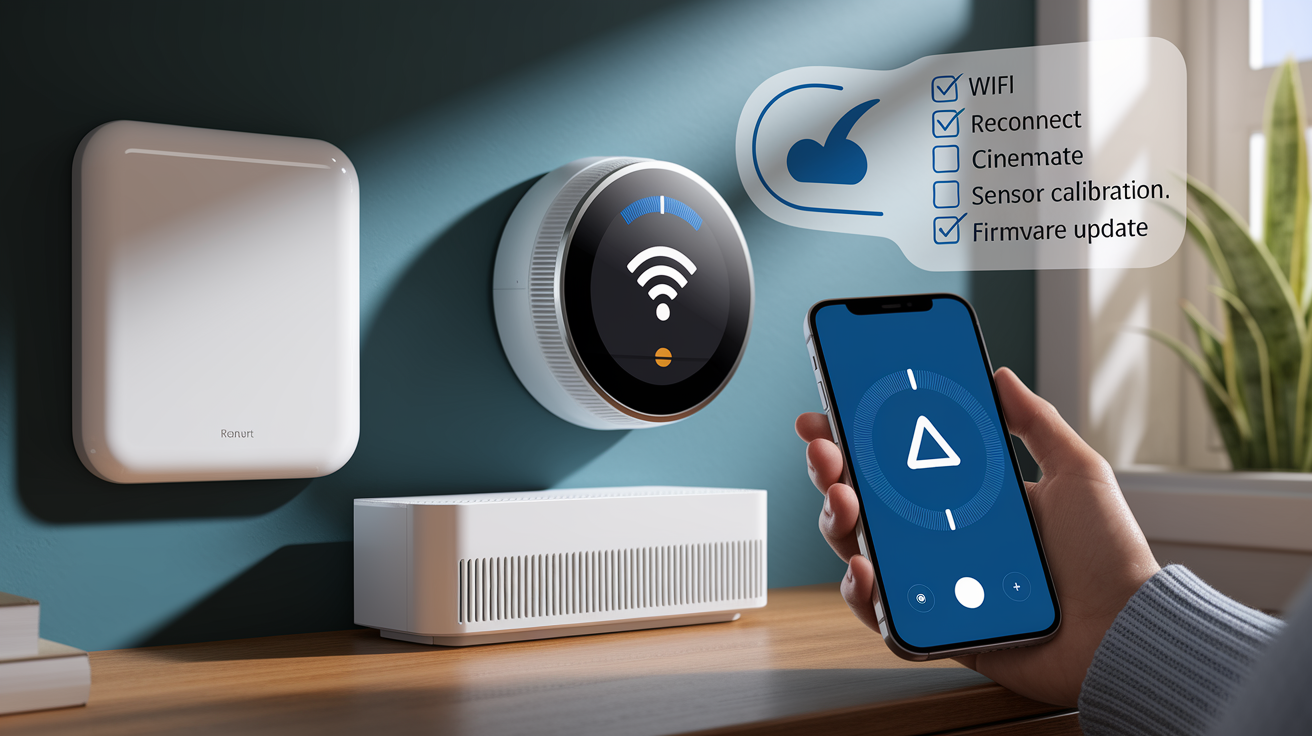
The most common headache is a Wi-Fi drop that kills remote app access or cloud features. When the thermostat loses connection, it keeps running locally stored schedules and basic heating and cooling, but you can’t adjust settings from your phone or get push alerts. Restart your router, move it closer to the thermostat, or switch to 2.4 GHz instead of 5 GHz. The 2.4 GHz signal punches through walls better.
Sensor calibration issues pop up when the display consistently reads higher or lower than a trusted thermometer near the unit. Most smart thermostats have a temperature offset setting in the app that lets you fix minor drift. Thermostat reads 21°C but your reference shows 20°C? Apply a –1°C offset to line things up. Bigger gaps might mean a dying sensor or bad placement near heat sources, cold windows, or air vents that mess with the reading.
Firmware updates arrive automatically when the thermostat’s connected to Wi-Fi. They fix bugs, improve compatibility with smart-home platforms, or add new tricks. The thermostat usually installs updates overnight so it doesn’t mess with your day, but you can manually check in the app if things start acting weird. A factory reset wipes all settings, schedules, and Wi-Fi info, taking the device back to square one. Useful when you’re stuck troubleshooting or prepping to sell the house and leave the thermostat for the next owner.
Maintenance reminders that smart thermostats automate or support:
- Filter change alerts that ping you when the HVAC filter’s been in use for the recommended swap period, usually 30 to 90 days depending on type
- Scheduled HVAC service reminders that nudge you toward annual furnace checks or AC tune-ups to keep gear running smooth
- Battery replacement warnings for models using backup batteries to save settings during quick power outages
- Sensor recalibration checks suggested every six months to confirm temp readings stay on point
- App update prompts that keep your phone app in sync with the latest thermostat firmware and cloud features
Final Words
In practice, smart thermostats use sensors, on-device logic, and cloud services to read temperature, humidity, and occupancy, then send commands to your HVAC for routine automation.
They learn your schedule, use geofencing and voice assistants, and offer energy reports. Zoning and multi-room sensors improve comfort, and installation is often DIY with a C-wire check. Keep firmware and sensors updated to avoid issues.
If you’ve wondered how do smart thermostats work, they turn data into simple temperature decisions that save energy and make home life more comfortable.
FAQ
Q: What are the downsides of smart thermostats?
A: The downsides of smart thermostats are added privacy and security risks, reliance on Wi‑Fi, occasional sensor errors, higher upfront cost, and possible wiring or compatibility problems like needing a C‑wire.
Q: What happens if Wi-Fi goes out with a smart thermostat?
A: If Wi‑Fi goes out with a smart thermostat, the thermostat usually continues basic local control and schedules, but remote app access, cloud features, and alerts stop until the connection returns.
Q: What thermostat is compatible with Bryant?
A: Thermostats compatible with Bryant systems are modern models that match Bryant’s wiring and control signals; many smart thermostats (Nest, Ecobee, Honeywell) work if a C‑wire or adapter is present, use a compatibility checker or HVAC pro.
Q: Can you put a smart thermostat in any house?
A: You can put a smart thermostat in most houses, but installation depends on wiring (C‑wire), HVAC type, and internet access; older systems, some heat pumps, or lack of a C‑wire may need an adapter or pro installation.