



Think checking your account balance once in a blue moon is enough to track performance? Think again.
Without regular tracking, hidden fees, tax timing, and drift quietly shrink returns and surprise you at tax time.
This guide shows simple, practical ways to track your full portfolio, from spreadsheets to apps, so you can see true returns, spot fee creep, and fix allocation before small problems become big ones.
Read on for step-by-step methods you can start today, whether you have one brokerage or a dozen accounts.
Practical Methods to Start Tracking an Investment Portfolio Today

Tracking stops you from getting blindsided by misaligned assets, hidden fees, and bad tax timing that quietly eat your returns. Let’s say you buy $2,000 worth of stock that climbs to $22 per share. Looks like a 10% win, right? But once you add $50 in trading fees, another $50 in dividends, 4% inflation, and a 0.5% broker fee, your actual gain shrinks to $110. That’s 5.5%. Without tracking every piece, you’re flying blind and missing chances to fix things.
Beginners need to check holdings daily for price awareness, weekly for news that matters, and monthly for the full picture of transactions, dividends, and fees. This keeps you from obsessing over every tick while catching drift, fee creep, and tax mistakes before they snowball. Good tracking lines up your portfolio with your actual goals, cuts down on cost basis errors, and shows you underperformers or overconcentration that might hide for years.
To get started tracking today:
-
List every account — Brokerage accounts, retirement stuff like 401(k)s and IRAs, savings, crypto wallets, real estate, private investments. Everything.
-
Record what you own right now — For each account, write down the ticker or asset name, how many shares or units, and what it’s worth today.
-
Enter your cost basis — Document when you bought it, how much, what you paid per share, and any fees or commissions.
-
Pick a tracking method — Spreadsheet, brokerage platform, automated app, or high-end software. Depends on how many accounts you have and what kinds of assets.
-
Add performance and allocation numbers — Pull in or calculate total return, asset allocation percentages, dividend income, and fee totals so you can spot patterns.
-
Set up regular check-ins — Monthly or quarterly reminders to reconcile transactions, look for drift, and see if you’re hitting your targets.
Core Data and Metrics Every Portfolio Tracker Must Monitor
Five things have to show up in every tracker: performance metrics, asset allocation, dividends and income, fees, and tax stuff. Performance tells you if you’re hitting your target. Allocation shows if your risk profile’s wandered off course. Dividends track cash flow and reinvestment. Fees reveal the silent killer of compounding. Tax implications help you time sales so you don’t hand the government more than you have to. Skip any of these and you’re asking for surprises at tax time or rebalancing delays that lock in losses.
Reinvested dividends matter a lot over time but disappear if your tracker doesn’t log them. A 1% annual fee on $10,000 at 7% returns costs you over $6,600 over 20 years. That’s 17% of your potential wealth. Tax timing’s just as big: sell before the one-year mark and you might pay 35% instead of 15%, costing an extra $1,000 on a $5,000 gain. Tracking these pieces gives you the full story, not just the headline price.
What every tracker needs to watch:
- Performance metrics — Total return, time-weighted return, money-weighted return, annualized CAGR.
- Asset allocation — Current percentages in stocks, bonds, real estate, gold, crypto, cash versus your target mix.
- Dividends and income — How much you got, how often, whether it reinvested, cumulative totals.
- Fees and expenses — Management fees, trading commissions, broker fees, fund expense ratios.
- Tax implications — Holding periods, unrealized versus realized gains, capital gains estimates, tax-lot method like FIFO, LIFO, Specific ID.
| Metric | Why It Matters |
|---|---|
| Total Return | Captures price moves plus dividends, fees, distributions. Shows real performance. |
| Asset Allocation | Stops accidental concentration risk and keeps your portfolio matched to your risk tolerance and timeline. |
| Dividends & Income | Tracks cash for reinvestment or withdrawal. Reinvested dividends compound over decades. |
| Fees & Expenses | Finds high-cost funds or platforms draining returns. 1% fees can erase 17% of wealth over 20 years. |
| Tax Implications | Optimizes when you sell to cut tax rates. Holding one extra month can save thousands on big gains. |
Comparing Portfolio Tracking Methods for Better Accuracy

Spreadsheets are manual and you can customize them however you want. Perfect for simple portfolios and people who want full control and offline access. You enter every transaction by hand, which builds deep understanding but gets tedious as things grow. Brokerage platforms are free and convenient if you stick with one broker. Daily charts, contribution history, the basics. But they fall short when you’ve got assets scattered across brokers, currencies, or crypto, and they typically don’t offer cross-account analytics or deep tax insight.
Stock tracking apps give you real-time quotes, charts, trade ideas. Popular with active traders. But they push overtrading and usually lack long-term stuff like tax impact, historical cost basis, asset allocation. Automated tracker apps pull in multiple accounts and handle multi-broker setups well, but import history often stops at 3 to 12 months. Import errors pop up constantly, coverage for real estate or private assets is weak, and sharing brokerage logins raises privacy and security flags. High-fidelity platforms import full historical transactions, let you manually enter non-traded assets like real estate and private holdings, can track liabilities like mortgages, and give near-professional tax and performance analysis. Trade-off is more upfront setup and higher yearly cost.
The five main tracking methods:
- Spreadsheets (Excel, Google Sheets) — Pros: free or cheap, full offline control, unlimited customization, good for learning. Cons: manual data entry, no automatic updates, time sink as portfolios scale.
- Brokerage and bank platforms — Pros: free for clients, automatic import of that broker’s transactions, basic charts. Cons: limited multi-account view, weak analytics across brokers, no support for private assets or crypto.
- Stock tracking apps — Pros: real-time price alerts, mobile friendly, news feeds, quick trade ideas. Cons: push short-term thinking, lack tax or allocation tools, advanced features often cost extra.
- Fully automated tracker apps — Pros: link multiple brokerages via API, convenient multi-account dashboard, automatic reconciliation. Cons: short import history (3 to 12 months), frequent import errors, privacy risk from credential sharing, poor coverage of real estate and private investments.
- High-fidelity platforms — Pros: full historical import, manual entry for any asset type, liability tracking, tax-lot analysis, professional-grade performance attribution. Cons: higher annual cost, steeper learning curve, more time to set up initially.
Using Spreadsheets to Track an Investment Portfolio Manually

Excel handles big datasets well, including 15 years of transaction history, and offers stronger formula capacity for complex calculations. That makes it the go-to for investors who need deep historical analysis or offline access. Google Sheets is free with a Gmail account, accessible from any device, and includes financial functions like ACCRINTM and INTRATE. Ideal for cloud-based tracking and on-the-go edits. Both require manual entry for every transaction, so cost basis accuracy depends on your discipline logging purchases, sales, dividends, splits, fees. An advantage for beginners who want to understand every detail, but a burden as complexity scales.
To build a working spreadsheet tracker, create columns for date, ticker, transaction type (buy, sell, dividend), quantity, price, fees, total cost, running balance. Add calculated columns for current value, unrealized gain or loss, percentage return, asset allocation by category. Use pivot tables or summary rows to roll up totals by account, asset class, or tax year.
Key formulas and fields:
- =DAYS(enddate, startdate) — Calculate days held for tax-lot tracking and capital gains classification.
- =AVERAGE(range) — Compute average purchase price or average return across multiple positions.
- =MAX(range) and =MIN(range) — Spot the highest and lowest prices paid or best and worst performing assets.
- ACCRINTM — Calculate accrued interest on bonds or fixed-income securities up to maturity.
- INTRATE — Find the interest rate or yield of a security based on settlement, maturity, investment, redemption values.
- Fields to track per transaction — Date, ticker, transaction type, quantity, price per share, commission/fee, total amount, account name, notes (like dividend reinvestment, stock split ratio).
Automated Tools and Apps for Tracking Multi‑Account Portfolios

Robo-advisors and brokerage platforms combine investing and tracking. Daily performance charts, deposit and withdrawal history, basic contribution tracking built in. Free for clients and work fine if you keep everything with one provider. But they rarely offer cross-account aggregation or deep analytics for multi-broker or multi-currency portfolios. Apps like Empower, Stock Rover, SigFig, Morningstar, Seeking Alpha expand on this by linking to hundreds or thousands of brokerages, importing transactions automatically, and layering on portfolio analysis, research, dividend projections, performance comparisons to indices.
Free tiers often cap portfolios or holdings. Snowball Analytics limits free users to 1 portfolio and 10 holdings. Paid tiers run from $53.88 per year for Delta Pro to $299 per year for Seeking Alpha’s standard plan. Trials typically last 7 to 14 days, enough time to test auto-import accuracy, reconcile discrepancies, decide if convenience justifies cost. Automated tools import 3 to 12 months of history by default. Older transactions need manual entry or reconstruction from statements. Frequent import errors need ongoing attention to keep cost basis and gain calculations accurate. Privacy tradeoffs come up when you share brokerage credentials or grant data-access permissions, so review each app’s security practices and decide if time savings beat the risk.
Major app categories for multi-account tracking:
- Net worth and retirement planners (Empower) — Free. Includes Financial Dashboard, retirement planner, net worth calculator, Investment Checkup tool. Strong charting and index comparisons. Supports manual crypto entry.
- Dividend-focused trackers (Snowball Analytics) — $149.99/year or $14.99/month. 14-day free trial. Tracks monthly distributions, annual payout, yield, cumulative dividends, dividend ratings. Supports over 25 currencies and custom assets.
- International and tax reporting platforms (Sharesight) — $216/year after 7-day trial. Covers 50 international exchanges, 250,000+ stocks/ETFs/funds, 100+ currencies. Integrates with 200+ global brokers. Strong for expats and multi-country investors.
- Research and screening tools (Stock Rover, Seeking Alpha, Morningstar) — Compatible with 1,000+ brokerages. Automatic portfolio reports, dividend-income projections, Quant ratings, portfolio Health Score, future performance simulations. Pricing from $299/year up.
- High-net-worth and private-asset platforms (Kubera) — $249/year after 14-day trial. Tracks business equity, stock options/RSUs, real estate, private equity, crypto, NFTs, DeFi. Links to 30,000+ institutions. Used by households managing $47+ billion in assets.
Consolidating Accounts and Importing Investment Data Correctly

Users often track seven or more accounts across multiple brokerages, retirement plans, bank savings, crypto wallets, real estate, private investments. Manual spreadsheet updates become impractical. Automated imports via Plaid or Yodlee can link to 30,000+ financial institutions, but imported history typically covers only the most recent 3 to 12 months. Older transactions and original cost basis go missing. Without complete transaction history, your tracker misstates unrealized gains, calculates incorrect capital gains, produces inaccurate performance metrics. Filling historical gaps is essential before relying on any automated system.
Reconciling imported data means cross-checking every transaction against brokerage statements, correcting import errors, manually entering dividends, stock splits, mergers, spin-offs, DRIPs that automated feeds often miss or mislabel. Cost basis accuracy matters for tax reporting, so document purchase date, quantity, price per share, fees for every lot. Verify that your tracker applies the correct tax-lot method (FIFO, LIFO, Specific ID) when calculating realized gains. Regular reconciliation, at least monthly, stops small errors from compounding into big discrepancies that are hard to untangle later.
Five steps to consolidate accounts and import data correctly:
-
Inventory all accounts — List every brokerage, retirement account, bank account, crypto wallet, real estate property, private investment, any other asset or liability you want to track in one place.
-
Choose your import method — Automated linking (Plaid, Yodlee, direct broker API) for convenience or manual CSV/statement import for full control and privacy.
-
Correct historical gaps — Download full transaction history from each brokerage (usually CSV or PDF statements) and manually enter any transactions outside the automated import window.
-
Reconcile every transaction — Compare imported data line by line to official statements. Verify dates, quantities, prices, fees, dividends, splits, corporate actions. Correct errors immediately.
-
Verify cost basis and tax lots — Confirm each holding shows correct acquisition date, price, total cost including fees. Check that your tracker’s tax-lot method matches your brokerage’s default or your preferred method for tax optimization.
Calculating Portfolio Returns: Total Return, Time‑Weighted & Money‑Weighted
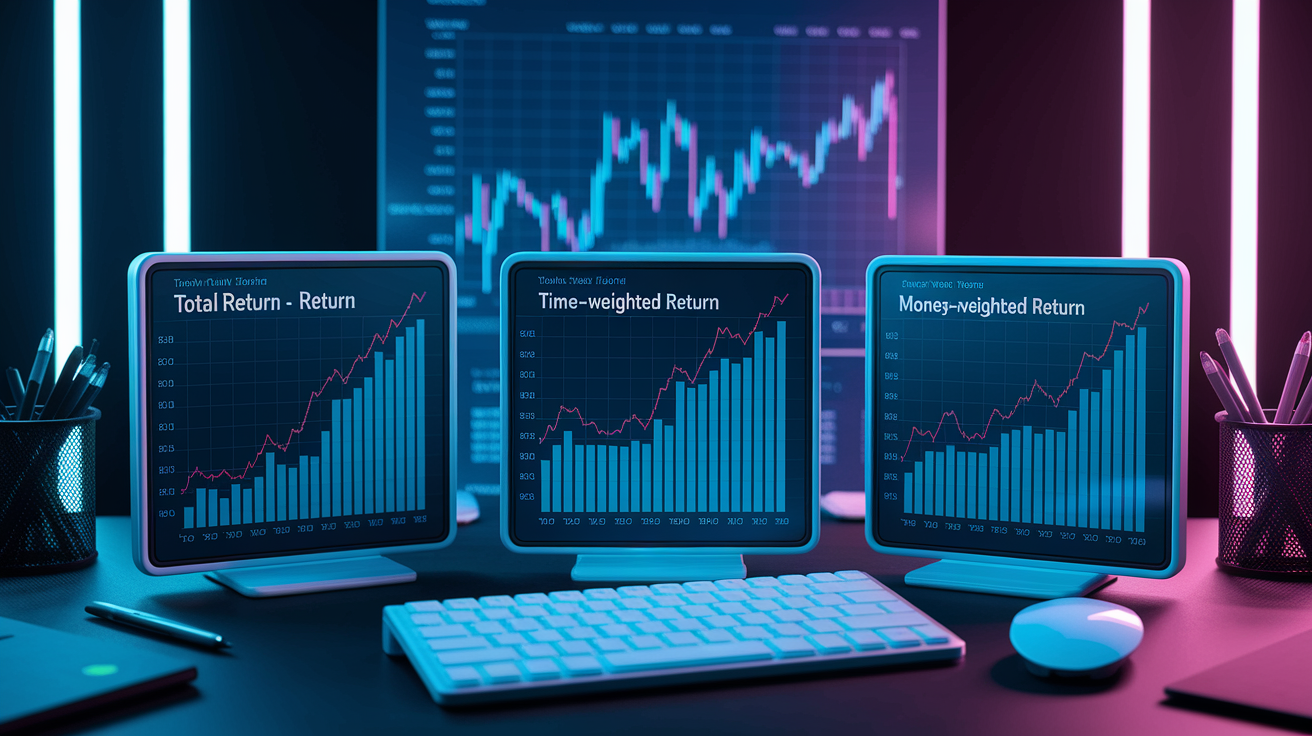
Total return captures every piece of your investment’s performance: price moves, dividends, interest, fees, distributions. Price-only measures ignore the cash flow that often drives long-term wealth. Time-weighted return isolates the performance of your investments by removing the effects of deposits and withdrawals. Ideal for comparing your strategy to benchmarks. Money-weighted return (also called internal rate of return or IRR) accounts for the timing and size of your cash flows, reflecting how well you timed contributions and withdrawals. Which metric you use depends on whether you want to evaluate your investment choices or your overall wealth-building discipline.
Total Return vs Price-Only
Total return includes dividends, interest, all distributions added to price changes. Gives you the true economic result of holding an asset. Buy a stock at $100, price rises to $110, you get $5 in dividends. Your total return is $15 (before fees and taxes), not just the $10 price gain. Ignoring dividends understates performance, especially in dividend-focused strategies where cash flow can represent 20% to 40% of total return over multi-year periods. Always compare your total return to total-return benchmarks like the S&P 500 Total Return Index rather than price-only indices, or you’ll underestimate how well your portfolio performed relative to the market.
Money‑Weighted Return (MWR)
Money-weighted return accounts for when you added or withdrew money, so it reflects not just what your investments earned but also whether you timed contributions well. You contribute $1,000 in January and $500 in March, account grows to $1,800 by year-end. Your net contribution is $1,500, so you gained $300. But timing of the second contribution matters. If you’d put the full $1,500 into a savings account earning 5%, your year-end balance would be $1,575. The savings account earned $75. Your investment account earned $225 more than savings. The MWR calculation might show roughly 15% when accounting for the delayed second deposit. MWR is most useful for evaluating whether your deposit timing and withdrawal discipline added or subtracted value compared to a lump-sum investment.
When to use each return metric:
- Total Return — When you want the complete picture of what your investments earned, including all cash distributions and price changes.
- Time-Weighted Return — When comparing your portfolio to benchmarks or evaluating a fund manager, because it removes the impact of your deposits and withdrawals.
- Money-Weighted Return (MWR or IRR) — When evaluating your personal discipline and timing, especially if you made multiple contributions or withdrawals during the period.
- Price-Only Return — Rarely useful unless you’re withdrawing all dividends as cash and never reinvest. Always prefer total return for accurate performance tracking.
Monitoring Asset Allocation and Detecting Drift

Asset allocation monitoring shows whether your portfolio still matches your risk tolerance and timeline, or whether strong performance in one category pushed you into unintended concentration. A 60% stock, 40% bond portfolio can drift to 80% stocks, 20% bonds if equities outperform for several quarters. Leaves you exposed to more volatility than you planned and locks in the risk of a sharp correction. Tracking tools that display current allocation percentages next to your target make drift visible at a glance. You can rebalance before the gap widens.
Age-based allocation rules offer a simple starting point: subtract your age from 100 to get the percentage in stocks, remainder in bonds. At age 30, that suggests 70% stocks, 30% bonds. At age 60, it suggests 40% stocks, 60% bonds. Some advisors recommend using 110 or 120 instead of 100 to reflect longer retirement horizons and lower bond yields, but the principle stays the same. Allocation should get more conservative as you approach the date you need to spend the money. Regular reviews, monthly or quarterly, help you spot drift early and trigger rebalancing before your portfolio’s risk profile changes materially.
Four signals that allocation has drifted and rebalancing is needed:
-
Threshold breach — Any asset class deviates from target by more than 5 percentage points (example: 60% stock target drifts to 66% or higher).
-
Calendar trigger — You reach your scheduled rebalance date (quarterly, semi-annually, annually) regardless of current allocations.
-
Life-event change — Major life event (marriage, home purchase, new baby, job change, approaching retirement) alters your risk tolerance or timeline and requires a revised target allocation.
-
Volatility spike — Sharp market move creates sudden imbalance (example: 20% equity rally pushes your stock allocation from 60% to 75% in a single quarter).
Tracking Costs, Dividends, Fees, and Tax-Lot Impacts
Dividends are essential to track because reinvested dividends compound over decades and materially boost total return. Yet many investors overlook them when calculating performance. Dividend reinvestment plans (DRIPs) automatically purchase additional shares with dividend payments, increasing your cost basis and share count. Your tracker must log each reinvestment transaction or your gain calculations will be wrong. A 1% annual management fee on a $10,000 portfolio earning 7% per year reduces your 20-year cumulative return by over $6,600. Roughly 17% of the potential wealth you’d have kept with a lower-cost option. Tracking every fee (management fees, broker commissions, trading costs, fund expense ratios) exposes the silent drag on compounding and helps you decide when to switch to cheaper alternatives.
Tax timing can save or cost thousands on a single trade. Selling an investment before you’ve held it for one year may trigger a short-term capital gains tax rate of 35%. Holding just a few more days to reach the one-year mark drops the rate to 15% for long-term gains. On a $5,000 profit, that timing difference is $1,000. You keep $4,250 after tax if you wait versus $3,250 if you sell early. Your tracker must record the acquisition date for every tax lot so you can see exactly when each lot crosses the one-year threshold and plan sales accordingly.
Tracking every lot’s acquisition date, quantity, price, fees enables tax-lot optimization using FIFO (first in, first out), LIFO (last in, first out), or Specific ID (you choose which lot to sell). Specific ID gives you the most control, letting you sell the highest-cost lots first to minimize taxable gains or sell the lowest-cost lots if you want to harvest losses for tax deductions. To track costs, dividends, fees, tax-lot impacts accurately, record these seven elements for every asset:
- Acquisition date — Exact date you purchased each lot, needed to determine short-term vs long-term holding period.
- Purchase price and quantity — Price per share and number of shares or units bought, used to calculate cost basis.
- Fees and commissions — All trading fees, broker commissions, fund loads that increase your effective cost basis.
- Dividend receipts — Date, amount, whether the dividend was reinvested (creating a new lot) or paid in cash.
- DRIP transactions — Shares purchased automatically via dividend reinvestment, with date, quantity, price per share.
- Annual fund expenses — Ongoing expense ratios and management fees deducted from fund value, expressed as a percentage and tracked annually.
- Tax-lot method — FIFO, LIFO, or Specific ID, chosen at the time of sale and documented to match tax reporting.
Tools and Methods for Benchmarking and Performance Analysis
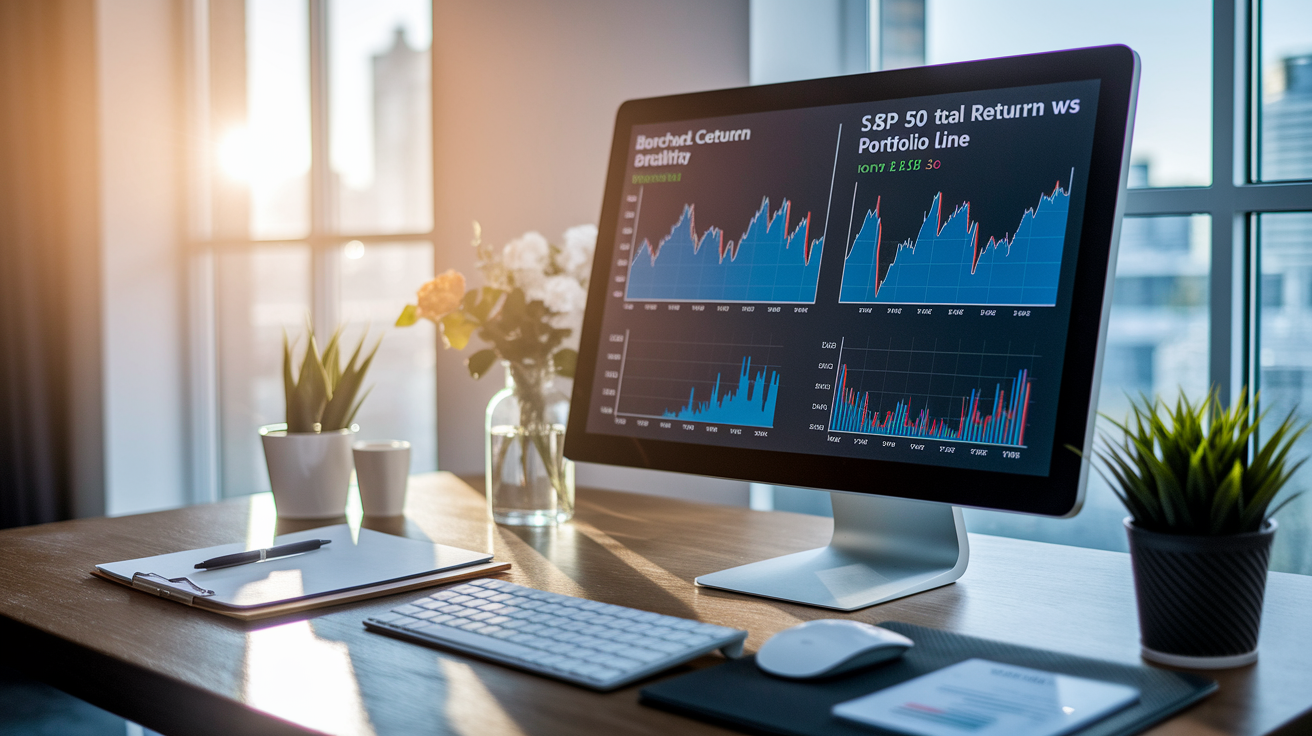
Benchmarking compares your portfolio’s performance to a relevant market index, revealing whether your stock picks, asset allocation, timing decisions added or subtracted value. Use the S&P 500 Total Return Index when you reinvest dividends, or the plain S&P 500 price index if you withdraw dividends as cash and focus on price appreciation. For global equity exposure, compare to the MSCI World Index. For a balanced 80% stock, 20% bond portfolio, use a target-date or balanced fund benchmark like Vanguard LifeStrategy 80% (V80A). Choosing the wrong benchmark (comparing a tech-heavy portfolio to a bond index, for example) makes performance analysis meaningless. Match your benchmark to your actual asset mix and strategy.
Volatility measures how much your portfolio’s value swings over time, helping you assess whether you can tolerate the ups and downs. High-volatility assets like single stocks and crypto can experience dramatic moves. Tesla dropped from roughly $400 per share to $200 in 2022. Government bond funds typically show low volatility, though even bonds can spike during interest-rate shocks. If a 20% portfolio drop would trigger panic selling, your allocation includes too much volatility for your risk tolerance. Tracking historical volatility alongside current performance helps you right-size your exposure before the next correction.
| Metric | Definition | Example |
|---|---|---|
| Beta | Measures how much your portfolio moves relative to the benchmark (beta = 1.0 means it moves in line with the market). | A beta of 1.3 means your portfolio tends to rise or fall 30% more than the benchmark in the same period. |
| Volatility (Standard Deviation) | Indicates the typical range of returns around the average. Higher volatility means larger price swings. | A portfolio with 15% annual volatility might swing ±15% in most years, while a 5% volatility portfolio swings ±5%. |
| Max Drawdown | The largest peak-to-trough decline experienced during a specific period, showing worst-case historical loss. | A max drawdown of -30% means the portfolio fell 30% from its highest point before recovering. |
| Sharpe Ratio | Return per unit of risk. Calculated as (portfolio return minus risk-free rate) divided by portfolio volatility. | A Sharpe ratio of 1.0 means you earned 1% of excess return for every 1% of volatility. Higher is better. |
Setting Alerts, Notifications, and a Portfolio Review Schedule
Alerts automate monitoring for critical events: price thresholds, dividend announcements, earnings releases, allocation drift. So you can respond quickly without checking your portfolio hourly. Set price alerts only for positions where you have a predefined exit or entry plan, such as a stop-loss level or a target buy price, to avoid the temptation of reacting to every minor fluctuation. Most brokerage platforms and tracking apps support custom alerts. You can configure email or push notifications to stay informed without turning portfolio tracking into a full-time job.
A structured review schedule balances vigilance with emotional discipline. Daily price checks should be limited to quick scans of critical alerts, not deep analysis. Intraday noise rarely signals actionable information. Weekly reviews focus on news that might materially affect your holdings: earnings reports, regulatory changes, management shake-ups. Takes 15 to 30 minutes. Monthly reviews reconcile all transactions, verify dividends and fees, update net worth, check for minor allocation drift. Quarterly reviews include full performance attribution, rebalancing to target allocations, tax-lot harvesting opportunities, a comparison of actual returns to required returns based on your goals.
Recommended review schedule:
- Daily — Check critical price alerts only. Avoid detailed analysis or emotional reactions to intraday moves. Takes less than 5 minutes.
- Weekly — Scan news and earnings for your top holdings. Note any material developments. Takes 15 to 30 minutes. Helps you stay informed without obsessing.
- Monthly — Reconcile every transaction, dividend, fee. Update net worth. Verify cost basis is accurate. Check for small allocation drift. Takes 30 to 60 minutes.
- Quarterly — Full performance attribution analysis. Rebalance if allocation has drifted beyond thresholds. Review tax-lot opportunities for harvesting losses or gains. Compare actual returns to your goal’s required return. Takes 1 to 2 hours.
Final Words
You now have a clear process: list accounts, record holdings and cost basis, pick a tracking method, add key metrics, and schedule monthly or quarterly reviews. The post covered core data, tracking methods, spreadsheets versus apps, returns, allocation drift, fees and tax impacts, and setting alerts.
Tracking saves money by spotting hidden fees, poor timing, and allocation drift early. If you’re wondering how to track investment portfolio, start small, build the habit, and you’ll make steadier, clearer choices going forward.
FAQ
Q: How do I start tracking my investment portfolio today?
A: To start tracking your investment portfolio today, list every account, record holdings and cost basis, pick a method (spreadsheet or app), add performance and fee metrics, then schedule monthly and quarterly reviews.
Q: What core data and metrics must I monitor?
A: The core data you must monitor are performance metrics, asset allocation, dividends/income, fees/expenses, and tax implications; these show returns, drift, cash flow, costs, and tax outcomes.
Q: How often should I review my portfolio?
A: You should review your portfolio monthly for reconciliation, quarterly for performance and allocation checks, and avoid daily checking unless action is required to prevent emotional trading.
Q: Which return metric should I use: total return, time‑weighted return, or money‑weighted return?
A: Use total return for overall gains including dividends, time‑weighted return to compare manager performance ignoring cash flows, and money‑weighted (IRR) when contributions or withdrawals affect your personal return.
Q: How do I calculate total return versus price‑only return?
A: Total return includes price changes plus dividends; price-only counts just market moves. Example: $100→$110 plus $5 dividend equals $15 total return, not $10 price-only.
Q: How can I avoid hidden fees and tax surprises?
A: To avoid hidden fees and tax surprises, track expense ratios, commissions, and platform fees, record tax lots and acquisition dates, and review for short‑term versus long‑term tax implications before selling.
Q: Spreadsheet or automated app: which tracking method is better for me?
A: Choose spreadsheets for full control, low cost, and custom formulas; choose automated apps for multi‑account aggregation, real‑time updates, and less manual work—trade privacy and accuracy for convenience.
Q: How do I correctly consolidate accounts and import investment data?
A: To consolidate accounts and import data correctly, inventory all accounts, pick an import method (CSV or API), fill historical gaps, reconcile transactions, and verify cost basis for tax accuracy.
Q: How do I detect allocation drift and when should I rebalance?
A: You detect allocation drift by comparing current percentages to targets; rebalance when allocations cross preset thresholds or on a calendar (quarterly or annually) to maintain your risk profile.
Q: How should I track dividends, DRIPs, and tax lots?
A: You should track dividends and DRIPs by recording payment dates, amounts, reinvested shares, and update cost basis per tax lot; this ensures accurate return and capital gains reporting.
Q: What alerts and review schedule should I set for my portfolio?
A: Set daily price alerts only for critical changes, weekly news checks for holdings, monthly reconciliation of transactions, and quarterly performance and tax‑lot reviews to support rebalancing and harvesting decisions.
Q: Which benchmarks and risk metrics should I use to compare performance?
A: Use S&P Total Return or MSCI World for global comparison, V80A for 80/20 mixes; track beta, volatility, and max drawdown to understand risk and how your portfolio stacks up.