


Most personal finance apps don’t actually help you save.
They often look useful while quietly nudging you toward paid upgrades.
But a handful do move the needle: they automate savings, cut subscriptions, and stop overspending before it happens.
This guide points to the apps that actually save you money, explains budget styles that work, and shows the real costs and trade-offs.
By the end you’ll know which one fits your paycheck, irregular income, couple setup, or investor needs.
Top Personal Finance Apps Overview for Easy Money Management

Personal finance apps pull together your checking, savings, credit cards, and investments into one dashboard. You can watch spending, track bills, and build savings without opening five different bank sites every week. In 2026, mainstream comparison articles typically review eight to twelve apps: Mint, YNAB (You Need A Budget), Simplifi by Quicken, Empower, PocketGuard, Goodbudget, EveryDollar, Honeydue, Monarch Money, Copilot, and sometimes WalletHub or Emma. Almost all offer mobile apps for iOS and Android plus a web interface. Platform availability rarely becomes a deal-breaker unless you’re locked into Apple-only tools like Copilot or you need a couples app without desktop access, like Honeydue.
Pricing breaks down into three rough tiers. Free apps (Mint, Empower, Honeydue) support their business with ads, partner offers, or paid wealth services on the side. Paid subscriptions run about $3 to $15 per month when billed monthly, or $36 to $150 per year when you pre-pay. Annual plans almost always save you money. YNAB charges $14.99 per month or $109 per year. Simplifi runs around $39.99 annually. PocketGuard Plus is $12.99 monthly or $74.99 annually. EveryDollar Premium sits at $79.99 per year. Free trials range from seven days up to thirty-four days, giving you time to connect accounts and test features before you subscribe.
Budgeting methods vary. Zero-based budgeting forces you to assign every dollar a job, envelope budgeting splits your money into virtual envelopes, rule-based budgets apply percentages (like 50-30-20), and goal-based tools let you build savings buckets for travel, repairs, or emergency funds.
App Store and Google Play ratings for top apps usually land between 4.0 and 4.8 out of five stars. Individual reviews spike when a bank connection breaks or an update changes the interface. Expert reviews and roundups confirm that most market leaders meet a 4.5-star threshold on iOS or 3.0 on Google Play with at least 1,000 reviews. Methodology snapshots from March 2026 show reviewers prioritize apps that support automatic sync, manual entry, and clear categorization alongside reliable customer support.
Users commonly search for apps in these categories:
Free or freemium: Mint, Empower, or WalletHub for zero upfront cost and basic tracking.
Zero-based budgeting: YNAB or EveryDollar for hands-on allocation and discipline.
Couples and shared finances: Honeydue for joint visibility without exposing individual account details.
Investors and net worth: Empower or Monarch for consolidated portfolio dashboards.
Automation and AI categorization: Copilot (Apple only) or Monarch for minimal manual cleanup.
Envelope budgeting: Goodbudget for virtual envelopes and controlled spending.
Core Features Found in Personal Finance Apps

The backbone of any modern personal finance app is automatic bank connection. Apps typically use a middleman aggregator (Plaid, Yodlee, or Finicity) to log into your accounts in read-only mode and download transactions overnight. Once connected, the app assigns each transaction a category: groceries, gas, dining out, utilities. Bulk-editing tools let you reclassify dozens of transactions at once if the algorithm guesses wrong, and you can set custom categories when the defaults don’t fit your spending. Coffee shops might land under “Restaurants” until you create a “Coffee” category and move them over. Most apps support linking three to seven accounts during initial setup. Checking, savings, a credit card or two, maybe a car loan. The typical configuration takes twenty to sixty minutes.
Bill reminders and subscription managers surface recurring charges so you can catch forgotten memberships or upcoming due dates before they trigger late fees. Apps scan transaction history for patterns and flag anything that looks like a monthly charge: Netflix, gym memberships, your internet bill. Debt payoff tools (offered by PocketGuard, EveryDollar, YNAB, and a few others) accept inputs like principal balance, APR, and minimum payment, then show you payoff timelines in months or years. Snowball and avalanche methods are often built in as templates. Snowball targets the smallest balance first for motivational wins, avalanche tackles the highest interest rate to minimize total cost.
Savings automation rounds up purchases to the nearest dollar (or ten cents to one dollar, depending on settings) and transfers the spare change into a savings goal or separate account. Some apps, like PocketGuard, calculate a “safe to spend” number after subtracting bills, debt payments, and savings goals from your income. Cash-flow forecasting takes your upcoming bills (pulled from transaction history and bill reminders) and projects your balance forward a week, a month, or a quarter. If you see a dip below zero in two weeks, you know to move money or postpone a purchase before the account overdraws.
Comparing Personal Finance Apps by Budgeting Style
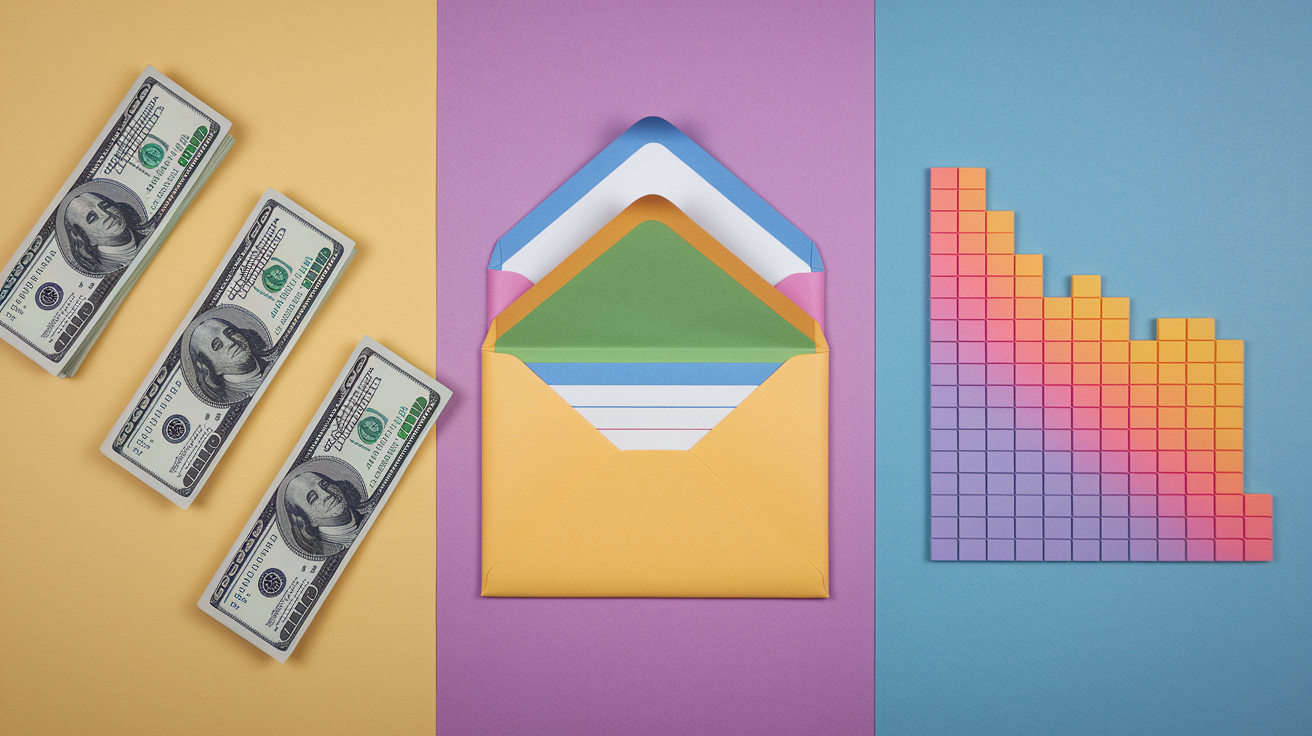
Budgeting philosophy shapes every interaction with a personal finance app, so choosing the right method matters more than chasing the highest star rating. Zero-based budgeting apps require you to assign every dollar before the month starts. Envelope budgeting splits cash into virtual pockets you can’t overspend. And flexible tools let you mix rules or skip strict allocation altogether when life gets messy.
Zero-Based Budgeting Apps
YNAB and EveryDollar anchor this category. YNAB charges $14.99 per month or $109 per year and offers a thirty-four-day free trial, long enough to experience at least one paycheck cycle and see if the discipline sticks. The method asks you to assign every dollar a job: rent, groceries, car insurance, a coffee fund. YNAB adds three extra rules. Plan ahead for large, infrequent expenses. Move money between categories when you overspend in one area. And “age your money” so you’re spending last month’s income this month. Live workshops walk new users through setup and monthly reconciliation.
EveryDollar relaunched in January 2026 with a “margin finder,” personalized spending plans, daily lessons, and live group coaching. The free version works but requires manual transaction entry. Premium connects bank accounts, offers custom reports, and costs $79.99 per year or $17.99 per month with a fourteen-day trial. Both apps suit users who want tight control and don’t mind weekly check-ins.
Envelope-Budgeting Apps
Goodbudget brings the cash-envelope system into digital form. You create virtual envelopes for groceries, gas, dining, entertainment, and anything else you spend on, then fill each envelope with a dollar amount at the start of the month. When an envelope runs out, you stop spending in that category or transfer money from another envelope. The free version allows one account, two devices, and limited envelopes. Premium supports unlimited envelopes, unlimited accounts, and up to five devices for $10 per month or $80 per year. Goodbudget leans toward manual entry (you log purchases as you make them) so it works for people who want the psychological guardrails of envelopes without linking every bank account or for anyone uncomfortable with automatic sync.
Flexible & Hybrid Budgeting Apps
Monarch Money and Simplifi by Quicken offer customizable budgeting frameworks that adapt to changing income, irregular expenses, and personal preferences. Monarch provides two modes (Flex and Category budgeting) plus net worth tracking, investment dashboards, collaboration with household members or advisers, and an AI assistant for quick questions. Pricing is $99.99 per year or $14.99 per month, with a seven-day free trial and a money-back guarantee. You can add one household member at no extra cost.
Simplifi focuses on beginners who want simple menus, adjustable spending plans, and cash-flow projections based on upcoming bills. It costs $2.99 per month when billed annually (roughly $39.99 per year). Both apps let you set category limits, savings goals, or no budget at all if you just want to track spending and net worth without strict envelopes or zero-based assignments.
Pricing, Free Trials, and Subscription Structures in Personal Finance Apps

Free tiers give you basic expense tracking, bill reminders, and maybe one or two linked accounts. But premium features (unlimited accounts, custom categories, debt payoff planners, investment dashboards, or detailed reports) sit behind a paywall. Paid plans typically cost $3 to $15 per month when billed monthly. Annual subscriptions drop the effective monthly rate to around $3 to $12.50, saving you anywhere from 15 to 40 percent compared to paying month-to-month.
YNAB runs $14.99 per month or $109 per year. Simplifi is about $2.99 per month (billed annually at roughly $39.99). PocketGuard Plus charges $12.99 monthly or $74.99 annually. EveryDollar Premium sits at $79.99 per year or $17.99 per month. Monarch costs $14.99 monthly or $99.99 yearly. Copilot (Apple only) is $13 per month or $95 per year.
Trial windows vary by app and give you time to link accounts, test automation, and decide if the interface clicks. YNAB offers thirty-four days, long enough to complete a full monthly budget cycle and see two paychecks. PocketGuard and Monarch provide seven-day trials. EveryDollar Premium gives you fourteen days. Copilot runs a one-month trial. Some apps, like Monarch and WalletHub Premium, advertise money-back guarantees if you cancel within the first thirty days. Always check the app’s official pricing page or settings menu for current trial length and refund policy before subscribing, since promotional offers and policy tweaks happen throughout the year.
| Plan Type | Typical Monthly Cost | Typical Annual Cost | Trial Length |
|---|---|---|---|
| Free Tier | $0 | $0 | N/A (permanent free access with feature limits) |
| Low-Cost Subscription | ~$3–$5 | ~$36–$50 | 7–14 days |
| Mid-Tier Subscription | ~$10–$13 | ~$75–$100 | 7–34 days or 1 month |
| Premium Subscription | ~$14–$18 | ~$109–$150 | 14–34 days |
Security and Data Privacy in Personal Finance Apps

When you link a bank account, the app asks for your username and password, then hands those credentials to an aggregator (Plaid, Yodlee, or Finicity) to log in on your behalf and download transaction data. The aggregator uses bank-grade encryption (AES 128-bit or 256-bit) during transit and stores credentials in encrypted form. Most apps establish a read-only connection, meaning they can see balances and transactions but can’t move money or initiate transfers from your linked accounts.
Two-factor authentication (2FA) adds a second verification step (a code texted to your phone or generated by an authenticator app) before anyone can log into your budgeting app. Biometric login (Face ID, Touch ID, fingerprint) replaces typing passwords on mobile devices and makes daily check-ins faster while keeping the account locked when your phone is in someone else’s hands.
Apps publish privacy policies that outline what data they collect, how they use it, and whether they share it with third parties. The most common claim from top budgeting apps is that bank-linked data remains password-protected and isn’t sold to outside vendors. Some apps surface anonymized spending patterns for internal analytics or to improve categorization algorithms, but identifiable account numbers and transaction details should stay private. Apps operating in the European Union or serving EU customers often cite GDPR compliance, which mandates clear consent, data-access rights, and the ability to delete your account and all stored information.
Before choosing an app, confirm these security features:
256-bit AES encryption for data at rest and in transit (or at minimum 128-bit).
Two-factor authentication required or available as an opt-in setting.
Read-only bank connections so the app can’t transfer or withdraw money.
Clear privacy policy that states whether transaction data is shared or sold, and offers an easy account-deletion process.
Personal Finance Apps for Different User Types

Not every app fits every situation. A college student living on a tight meal-plan budget needs different tools than a couple managing joint expenses and individual retirement accounts. And someone focused on paying off $15,000 in credit card debt will prioritize features a casual tracker skips entirely.
Students and New Budgeters
Simplifi by Quicken and free-tier apps like Mint or Empower work well for first-time budgeters who want automatic categorization and spending snapshots without a steep learning curve. Simplifi costs about $2.99 per month (billed annually) and offers simple menus, an adjustable spending plan, and cash-flow projections that show your balance over the next few weeks. The interface is clean, categories are pre-set but editable, and you can link checking, savings, and one or two credit cards in under thirty minutes.
College students qualify for a free year of YNAB, which teaches zero-based budgeting and long-term discipline, though the hands-on allocation can feel overwhelming during finals week. Mint remains a popular free option despite Intuit’s announcements about sunsetting the brand. Users looking for Mint replacements in 2026 often land on Monarch or Simplifi for similar dashboards with better mobile experiences.
Couples and Families
Honeydue is designed specifically for couples who want shared visibility without exposing every individual account detail. You invite your partner via email or text, link joint accounts for full transparency, and keep individual accounts private or partially visible depending on comfort level. In-app chat lets you coordinate bills, flag upcoming expenses, and discuss budget changes without switching to another messaging app. Bill reminders show who’s responsible for paying what and when, reducing the “I thought you paid that” confusion. Honeydue is free and mobile-only, so skip it if you need desktop access or advanced transaction search.
For families managing multiple kids’ allowances, household repairs, and irregular childcare costs, Monarch Money or YNAB support household-member logins and collaborative budgeting. Monarch allows one household member at no extra cost on the annual plan.
Debt-Focused Users
PocketGuard Plus, EveryDollar Premium, and YNAB offer dedicated debt-payoff planners that accept your balance, APR, and minimum payment, then calculate how long it takes to reach zero and how much interest you’ll pay along the way. PocketGuard’s planner is part of the Plus subscription ($12.99 per month or $74.99 per year after a seven-day trial) and shows snowball and avalanche timelines side by side. The “In My Pocket” feature subtracts bills, debt payments, and savings goals from your income to display how much you can safely spend today without derailing payoff plans.
EveryDollar integrates Ramsey Solutions content (daily lessons, live group coaching, and the Baby Steps framework) making it a natural fit if you’re already following Dave Ramsey’s debt-payoff philosophy. YNAB’s loan-payoff simulator and “age your money” principle help you visualize progress month by month. The thirty-four-day trial gives you time to set up debt categories and see the first payment reflected in your balance.
Investors and Net Worth Trackers
Empower Personal Dashboard (formerly Personal Capital) offers free investment and net worth tracking with connections to checking, savings, credit cards, IRAs, 401(k)s, mortgages, and loans across multiple brokers like Fidelity and Morgan Stanley. The unified dashboard shows asset allocation, portfolio performance, and spending in one view. Empower monetizes through optional wealth services with advisory fees (historically around 0.50 to 0.89 percent of assets under management for smaller balances), but the budgeting and tracking tools remain free.
Monarch Money bundles net worth tracking, investment dashboards, and flexible budgeting for $99.99 per year or $14.99 per month. You can securely add a financial adviser to your Monarch account at no extra charge. The adviser logs in separately and sees spending patterns and goals but not sensitive identifiers like full account numbers. Both apps suit users who want a consolidated financial picture beyond monthly grocery bills.
Setup, Customization, and Ongoing Use of Personal Finance Apps
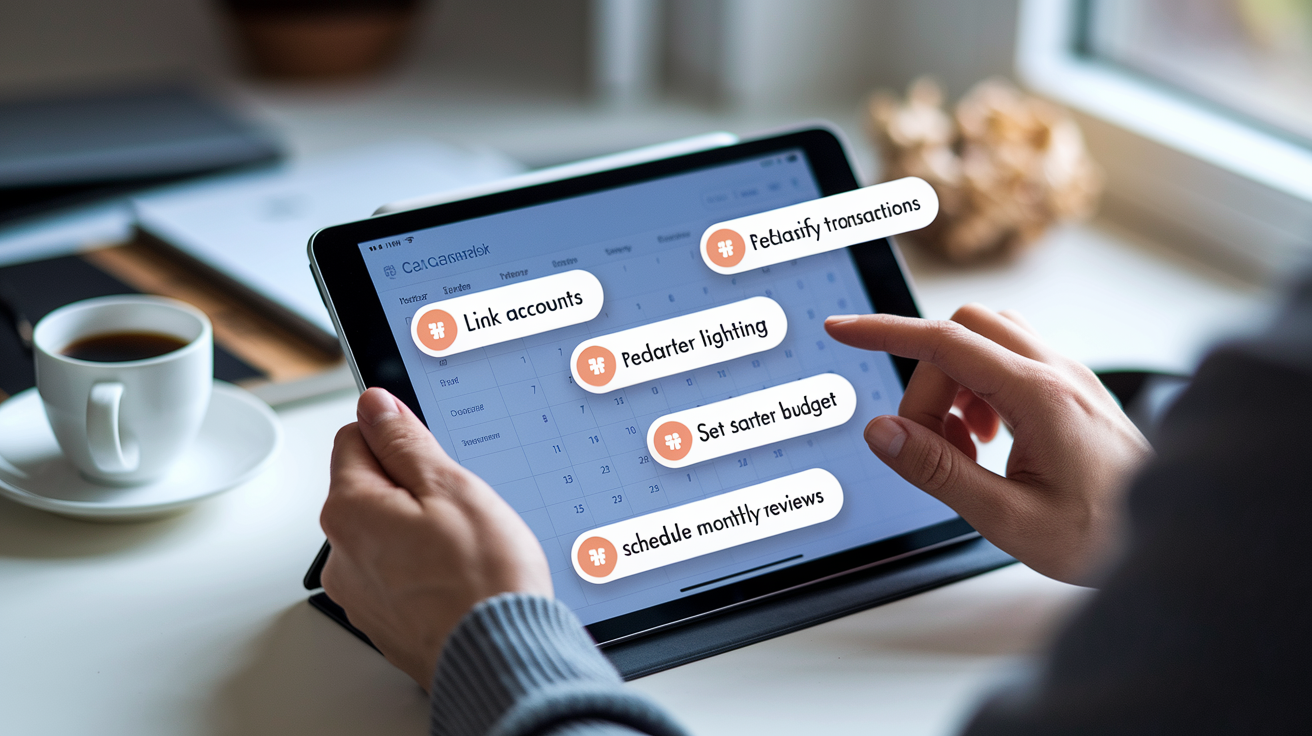
Initial setup takes twenty to sixty minutes for a typical user linking three to seven accounts: checking, savings, a couple of credit cards, maybe a car loan or mortgage. You’ll enter your bank username and password (the aggregator handles the login), wait for transactions to sync (usually a few seconds to a couple of minutes per account), and then review the automatic categories assigned to each transaction. Most apps guess correctly on obvious purchases (gas stations, grocery stores, insurance payments) but you’ll need to reclassify a few. That hardware store charge might be home improvement or a gift, and the app won’t know which until you tell it.
Bulk-edit tools let you select ten transactions at once, assign them all to a new category, and save. Recurring bills (rent, phone, internet) get flagged automatically or added manually with due dates and amounts so the app can remind you a few days ahead.
Template budgets and starter categories speed up the process. Apps like Simplifi and Monarch offer pre-built spending plans based on common household patterns (groceries, utilities, transportation, entertainment, savings) that you can accept as-is or customize. If you run a side business or freelance, create separate categories for business expenses and income so you can track profit without mixing personal grocery runs into your quarterly tax estimates. Custom categories are unlimited in most paid plans but restricted in free tiers. Goodbudget’s free version caps the number of envelopes, and PocketGuard’s free tier limits bulk categorization actions.
Once your budget is live, plan a monthly “money date,” a recurring calendar event where you review spending, adjust category limits, check progress toward savings goals, and re-sync any accounts that dropped connection. Financial advisers and app developers both recommend this ritual because apps show data but don’t enforce decisions. You still have to look at the dashboard, notice the overspending in dining out, and decide whether to trim next month’s restaurant budget or move money from another category. Weekly quick-checks (five minutes on your phone) catch duplicate transactions, confirm bill payments posted, and let you course-correct before a small overage becomes a big problem.
Here’s a typical setup checklist:
Link all primary accounts: checking, savings, credit cards, loans you want to track.
Review and reclassify transactions from the past 30 to 90 days so category totals are accurate.
Set up recurring bills with due dates and amounts. Enable reminders if the app offers them.
Create a starter budget using a template or custom categories that match your actual spending.
Pick a monthly review date and add it to your calendar. Treat it like any other non-negotiable appointment.
Troubleshooting, Switching Apps, and Data Portability

Bank connection drops are the most common frustration. Aggregators lose sync about one to two times per year per account for many users, usually after the bank updates security settings or changes its login page. When an account shows “Action Required” or “Re-authenticate,” open the app, tap the account, and log in again with your current bank credentials. If the problem persists, check the app’s help center or the bank’s known-issues page. Some banks temporarily block third-party aggregators during system maintenance.
Duplicate transactions appear when a pending charge posts or when you manually enter a purchase that also syncs automatically. Most apps let you mark duplicates and hide or delete them. Review your transaction list weekly during the first month to catch these early. Mis-categorized transactions are inevitable (coffee shops tagged as groceries, work lunches labeled entertainment) but bulk-edit tools and custom rules (always categorize charges from “Joe’s Coffee” as “Coffee,” not “Restaurants”) reduce the cleanup over time.
If you decide to switch apps, export your data first. Look for CSV, OFX, or QFX export options in the app’s settings or reports menu. CSV files open in Excel or Google Sheets and preserve transaction dates, amounts, categories, and notes. OFX and QFX are financial formats that some apps can import directly, though you may need to manually map old categories to new ones. Export before you cancel your subscription. Some apps restrict data access once the paid plan expires. After exporting, import the file into your new app or keep it as a backup spreadsheet. Migration from spreadsheets to an app works the same way in reverse. Export your sheet as CSV, then look for an import or manual-entry option in the new app.
Common troubleshooting tips:
Connection drops: re-authenticate once. If it fails three times, contact app support or check your bank’s third-party-access settings.
Duplicate transactions: mark duplicates in bulk and hide them. Don’t delete unless you’re certain they’re true duplicates.
Missing transactions: confirm the account is linked and syncing. Some apps exclude pending charges until they post.
Category errors: create a custom rule so future charges from the same merchant auto-assign to the correct category.
Final Words
You saw the most useful features and top names, how pricing and trials compare, and which apps match common budgeting styles. That gives you a clear map to start from.
Next, pick a budgeting style, try a 7–34 day trial, and set a monthly money date to review categories and automation. If you switch, export your data and clean duplicates.
Try one app for a month. You’ll learn quickly, tighten your plan, and feel more in control with personal finance apps.
FAQ
Q: What are the best personal finance apps? / Which is the best app to manage finances?
A: The best personal finance apps are Mint, YNAB, Simplifi, Monarch, PocketGuard, Goodbudget, EveryDollar, and Honeydue. Choose by goal: budgeting style, joint accounts, investing, automation, or price.
Q: What is Dave Ramsey’s favorite budget app?
A: Dave Ramsey’s favorite budget app is EveryDollar, which follows his zero-based budgeting approach. It offers free basics and a paid plan that adds bank syncing and extra convenience features.
Q: What are common budgeting mistakes?
A: Common budgeting mistakes are not tracking real spending, underestimating irregular bills, setting unrealistic limits, skipping an emergency fund, ignoring debt payoff plans, and not updating the budget after life changes.