


Think smart home tech is off-limits in rentals? Think again.
Most landlords won’t let you rewire outlets, swap thermostats, or drill into door frames, so renter-safe gear that plugs in, sticks on, or clips over existing parts matters.
These devices pair with your phone or voice assistant, install in minutes, and leave no trace at move-out.
Read on to learn the easiest non-permanent upgrades—smart bulbs, plugs, cameras, sensors, and interior locks—that give automation, remote control, and better security without touching wiring or risking your deposit.
Renter‑Friendly Smart Home Upgrades Overview
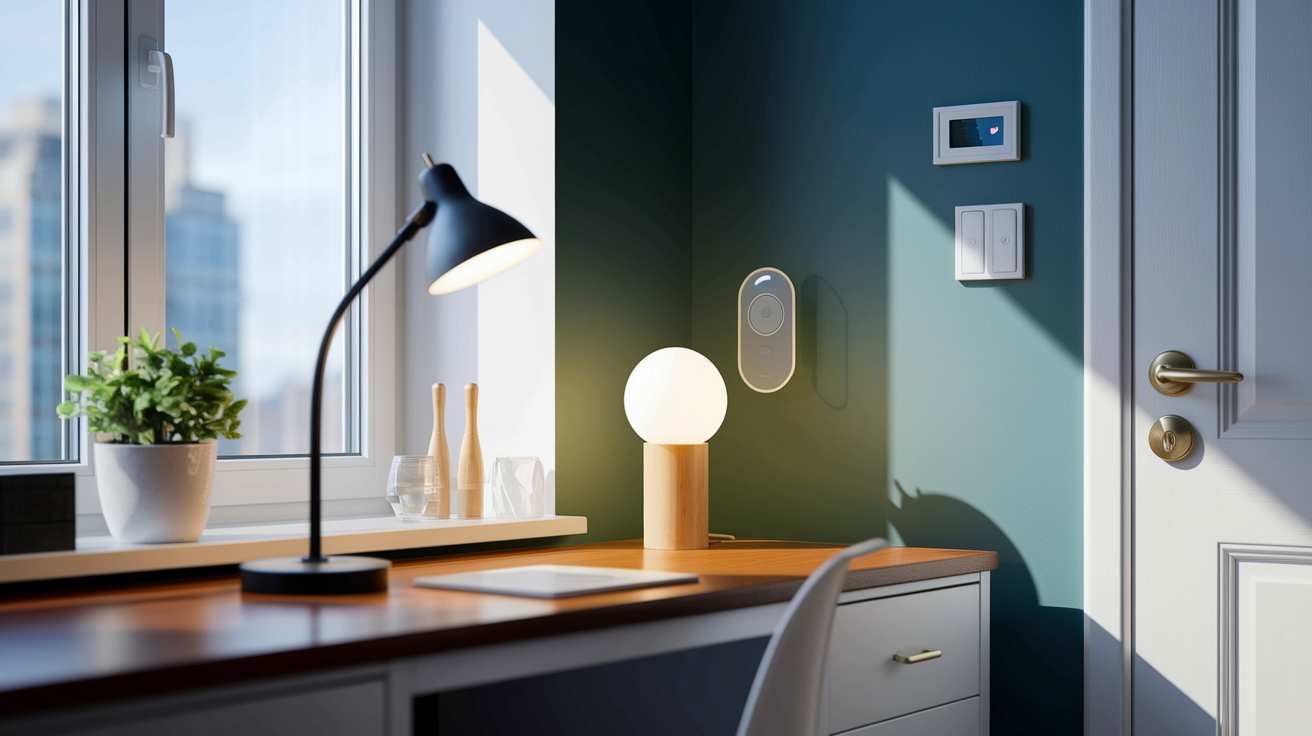
Most landlords won’t let you rewire outlets, swap thermostats, or drill holes through door frames. That’s why rental safe smart home gear matters. These upgrades plug in, stick on, or screw into existing sockets, so you can set them up in minutes and pack them when you move.
The current generation of apartment friendly devices runs on Wi‑Fi, Bluetooth, or battery powered wireless protocols. They pair through smartphone apps, voice assistants, or simple button presses. Nothing requires a contractor, and nothing shows up on a move out inspection. Think smart bulbs that twist into your desk lamp, adhesive motion sensors that peel off clean, or a keypad lock that slides onto your existing deadbolt without touching the cylinder. You get to automate routines, monitor your space remotely, and control lights or appliances from anywhere. All without changing the apartment itself.
Here are the core categories that work best when you’re renting:
Smart plugs that turn any lamp, fan, or window AC into a scheduled or voice controlled device. Screw in smart bulbs compatible with any standard socket (no fixture replacement needed). Battery powered indoor cameras that mount with adhesive strips or magnetic plates. Peel and stick door and window sensors that alert you to entry without drilling. Interior only smart locks that attach over your deadbolt and leave the keyed cylinder in place. Portable or stick on thermostats designed to work with existing HVAC controls (where lease allows).
Each of these installs in under ten minutes, leaves zero permanent trace, and travels to your next apartment just as easily.
Smart Lighting Options for Apartments
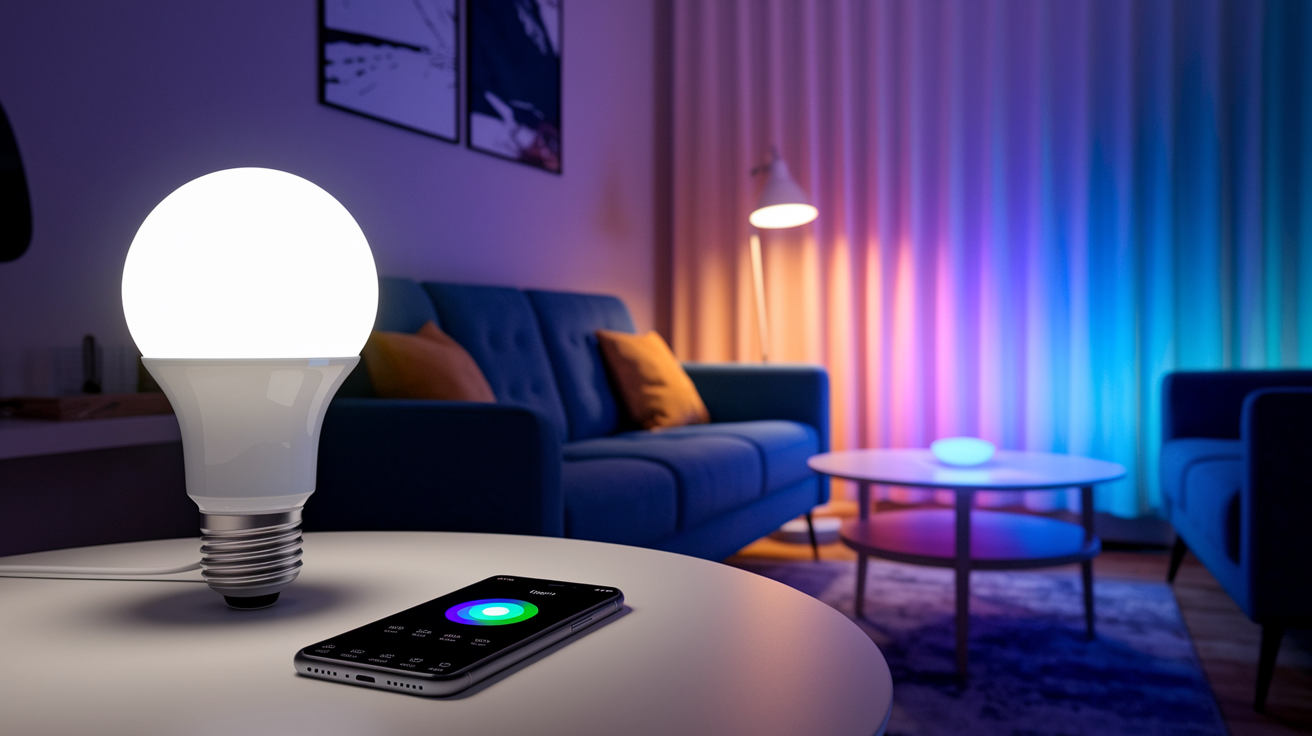
Smart lighting is the easiest upgrade for rentals because it doesn’t touch the walls or wiring. You simply replace the bulb in your table lamp, floor lamp, or existing overhead fixture with a Wi‑Fi or Bluetooth enabled bulb. Once the bulb is in, you pair it through the manufacturer’s app. From that point you can dim, schedule, or change colors from your phone or by voice. No electrician, no tools. When you move out, unscrew the smart bulb and put the original back.
Many current generation bulbs skip the hub entirely. They connect straight to your home Wi‑Fi or pair via Bluetooth. That simplifies setup and lowers the upfront cost. Dimmable white bulbs start under $10, and full color options that support scenes and automations typically run $15 to $25. If you’ve already chosen a voice platform (Alexa, Google Assistant, or HomeKit) check the bulb’s compatibility list to confirm it works without extra hardware.
Benefits of renter friendly smart bulbs: fits any standard socket (E26/E27) without rewiring or fixture replacement. Scheduling and remote control from anywhere with internet access. Dimming and color temperature adjustment to match time of day or activity. Full portability, so you can take every bulb with you when you move.
Non‑Permanent Smart Security Devices
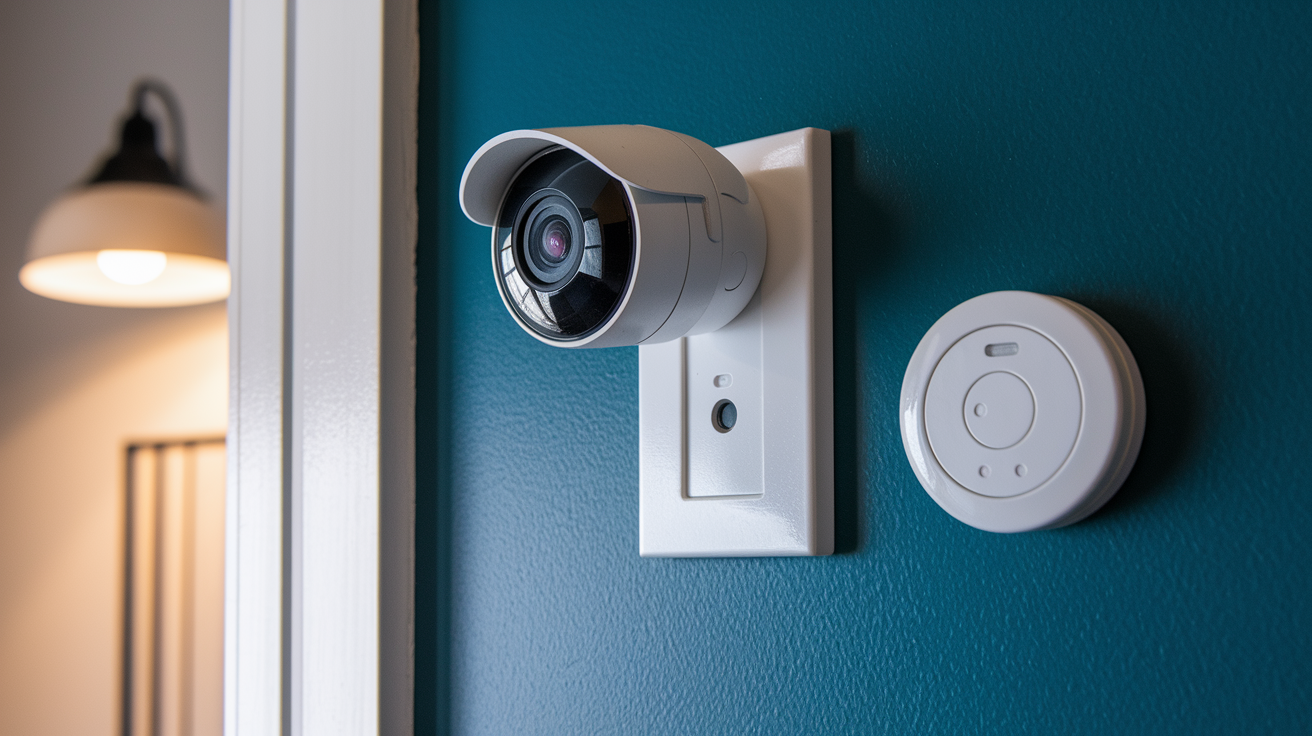
Renter safe security starts with battery powered cameras and adhesive sensors. Battery operated indoor cameras mount to walls, shelves, or door frames using double sided adhesive strips, magnetic mounts, or small command hooks. These cameras stream live video to your phone, send motion alerts, and often include two way audio so you can check in or talk to a delivery person. Models with built in batteries eliminate any need for nearby outlets. Swapping a rechargeable pack every few months is faster than patching screw holes at move out.
Wireless door and window sensors use the same peel and stick approach. The sensor body attaches to the door or window frame, and a small magnet sticks to the moving part. When the two pieces separate, the sensor logs the event and sends a notification. These systems run for a year or more on coin cell batteries, and the adhesive backing peels off cleanly if you warm it slightly with a hairdryer. You can build a multi room monitoring setup without a single drill bit.
Motion sensors round out the basics. Stick one in a hallway or near an entry door, and it’ll trigger alerts when movement is detected while you’re away. Some models double as light sensors, automatically turning on connected smart bulbs when they detect motion in the dark. Because the adhesive mounts are designed to be temporary, you can reposition sensors as you learn where coverage works best, then remove them entirely when your lease ends.
Apartment‑Compatible Smart Locks and Entry Solutions

Smart locks designed for renters typically install on the interior side of your door, leaving the outside keyed cylinder and faceplate untouched. The most common design replaces only the thumb turn mechanism on the inside, so your landlord’s master key still works from the hallway. Setup usually involves removing two screws on the interior escutcheon, sliding off the old thumb turn, and clipping on the new motorized unit. The entire swap takes ten minutes, and you keep the original hardware in a drawer to reinstall the day you move out.
These locks unlock via smartphone app, numeric keypad, fingerprint scanner, or Bluetooth key fob. You can issue temporary codes to guests or dog walkers, set auto lock timers, and receive alerts when someone enters. Because they mount internally and use the existing deadbolt mechanism, they comply with most lease clauses that prohibit changing locks without permission. Though it’s still smart to notify your landlord and confirm your lease allows interior modifications.
Common features in renter safe smart locks: interior only installation that preserves the landlord’s keyed access. App based unlocking and remote lock status checks. Temporary access codes for visitors or service providers. Auto lock after a set delay to prevent accidental unlocked doors. Battery power (typically four AA batteries lasting six months to a year).
Wireless Climate and Energy Controls

Portable smart thermostats made for rentals work in two ways. Some models mount over your existing thermostat with adhesive backing or magnets, intercepting the temperature signal and allowing app based scheduling without rewiring. Others are standalone wireless sensors that communicate with a plug in hub, giving you remote temperature readings and basic control if your lease or HVAC type supports it. Always check your rental agreement and ask your landlord before altering thermostat wiring. Many leases explicitly prohibit tenant changes to HVAC controls.
Smart plugs offer a simpler path to climate automation. Plug one into any standard outlet, then plug your window air conditioner, space heater, or fan into the smart plug. From that point, you can turn the device on or off remotely, set schedules (cool the bedroom an hour before you get home, turn off the heater at sunrise), and track energy use if the plug includes monitoring. This method respects lease restrictions because you’re not touching the built in systems, just controlling portable appliances.
Energy monitoring plugs display real time wattage and log historical consumption in the app. If you’re paying your own electric bill, you can identify which devices draw the most power and adjust schedules to lower costs. When you move, unplug the smart outlet, pack it, and use it in the next apartment. Nothing stays behind, and your energy saving routines transfer with you.
Quick Setup Guide for No‑Drill Installation

Setting up renter friendly smart devices follows the same pattern: unbox, pair, place, and test.
Charge or install batteries in cameras, sensors, or locks before pairing. Low battery during setup causes failed connections. Download the manufacturer’s app and create an account. Turn on Bluetooth and location services on your phone. Pair each device by following the in app prompts (usually: press a pairing button on the device, wait for a confirmation chime or light blink, then name the device in the app). Mount sensors and cameras using the included adhesive strips. Clean the surface with rubbing alcohol first, press firmly for thirty seconds, and wait an hour before testing the hold. Screw smart bulbs into lamps or fixtures as you would any standard bulb, then toggle the lamp switch off and on to enter pairing mode (check the bulb’s instructions for the exact sequence). Test automations and notifications to confirm sensors trigger correctly, locks respond to app commands, and scheduled events fire at the right time. Adjust sensor placement if coverage is poor.
Ensuring Landlord Compliance and Lease‑Safe Practices
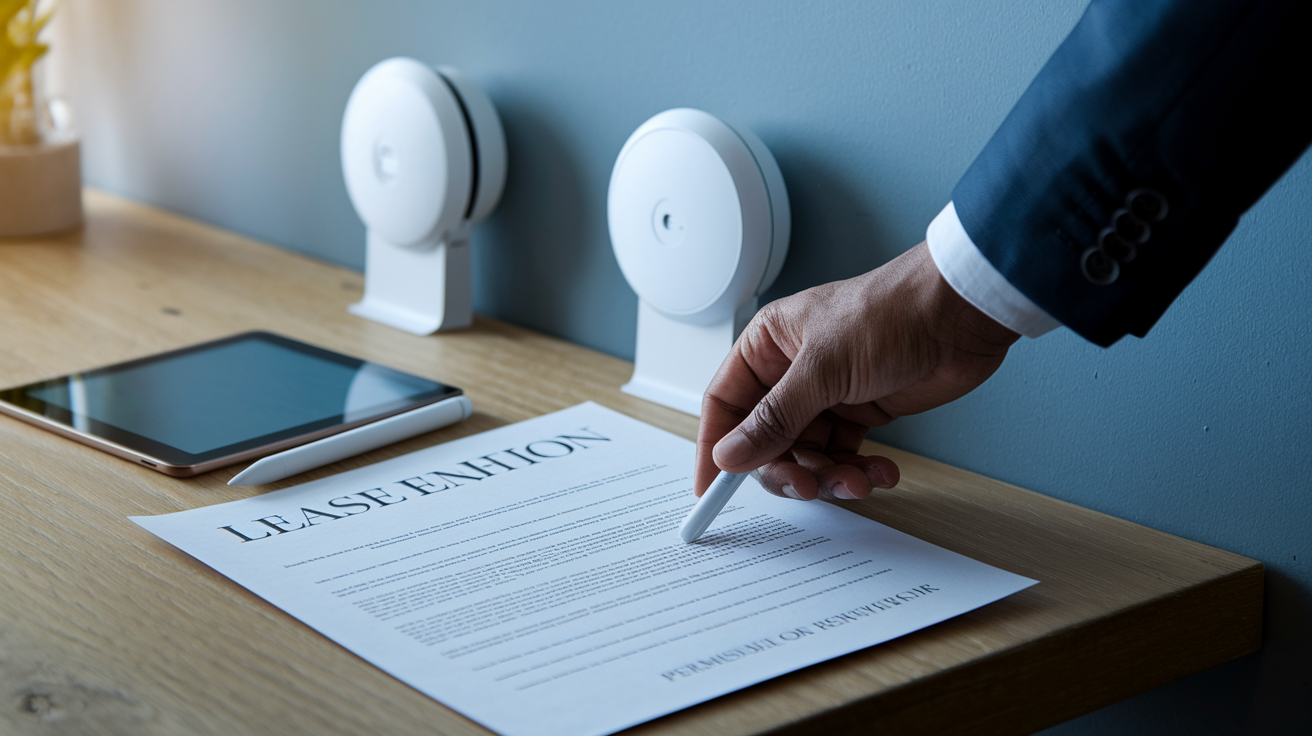
Most residential leases include language that prohibits permanent alterations. Drilling holes, replacing fixtures, modifying electrical or plumbing systems without written landlord consent. Smart home devices that use adhesive mounts, battery power, and plug in connections typically fall outside those restrictions because they leave no lasting change. Even so, documenting your setup protects both sides. Take photos of walls, door hardware, and thermostats before you install anything, and save the originals in labeled bags so you can restore everything at move out.
If your chosen device touches building infrastructure (for example, a smart lock that replaces the interior deadbolt mechanism, or a thermostat adapter), send your landlord a quick email describing the upgrade, noting that it’s reversible, and asking for confirmation. Most landlords will approve temporary, non damaging improvements, especially if they enhance security or energy efficiency. That written exchange becomes your proof of permission if a question arises later.
Common landlord requirements for temporary smart devices: restoration to original condition at lease end (no holes, no paint damage, no missing hardware). Advance written notice for any device that interacts with locks, HVAC, or hardwired systems. Tenant responsibility for any malfunction or damage caused by aftermarket equipment.
Compatibility Across Smart Home Ecosystems

The three dominant voice platforms (Amazon Alexa, Google Assistant, and Apple HomeKit) each support thousands of Wi‑Fi and Bluetooth devices, but not every smart bulb, plug, or lock works with all three. Check the product’s compatibility list before you buy. If you already own an Echo, Nest Audio, or HomePod, filter your shopping to devices that explicitly list support for that platform. Many newer products carry a “Works with Alexa,” “Works with Google,” or “Works with Apple Home” badge on the box.
Wi‑Fi devices connect directly to your home network and typically work across multiple platforms through their own app and cloud service. Bluetooth devices pair straight to your phone or a nearby hub without adding load to your router, but they usually have shorter range and may require you to be home to control them. For rentals, hub free Wi‑Fi gear is often the simplest choice because it travels easily and doesn’t depend on a central controller you’d need to set up and take down.
If you want to mix brands (say, Philips bulbs, a Wyze camera, and a Kasa smart plug) pick a platform and verify each device lists compatibility. All three can then be controlled from one app or by a single voice command, even though they come from different manufacturers.
| Platform | Best Device Types | Ease for Renters |
|---|---|---|
| Amazon Alexa | Wi‑Fi plugs, bulbs, cameras, locks | Very easy. Widest device selection, simple app setup |
| Google Assistant | Wi‑Fi bulbs, thermostats, displays | Easy. Strong voice control, good multi‑room audio |
| Apple HomeKit | Bluetooth locks, sensors, secure cameras | Moderate. Fewer devices, but strong privacy and local control |
Budget and Portability Considerations for Renters
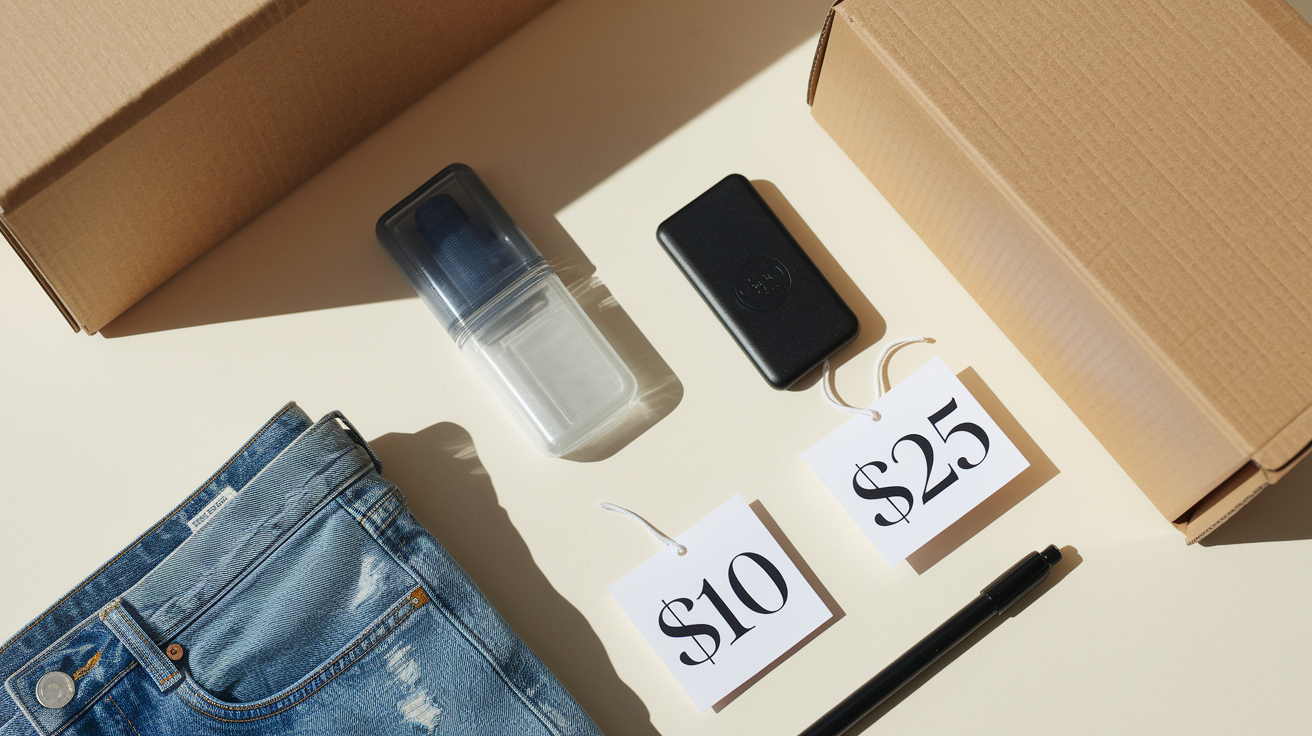
Entry level smart home gear has become inexpensive enough that outfitting a one bedroom apartment costs less than a month of streaming subscriptions. A single smart plug runs $10 to $20, a Wi‑Fi bulb $10 to $25, a battery powered indoor camera $30 to $60, and a basic smart lock $80 to $230. If you start with a few plugs and bulbs, you can test automations and voice control for under $50, then expand room by room as you see what’s useful.
Portability matters as much as price when you rent. Every device you buy should pack into a moving box and work identically in your next apartment. Avoid anything that requires professional installation or custom mounting hardware. Stick to battery powered sensors, screw in bulbs, plug in outlets, and adhesive cameras. That way, the smart home you build today moves with you next year (and the year after) without losing functionality or forcing you to buy new equipment each time you relocate.
Recommended Renter‑Friendly Smart Devices

The best apartment smart home starts with a handful of versatile, proven devices that install in minutes and leave cleanly. Focus on categories that solve real daily friction. Lighting you can dim from bed, entry alerts when you’re at work, remote control of window AC units. Skip anything that duplicates what you already have or requires permanent modification.
Smart plugs with energy monitoring for automating lamps, fans, coffee makers, and window air conditioners. Bonus: see what’s costing you the most each month. Wi‑Fi smart bulbs in standard E26 sockets for overhead fixtures and table lamps (dimmable white or full color depending on budget). Battery powered indoor Wi‑Fi cameras with adhesive or magnetic mounts for entryways, living rooms, or pet monitoring. Peel and stick door and window sensors that send open/close alerts to your phone and integrate with voice platforms. Interior smart locks that attach over existing deadbolts and unlock via app, keypad, or fingerprint. Portable Bluetooth or Wi‑Fi speakers with built in voice assistants for hands free control of all the above.
Final Words
In the action, we covered renter-safe upgrades: plug-in smart bulbs and plugs, removable cameras and adhesive sensors, no-drill locks, portable thermostats, quick no-drill setup steps, lease-friendly practices, and how to pick compatible devices on a budget.
Next, choose one or two easy pieces, confirm them with your lease or landlord, and follow the setup checklist so you can remove everything when you move.
You can add convenience and security without permanent changes — smart home technology for apartments makes renting feel more like home.
FAQ
Q: What is the best smart home device for apartments?
A: The best smart home device for apartments is a smart plug, because it’s plug-in, lease-safe, easy to set up, and lets you automate lamps and small appliances without drilling or wiring changes.
Q: Can I make my apartment a smart home? What does smart home mean for apartments?
A: Yes, you can make your apartment a smart home, and for apartments it means using temporary, plug-in or adhesive devices that add automation, security, and convenience without permanent modifications to the unit.
Q: How does SmartRent benefit tenants?
A: SmartRent benefits tenants by providing landlord-managed smart access and controls, mobile entry, remote thermostat and lock control, energy savings, and faster maintenance responses while keeping devices lease-safe and noninvasive.