
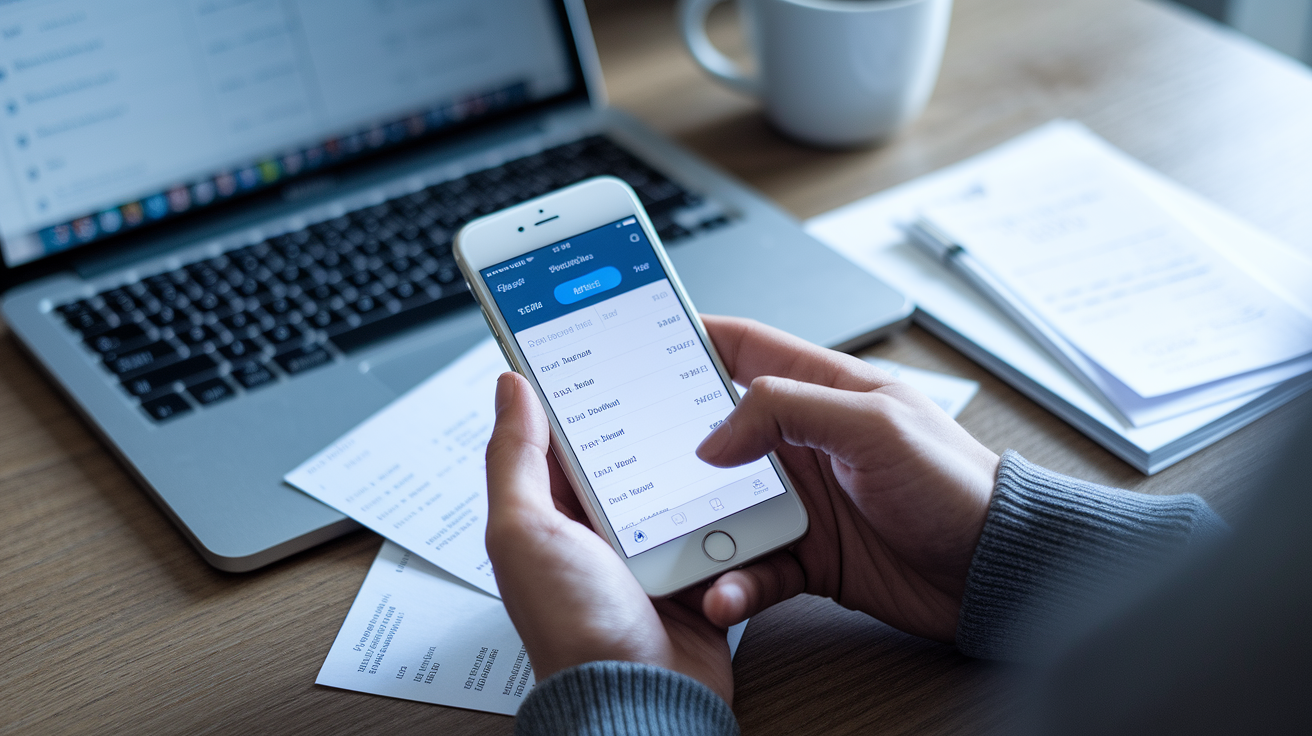


What if I told you most people have no idea where their paychecks go?
A spending tracker is the tool that fixes that.
It records every purchase, groups them into clear categories, and shows the trends you miss when you only glance at your bank balance.
Think of it as a money monitor: it doesn’t tell you what to buy, but it shows where your cash actually goes so you can stop leaks, build a budget that works, and save for what matters.
This post explains how it works and which features matter most.
Clear Definition and Core Purpose of a Spending Tracker
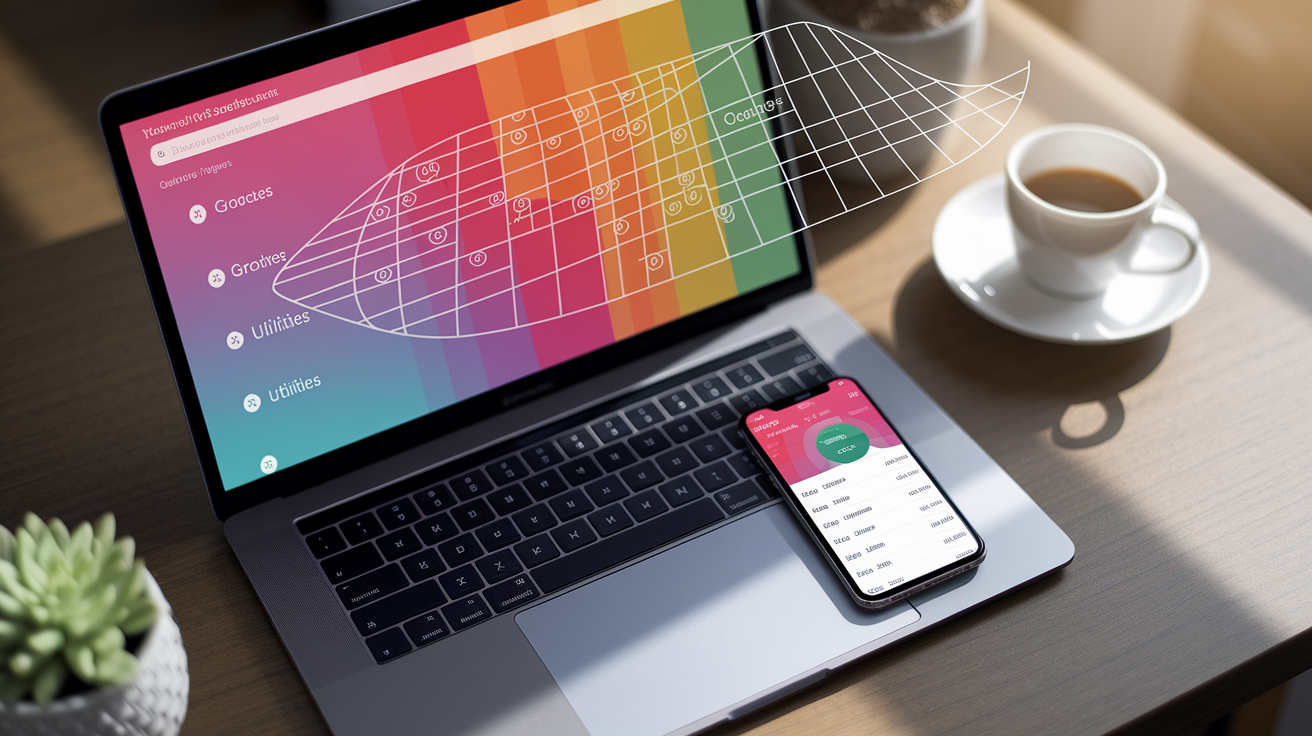
A spending tracker is a system that records, categorizes and summarizes every dollar you spend. It captures transaction dates, amounts, payee names and purposes, then organizes everything into categories like groceries, utilities or dining out. Instead of guessing where your paycheck went, you get a clear, ongoing picture of your actual financial behavior.
Think of it as your money’s GPS. It doesn’t tell you where to go, but it shows exactly where you’ve been and helps you course-correct before you run out of gas.
The primary purpose? Awareness leads to better decisions. When you track daily spending, you spot patterns you’d otherwise miss. Three forgotten subscription charges. A lunch budget that quietly doubled. That awareness supports budgeting, helps you set realistic savings targets and prepares you for tax season or unexpected expenses.
Whether you’re managing personal finances or running a small business, a spending tracker turns vague worry into actionable data.
Every spending tracker performs five essential functions:
Logs transactions: captures date, amount, vendor and payment method for each expense
Categorizes purchases: groups spending into labels like “Housing,” “Food,” “Transportation” or custom tags
Attaches documentation: links receipts, invoices or notes to each entry for proof and context
Summarizes totals: calculates category totals, monthly spending and trends over time
Generates reports: produces charts, tables or exports that reveal where money actually goes
Key Spending Tracker Features for Everyday Budgeting Success
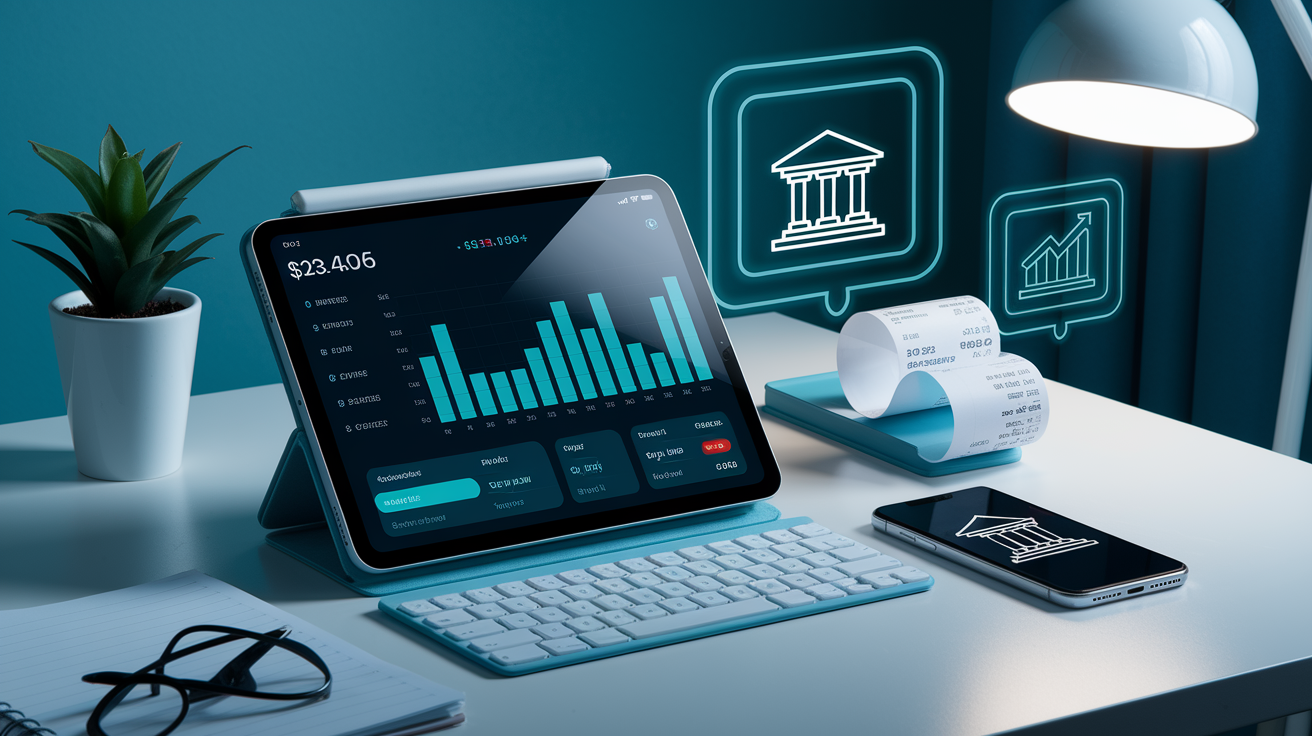
The best spending trackers do more than collect numbers. They interpret them.
Automated transaction import connects directly to your checking account and credit cards, pulling purchases into the tracker without manual typing. Receipt scanning uses OCR (optical character recognition) to read photos of paper receipts, extract the date, vendor and total, then file them under the right category. Visual spending charts turn raw data into pie graphs and bar charts, so you see at a glance that 40% of your budget went to groceries last month or that dining out spiked in the third week.
Real-time syncing means updates happen as soon as you swipe your card, not days later when memory fades. Duplicate detection flags the same charge twice, common when a pending transaction posts or when you log a purchase manually and the bank feed imports it again. Policy enforcement (more common in business tools) can alert you when a lunch receipt crosses your per-meal limit or when a category hits its monthly cap.
Spending habit analysis watches for trends: recurring subscriptions you forgot about, weekend impulse buys or seasonal spikes like back-to-school or holiday shopping.
If you’re comparing tools, focus on features that match how you actually spend. Cash-heavy budgets need easy manual entry. Card users benefit most from automated feeds. Freelancers and small business owners want receipt storage and expense exports for tax prep.
The table below shows five core features and why they matter:
| Feature | What It Does | Why It Matters |
|---|---|---|
| Automated transaction import | Pulls purchases from linked bank and credit card accounts | Eliminates manual entry, reduces errors, updates in real time |
| Receipt scanning (OCR) | Reads photos of receipts and extracts date, vendor, amount | Keeps proof for taxes, organizes documentation, saves filing time |
| Category breakdown charts | Converts transaction data into visual pie and bar graphs | Reveals spending patterns at a glance, highlights problem areas |
| Duplicate detection | Flags identical charges to prevent double-counting | Ensures accurate totals, catches posting errors or fraud |
| CSV or PDF export | Exports transaction data for accounting software or spreadsheets | Simplifies tax prep, integrates with bookkeeping, backs up records |
Comprehensive Comparison of Spending Tracker Types and Tools
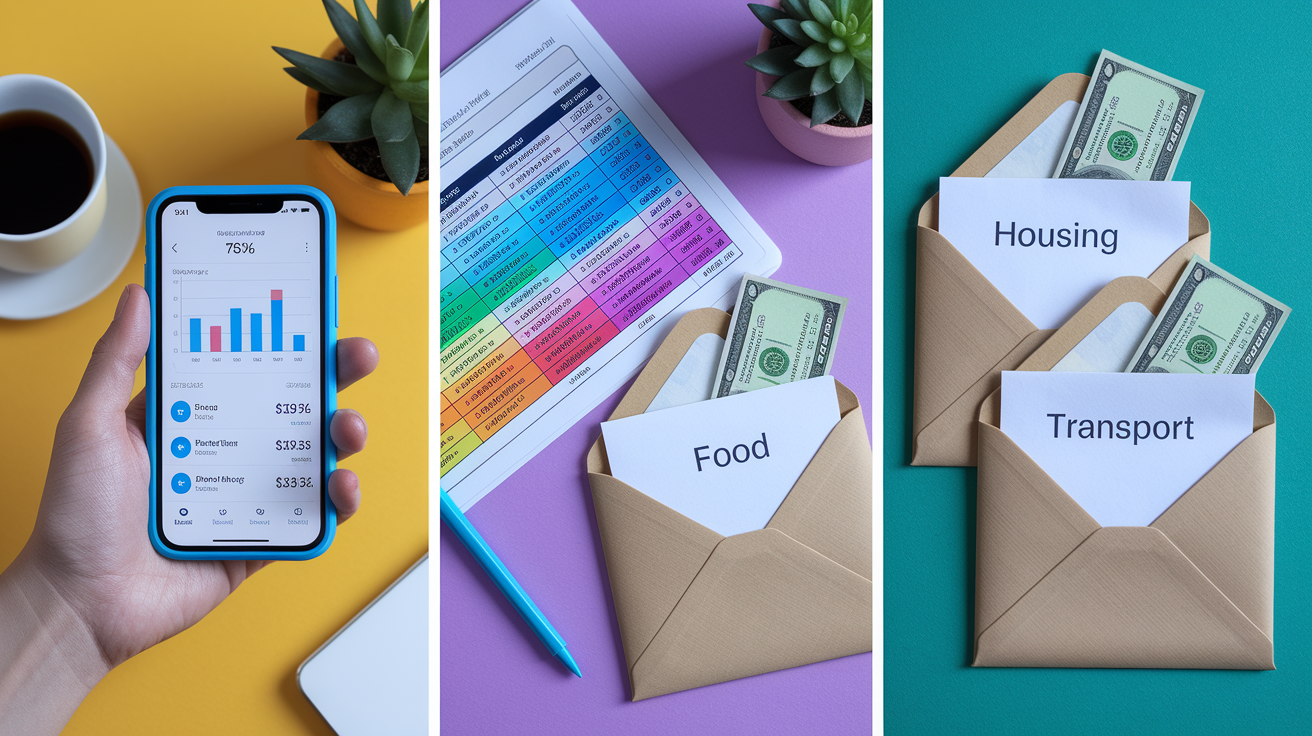
Spending trackers come in three main forms: mobile and web apps, spreadsheets and manual methods.
Mobile apps are the most automated. They sync across devices, import bank transactions automatically, scan receipts and generate charts with a tap. Most apps categorize purchases in real time, match card transactions to receipts and send alerts when you approach a spending limit. Popular free apps handle basic budgeting. Paid versions add features like bill reminders, investment tracking and multi-user access.
The downside? You’re relying on a third party for data security, internet access and app updates. If the service shuts down or changes pricing, your historical data might be locked in.
Spreadsheets (Excel, Google Sheets or other platforms) offer total customization and no monthly fees. You control every column, formula and category label. A simple tracker needs four columns: Date, Category, Amount and Notes. Use SUM to total each category, IF statements to flag high-spend days and pivot tables or charts to visualize trends.
Spreadsheets work offline, export easily and let you tweak the structure as your budget evolves. The trade-off is manual entry. Every purchase must be typed in, and it’s easy to fall behind or make data-entry mistakes. Formulas can break if you accidentally delete a row, and multi-device syncing requires cloud storage like Google Drive or OneDrive.
Manual methods (cash envelopes, paper logs or a notebook) are the simplest to start. You withdraw monthly cash, divide it into labeled envelopes (groceries, gas, entertainment) and spend only what’s inside each envelope. When the envelope is empty, that category is done for the month.
Paper logs work the same way: write down every purchase, tally weekly totals and adjust next month’s plan. Manual tracking builds discipline because every transaction requires a physical action, but it’s time-consuming, hard to analyze and offers no automation or backup. It works best for small cash budgets or people who prefer a tactile, low-tech system.
| Tool Type | Pros | Cons |
|---|---|---|
| Mobile/web apps | Automated imports, receipt OCR, real-time syncing, visual charts, multi-device access | Subscription fees, reliance on third-party servers, privacy trade-offs |
| Spreadsheets | Full customization, no recurring cost, offline access, flexible formulas | Manual data entry, time-consuming, prone to human error, limited mobile editing |
| Desktop finance software | Robust features, investment tracking, tax reports, one-time purchase or subscription | Steeper learning curve, often tied to one computer unless cloud-based |
| Manual (cash envelopes, paper logs) | Simple, no tech required, builds spending discipline, zero cost | No automation, no charts, hard to analyze trends, easy to lose records |
How a Spending Tracker Helps You Build a Budget That Works
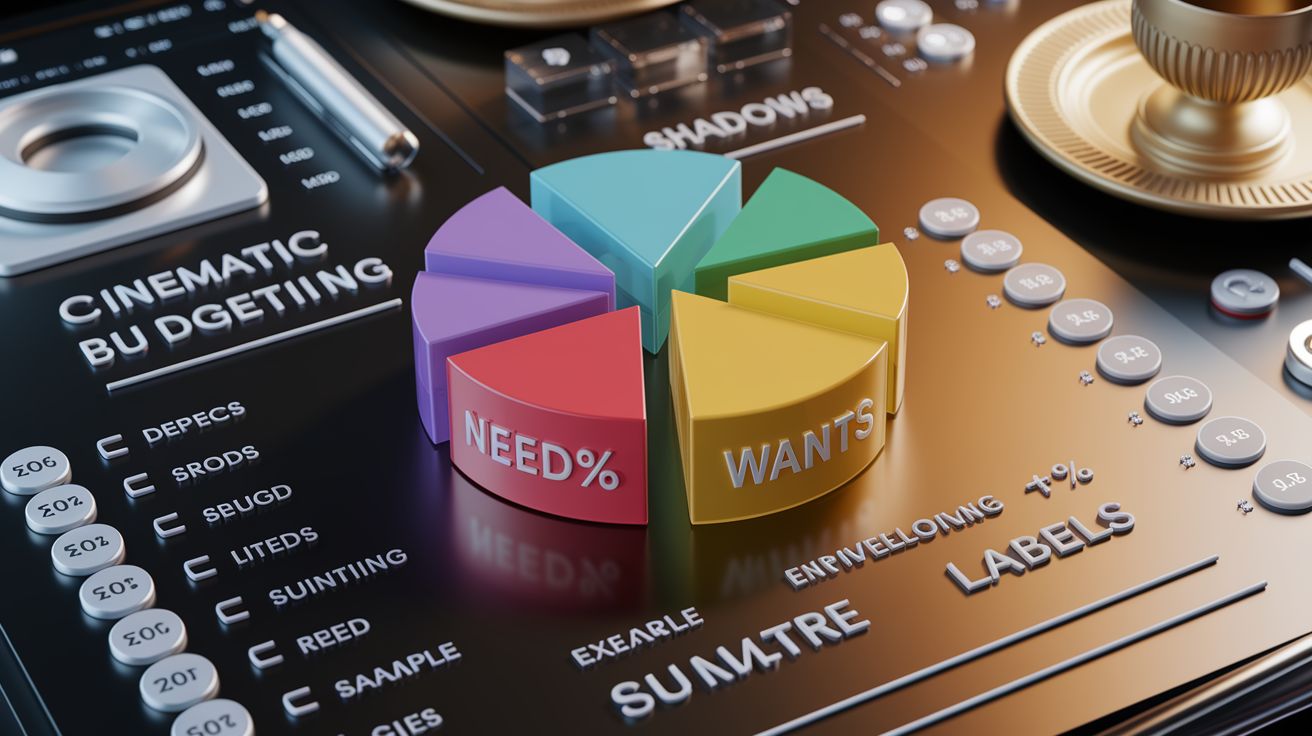
A spending tracker is the foundation of any budget because it shows you what’s already happening before you make a plan.
Instead of guessing how much you spend on groceries or gas, you pull last month’s data and see the real number. From there, you can set realistic limits, not wishful targets that fall apart by week two. Trackers let you allocate money across needs (housing, utilities, groceries), wants (dining out, entertainment, hobbies) and savings or debt repayment. That structure turns vague intentions into a spending roadmap you can follow and adjust as life changes.
Budgeting methods like zero-based budgeting (every dollar gets a job) and envelope budgeting (cash divided into category envelopes) both rely on accurate tracking. Zero-based budgeting asks you to assign your entire paycheck to categories until nothing is left unallocated. A tracker shows whether you stuck to those assignments or overspent in one area and underspent in another.
Envelope budgeting works the same way digitally: you set a limit for each category, and the tracker alerts you when you’re close. If your “Dining Out” envelope shows $80 spent of a $100 limit by the 20th of the month, you know to slow down or reallocate from another category.
Spending trackers also support percentage-based budgets, which assign portions of your income to broad categories. These percentages guide where your money should go, and the tracker confirms whether you’re hitting those targets each month or drifting off course.
Example: 50/30/20 Budget Breakdown
The 50/30/20 method allocates 50% of your net income to needs, 30% to wants and 20% to savings and extra debt payments. A spending tracker sorts every transaction into one of those buckets and calculates the running percentage. Here’s how common expenses typically fall:
Needs (50%): rent or mortgage, property tax, utilities (electricity, gas, water, internet), groceries, health insurance premiums, car payment, auto insurance, minimum debt payments
Wants (30%): dining out, streaming subscriptions, gym membership, concert tickets, new clothes, weekend trips, coffee shop visits
Savings and debt repayment (20%): emergency fund contributions, retirement account deposits (IRA, 401(k)), extra credit card payments beyond the minimum, student loan principal payments, investment accounts
Using a Spending Tracker to Identify Patterns, Trends and Overspending
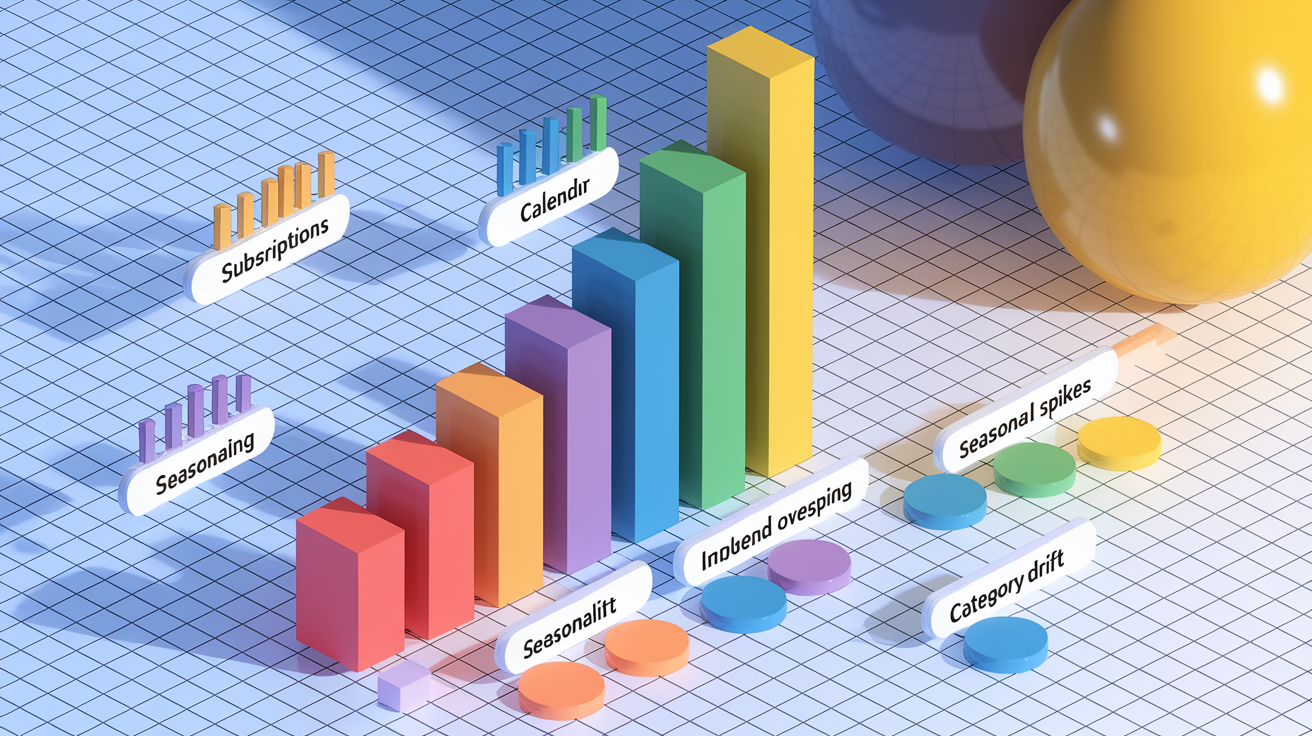
Tracking expenses week after week reveals behavior you’d never notice from a single receipt.
A spending tracker highlights recurring subscriptions you forgot to cancel. That $9.99 music app you haven’t opened in six months or the $14.99 language-learning platform you signed up for in January. It catches impulse buys that add up: three $4 lattes a week become $624 a year. It shows seasonal spikes, like back-to-school shopping in August or holiday gift surges in December, so you can plan ahead next year instead of panicking when the credit card bill arrives.
Category breakdowns let you compare spending across areas. If your tracker shows $800 on groceries but only $200 on utilities, that’s normal. If it shows $600 on dining out and $300 on groceries, you’ve identified a rebalancing opportunity.
Monthly or quarterly reviews turn these insights into action: cancel unused subscriptions, switch to a cheaper phone plan or set a firm limit on takeout orders. Annual reviews catch bigger trends, like whether your car maintenance costs are climbing (signal to budget for a replacement) or whether a side income stream is growing enough to quit your day job.
Common trends spending trackers reveal:
Subscription creep: multiple low-cost monthly charges (streaming, apps, memberships) that total $50–$150 per month
Weekend overspending: Friday and Saturday purchases (restaurants, bars, entertainment) that exceed weekday spending
Impulse online shopping: small purchases under $30 that bypass mental “big purchase” guardrails and add up fast
Seasonal spikes: predictable jumps in spending around holidays, vacations, back-to-school or tax season
Category drift: groceries creep from $400 to $600 per month without a deliberate decision to increase the budget
Irregular bills: annual or semi-annual costs (insurance premiums, HOA dues, subscriptions) that surprise you when they hit
How to Start Tracking Your Spending Step-by-Step
-
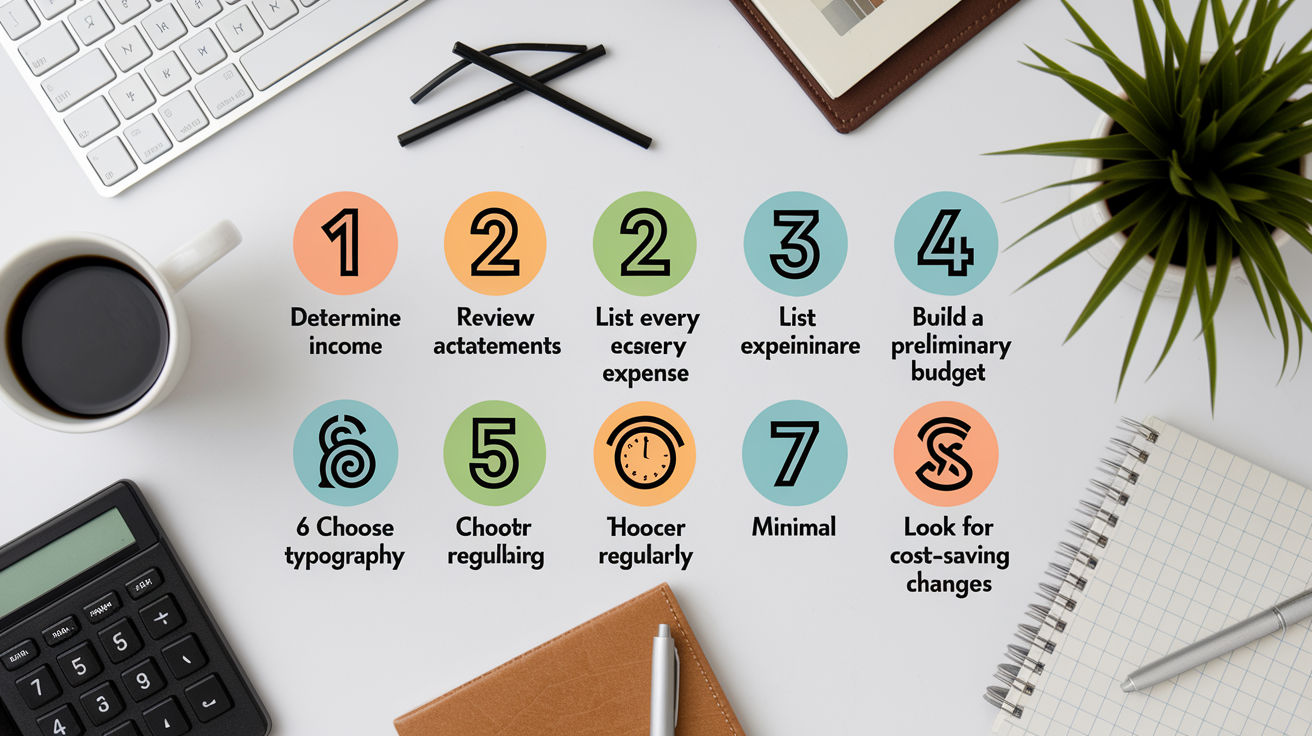
Determine your monthly net income. Add up take-home pay from all sources (salary, freelance work, side gigs) after taxes and deductions. This is the baseline number you’ll allocate across categories.
-
Review all account statements. Log into every checking account, savings account and credit card. Download or screenshot the last 30 days of transactions to see what you’ve already spent.
-
List every expense from the past month. Write down or import each purchase, bill and payment. Include fixed costs (rent, insurance) and variable spending (groceries, gas, entertainment).
-
Categorize each expense. Group transactions into labels like Housing, Transportation, Food, Utilities, Health Care, Debt Payments, Entertainment and Savings. Many apps auto-tag purchases as “department store” or “automotive” to speed this up.
-
Build a preliminary budget. Assign a target dollar amount or percentage to each category based on last month’s actual spending and your financial goals. Adjust categories that were too high or too low.
-
Choose your tracking method. Pick a mobile app for automation and syncing, a spreadsheet for full control or a manual system for simplicity. Make sure the tool fits how you spend (cash, card or both).
-
Monitor regularly. Review your tracker weekly to catch overspending early, monthly to reconcile statements and adjust next month’s budget, and quarterly or annually to spot long-term trends.
-
Look for ways to lower recurring costs. Cancel unused subscriptions, negotiate lower rates on insurance or internet, switch to a no-fee bank account or cut discretionary spending in over-budget categories.
Common mistakes to avoid: skipping days or weeks of logging (backlog makes tracking feel like a chore), mixing personal and business expenses in one tracker (creates tax headaches), ignoring small cash purchases (they add up), forgetting to update categories when life changes (new baby, new job, move to a new city) and giving up after one bad month instead of treating the tracker as a long-term habit.
Consistency beats perfection. Log what you can, review what you logged and adjust as you go.
Privacy, Security and Data Protection in Spending Trackers

When you link a spending tracker to your bank account or credit card, you’re granting access to sensitive financial data.
Reputable apps use bank-level encryption (256-bit AES or similar) to protect data in transit and at rest, and many comply with privacy regulations like GDPR in Europe or CCPA in California. Two-factor authentication, biometric login (fingerprint or face recognition) and automatic session timeouts add extra layers of security.
Before choosing an app, check its privacy policy to understand what data it collects, whether it shares information with third parties for advertising and how long it retains your transaction history.
You can manage risk by using read-only access when available (the app can view transactions but can’t move money), enabling alerts for unusual activity and regularly reviewing linked accounts for unauthorized charges. Cloud backups and device syncing are convenient but introduce another risk point. If the service is breached, your data could be exposed.
Manual trackers (spreadsheets, paper logs) avoid third-party servers entirely, but you’re responsible for securing your own files with strong passwords, encrypted storage and regular backups.
Balance convenience with comfort: if sharing bank credentials makes you uneasy, use a tracker that requires manual entry or choose one that aggregates data through secure, verified connections like Plaid or similar financial data networks.
Final Words
You now know how a spending tracker records, categorizes, and summarizes purchases, what features to look for, and which tools fit different styles. You saw how trackers support budgets, reveal subscription leaks, and highlight spending patterns.
Next, pick a method that matches your routine, set clear categories, and review your results weekly or monthly. Small, steady changes add up fast.
If you’re still asking what is a spending tracker, it’s a simple tool and habit that makes money management clearer — and you can start improving your finances today.
FAQ
Q: What is a good spending tracker?
A: A good spending tracker records and categorizes transactions, offers easy logging (auto or manual), shows visual summaries, and helps set limits. Choose one that matches your workflow, privacy needs, and budget.
Q: What is the $27.40 rule?
A: The “$27.40 rule” commonly refers to a personal-finance guideline limiting daily discretionary spend to $27.40 (about $820 per month). It’s used to curb small recurring purchases; check the original source for exact intent.
Q: What is the 3 6 9 rule of money?
A: The 3 6 9 rule of money typically means saving 3 months’ expenses for short-term needs, 6 months for job-loss emergencies, and 9 months for major disruptions; it’s a stepped emergency-fund guideline.
Q: Can you live comfortably on $1000 a month?
A: Living comfortably on $1000 a month depends on location, housing, and lifestyle. In very low-cost areas or with shared housing, strict budgeting, and no major debts it’s possible; in most cities it’s unlikely.