



Controversial: your financial reports are useless until you sort every transaction into clear categories.
Expense categorization is the simple act of putting each purchase into labeled buckets like Rent, Travel, Meals, or Software so you can actually see where cash is going.
When done right, it cuts tax headaches, exposes hidden waste, and turns messy bank feeds into accurate profit-and-loss numbers you can trust.
This post shows why categories matter, common pitfalls, and practical steps to organize business spending without overcomplicating things.
Core Explanation of Expense Categorization and Its Purpose

Expense categorization is just sorting your transactions into labeled groups so you can actually see where money’s going. Instead of scrolling through hundreds of random purchases, you organize them into buckets like Office Supplies, Travel, Meals, Utilities, Rent, Software, Professional Services. Think of each category as a folder that holds similar costs.
This matters for a few big reasons. It separates deductible business expenses from personal stuff when tax season hits. Shows you which parts of your budget are eating the most cash. Keeps your records organized in case the IRS comes knocking. And it lets you build accurate profit-and-loss statements without guessing.
Without clear categories, you can’t spot trends, find waste, or prove an expense was legit business spending.
You can categorize manually with spreadsheets. Set up rules that auto-map vendor names to categories. Or use AI tools that scan receipts and learn your patterns over time.
Technical Implications for Tax Compliance and Financial Reporting

Good categorization keeps you compliant because everything lands in the right bucket for deduction purposes. That reduces audit flags and makes it way easier to answer IRS questions if they show up. You’re also supposed to keep receipts and supporting docs for at least three years, sometimes seven for big purchases or audit-sensitive items.
When expenses get dumped into vague catch-alls, your financial reports become useless. Budget variance analysis falls apart. Dashboards built for tracking KPIs stop making sense. Clear categories deliver real value:
Compliance alignment means your expenses match IRS-recognized labels, making tax prep faster and cutting the risk of claiming non-deductible stuff.
Better variance analysis shows you exactly where spending went over budget and why.
Clearer KPIs give you reliable numbers for metrics like cost-per-acquisition or operating expense ratio.
Stronger audit trails speed up reviews and protect you when questions come up.
More accurate forecasting lets you predict future costs based on real historical trends, especially when planning for new hires, campaigns, or office moves.
Common Expense Category Types and What They Cover
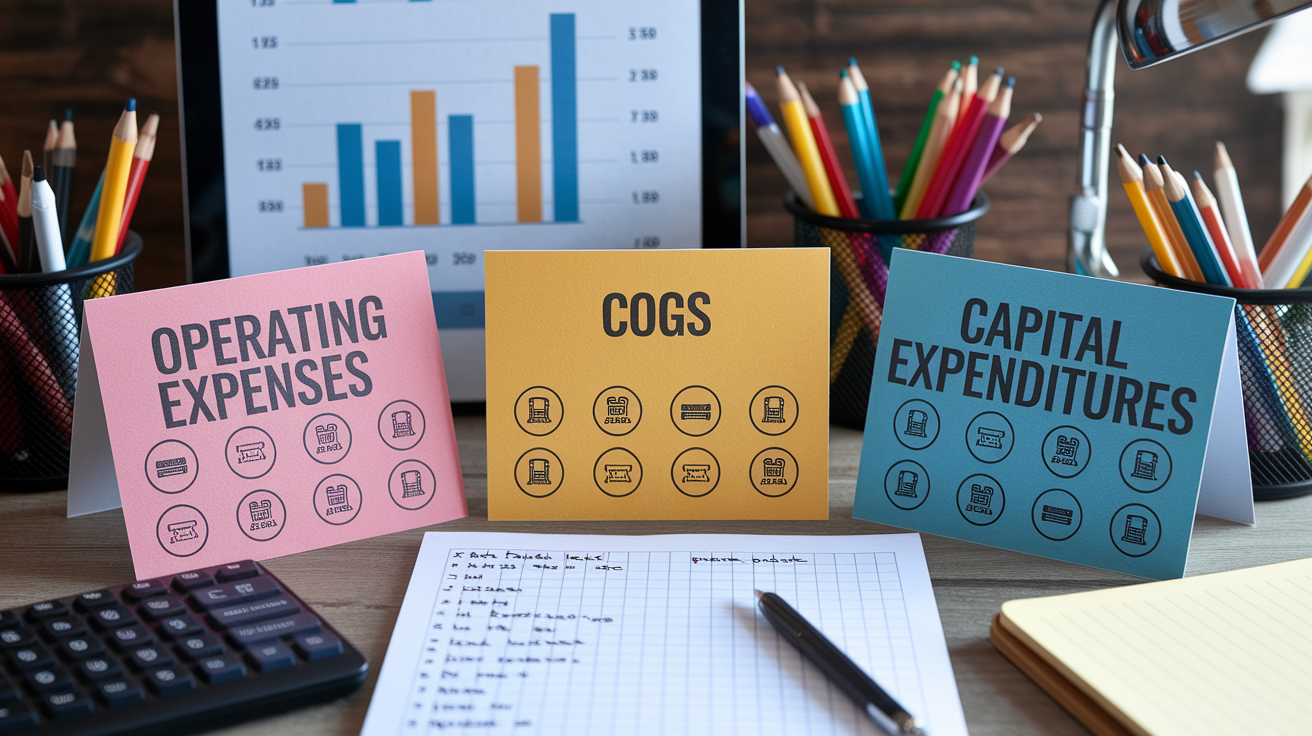
Start with eight to twelve main categories. You can add subcategories later if the business actually needs more detail. Most small and mid-sized teams work fine with a simple setup and only get specific when volume or reporting demands it.
Operating Expense Categories
Operating expenses are the everyday costs of running things. Common ones include Rent or Lease Payments, Utilities (electricity, water, internet), Office Supplies, Travel (flights, hotels, rideshare), Meals (client meetings, team lunches tied to work), Marketing and Advertising (paid ads, website dev, sponsorships), Professional Services (legal, accounting, consultants), and Payroll and Benefits (salaries, payroll taxes, health insurance). These show up on your profit-and-loss and usually deduct in full during the year they happen, assuming they meet the “ordinary and necessary” test.
Cost of Goods Sold (COGS) Categories
COGS captures direct costs tied to making or delivering what you sell. For a retailer, that’s inventory purchases, shipping, packaging. For a manufacturer, raw materials, factory labor, production equipment upkeep. For a service business, maybe contractor labor billed directly to client projects or software licenses used only for delivery. COGS sits above the gross profit line on financial statements, so getting it right matters for margin analysis.
Capital Expenditure vs Operating Categories
Capital expenditures are big purchases of long-lived assets like equipment, vehicles, furniture, major software builds. You depreciate or amortize those over several years instead of expensing them right away. Operating expenses get consumed in the current period.
The IRS de minimis safe-harbor lets you expense tangible property up to $2,500 per invoice or item (or $5,000 if you have an applicable financial statement) instead of capitalizing it. Anything above that usually needs to be capitalized. Mixing capital and operating items into the same category breaks your financials and messes up tax filings.
| Category | Example Items |
|---|---|
| Operating Expenses | Monthly software subscription, office coffee supplies, rideshare to client meeting, internet bill |
| COGS | Raw materials for manufacturing, freelance developer hours billed to project, inventory purchased for resale |
| Capital Expenditures | Laptop costing $3,000, office furniture set, delivery van, enterprise software license paid upfront for three years |
| Depreciation & Amortization | Annual depreciation expense for purchased equipment, amortization of startup costs |
Step-by-Step Guide to Categorizing Expenses Correctly

The basic flow is collect, import, match, review, reconcile. Works whether you’re doing it manually or using automation. Most teams still need to manually check ten to twenty percent of transactions even with good software, especially for new vendors or weird purchases.
- Collect receipts and transaction records. Snap photos of paper receipts or save email confirmations and bank statements as purchases happen.
- Upload or import data. Enter transactions into your accounting system, import bank feeds, or upload scanned receipts to your expense platform.
- Apply categorization rules. Use vendor mapping or keyword rules to auto-assign common transactions (like “Starbucks” always goes to Meals).
- Auto-categorize using software intelligence. Let the tool match transactions to categories based on patterns, merchant codes, or OCR data from receipts.
- Manually review exceptions. Check items flagged as uncertain, first-time vendors, or amounts outside normal ranges. Assign the correct category and add a memo if needed.
- Reconcile monthly. Compare your categorized totals to bank statements, make sure nothing’s duplicated or missing, and run your profit-and-loss report.
Manual vs Automated Expense Categorization Methods

Manual categorization means a bookkeeper or owner reviews each transaction and assigns it based on their judgment. Works for tiny operations or infrequent spending. But it eats time and introduces errors as volume grows.
Automated methods range from simple rules (the system learns “Amazon Business” goes to Office Supplies) to smart audit tools that use machine learning to spot patterns and flag weird stuff. Modern platforms combine bank feed imports, OCR receipt scanning, and AI-enhanced categorization to cut down manual work. The system reads the receipt, pulls out vendor name and amount, cross-checks the bank transaction, and suggests a category based on history.
Even with strong automation, you still need to review periodically. Rules drift when vendors change names, new spending categories pop up, edge cases appear. Plan on investing setup time to teach the system your preferences and refining mappings until accuracy settles.
| Method | Strengths | Limitations |
|---|---|---|
| Manual (spreadsheets, bookkeeper) | Full control, low software cost, good for very low transaction volume | Time-consuming, error-prone at scale, hard to enforce consistency across team |
| Rule-based automation (bank feeds, vendor mapping) | Handles recurring transactions reliably, faster than manual, repeatable | Requires initial setup, struggles with new vendors, can’t interpret ambiguous receipts |
| AI-enhanced automation (OCR, machine learning) | Learns from patterns, reads receipt details, improves over time, scales easily | Higher software cost, needs training data, may misclassify unusual purchases initially |
Categorizing Business vs Personal and Mixed-Use Expenses

The IRS wants business expenses to be “ordinary and necessary” for your trade. That means common in your industry and helpful to operations. Personal expenses like groceries for home, family vacations, regular clothing don’t qualify as business deductions, even if you accidentally paid with a company card.
Mixed-use expenses need careful splitting. Travel for business but you tack on personal days? Only the business portion of flights, hotels, and meals counts as deductible. Claiming a home office deduction? Calculate the percentage of your home used exclusively for business and apply that ratio to rent, utilities, internet. Mixing personal and business spending into the same category without documentation creates audit risk and inflates your expense totals incorrectly.
Keep things separate by using dedicated business credit cards and bank accounts when you can. When separation isn’t realistic, document the business purpose in a memo attached to the transaction. Note who attended a meal, what project a purchase supported, how many business miles you drove versus personal. Common mixed-use scenarios:
Business travel with personal extension. Split flight costs by trip purpose. Only count hotel nights and meals during business days.
Home office internet and utilities. Calculate the square footage percentage of your home used exclusively for business and apply that ratio.
Phone bills when you use one device for work and personal calls. Track business call volume or use a reasonable percentage based on actual usage logs.
Shared workspace or coworking memberships. Deduct the portion of time or desk usage dedicated to business activities.
Avoiding Common Mistakes in Expense Categorization
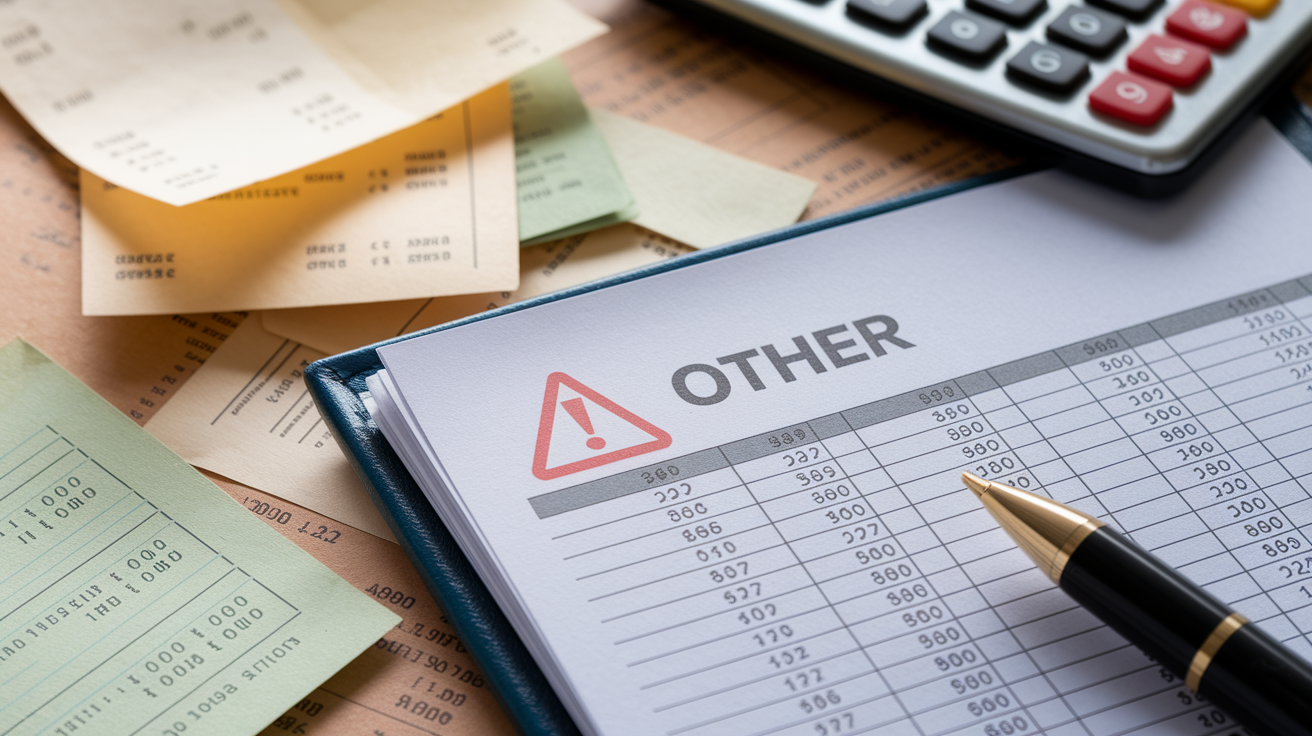
Vague catch-all categories like “Miscellaneous” or “Other” defeat the whole point. SAP Concur customer data shows the “Other” category jumped 57 percent and “Miscellaneous” climbed 47 percent, meaning new purchase types aren’t being captured by existing structures. When you dump ambiguous expenses into these buckets, you lose visibility into what’s actually being bought and whether it’s policy-compliant.
Creating too many tiny subcategories causes the opposite problem. If you split Office Supplies into Printer Paper, Pens, Staples, and Folders, you’ll spend more time picking labels than you’ll gain in insight. Shoot for a middle ground that groups related items logically without creating decision fatigue. Common mistakes:
Mixing personal and business expenses in the same category. Keep them separate or document allocation clearly.
Categorizing only once per year at tax time. Monthly reviews catch errors early and keep reports accurate.
Using inconsistent naming. “Marketing” one month and “Advertising” the next breaks trend analysis.
Failing to document the business purpose for ambiguous purchases. A meal receipt without a memo listing attendees and discussion topic won’t survive an audit.
Ignoring duplicate transactions. Bank imports and manual entries can create double-counting if not reconciled.
Confusing capital purchases with operating expenses. Expensing a $4,000 laptop immediately instead of depreciating it distorts current-year profit.
Tools and Software That Simplify Expense Categorization
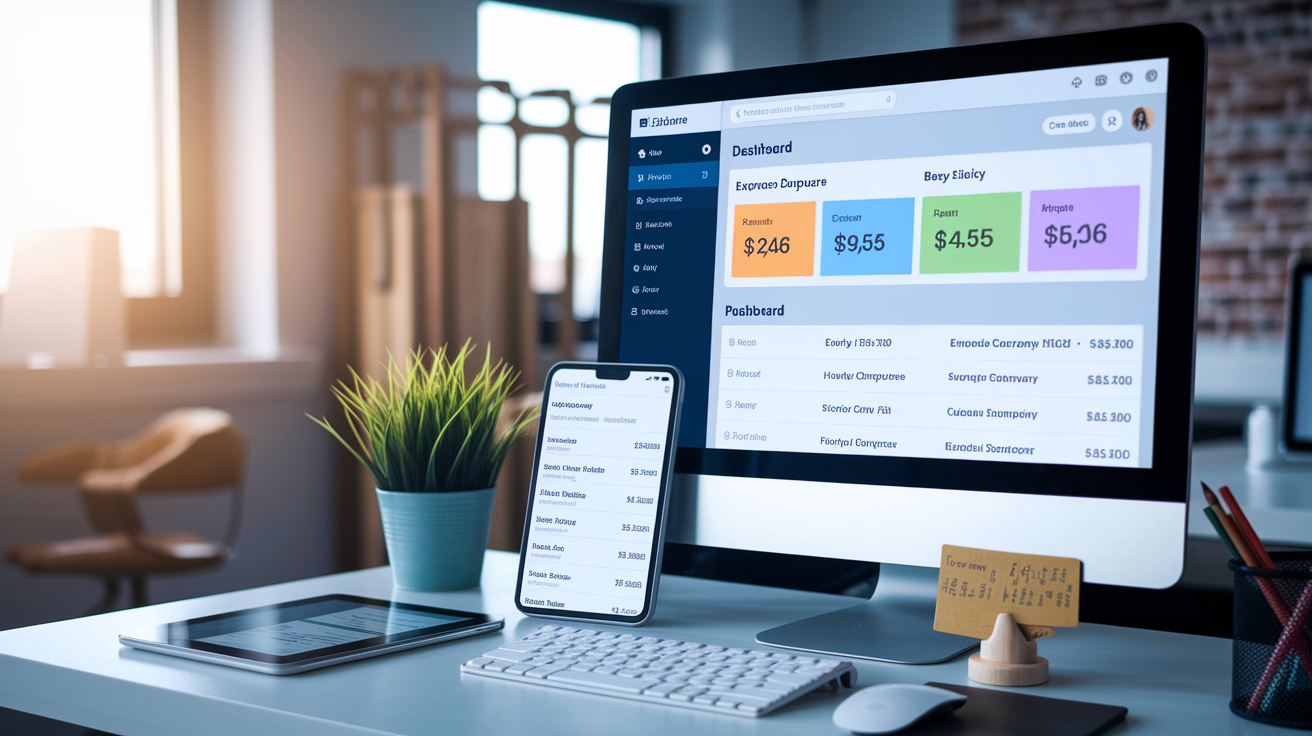
Modern expense platforms automate a lot of the sorting work, cutting errors and freeing time for more valuable finance tasks. These tools connect with bank feeds, capture receipts via mobile apps, apply smart categorization rules, enforce spending policies, and spit out real-time reports.
Accounting Platforms
General accounting software like QuickBooks, Xero, FreshBooks, and Wave includes built-in expense categorization. You connect your bank accounts and credit cards, and the system imports transactions automatically. Each platform keeps a chart of accounts where you define your category structure, then uses vendor mapping and historical patterns to suggest categories for new transactions. Monthly reconciliation tools help you verify that imported data matches your bank statements and nothing got missed or duplicated.
Expense Tracking and OCR Apps
Dedicated expense tools like Expensify and Dext (used to be Receipt Bank) focus on receipt capture and smart audits. Employees snap photos of receipts with their phones, and optical character recognition pulls out vendor name, date, amount, and itemized details. The app suggests a category based on the merchant or receipt content, flags policy violations (like a meal over the per-person limit), and routes the expense for approval. Once approved, the categorized data syncs to your accounting platform, eliminating double entry and keeping things consistent.
Chart of Accounts Mapping and General Ledger Coding Essentials

Your chart of accounts is the master list of all financial categories your business uses for recording transactions. Expense categories are a chunk of this chart, usually grouped under operating expenses, COGS, or other expense sections. Proper mapping makes sure every transaction flows into the right general ledger account, producing accurate financial statements and letting you do meaningful budget variance analysis.
Most small businesses keep eight to twelve primary expense categories in their chart of accounts, adding subcategories only when transaction volume or reporting needs actually justify the extra complexity. Monthly reconciliation catches mapping errors before they pile up. Follow these steps to map expenses correctly:
- Review your chart of accounts structure. Make sure your accounting system includes all necessary parent categories (Operating Expenses, COGS, Depreciation) and subcategories (Office Supplies, Travel, Meals).
- Assign each expense category a unique account code. Use numerical codes (like 6100 for Office Supplies, 6200 for Travel) to standardize journal entries and simplify reporting.
- Map vendor names to default categories. Set rules so recurring vendors automatically post to the correct account (example: “Office Depot” always maps to account 6100).
- Document coding conventions. Write down which types of purchases belong in each category so new bookkeepers or employees apply labels consistently.
- Audit and adjust mappings quarterly. Review misclassified transactions, merge redundant categories, and create new accounts when spending patterns shift.
Best Practices for Maintaining Long-Term Categorization Accuracy

Keeping expense categories accurate over time takes deliberate habits, regular audits, and a willingness to adjust your structure as the business changes. Penn State University cut its expense-type list from 1,000 to 200 through consolidation while keeping visibility into spending, proving that simplification improves both accuracy and usability when done right.
Refine and clean up your category list annually. Group related items under broader parent categories, retire unused labels, and split categories that got too big to give useful insight.
Attack the “Other” or “Miscellaneous” category hard. Review items landing there each month, create new categories for frequent purchase types, and require mandatory receipts or descriptions for anything labeled miscellaneous.
Align expense policies with category definitions. Update policy language to reference specific categories, set spending limits per category, and train employees on which purchases belong where.
Train staff on consistent labeling. Run short onboarding sessions explaining how to categorize common purchases, hand out quick-reference guides, and make expense policies easy to find.
Digitize receipts right away. Save receipts as PDFs or images attached to transactions so you can verify categorization months later if needed.
Schedule monthly reconciliation and review. Compare categorized totals to bank statements, flag outliers, and fix mistakes before they show up in quarterly reports.
Use approval workflows to enforce accuracy. Route expenses through managers who verify that categories match actual business purpose before final posting.
Strong categorization habits built early pay off over time, turning expense tracking from a compliance chore into something that reveals cost-saving opportunities and supports smarter decisions.
Final Words
We defined expense categorization as grouping transactions into clear buckets like office supplies, meals, travel, utilities, and rent, and showed how that practice supports tax filing, budgeting, and audit readiness.
The post also covered common categories, a step-by-step workflow, manual vs automated methods, chart of accounts mapping, and tools that cut down manual work, plus common mistakes to avoid and long-term accuracy tips.
If you still ask what is expense categorization, it’s simply labeling every transaction so reports and taxes match reality. Start small, stay consistent, and your books will be easier to use.
FAQ
Q: What are expense categories and what is the expense categorization model?
A: Expense categories are labeled groups (rent, payroll, travel, office supplies) that organize transactions for tracking, budgeting, reporting, and tax compliance. The categorization model maps each transaction to a consistent bucket for analysis.
Q: What are the four types of expenses and what are the 5 types of expenses in accounting?
A: The four common expense types are operating, cost of goods sold (COGS), financing (interest), and tax/extraordinary items. Accounting often uses a five-part split: COGS, operating (selling/admin), payroll, depreciation, and interest.