


Letting your house make decisions sounds like science fiction, but it’s happening in homes right now.
Smart home technology links internet-connected devices like lights, locks, thermostats, and cameras so you can control and automate them from an app or your voice.
Sensors collect data, actuators do the work, and devices talk over Wi‑Fi, Bluetooth, Zigbee, Z‑Wave, Thread, or Matter.
This post explains what smart home tech is, how the parts fit together, and the simple checks to make it safe and useful for your home.
Core Explanation of Smart Home Technology and How It Works
A smart home uses internet connected devices you can monitor, control, and automate remotely through smartphone apps, voice assistants, or a central hub. Instead of flipping every light switch by hand or adjusting each thermostat manually, you manage lighting, heating, security cameras, door locks, and appliances from your phone or with a simple voice command. These devices talk to each other over your home network, respond to your instructions, and can even make decisions on their own based on schedules, sensor readings, or your location.
The magic happens through sensors and actuators working together. Sensors gather information. Motion detectors notice when you walk into a room, temperature probes measure how warm the living room is, and door sensors report whether the front door is open or closed. Actuators are the devices that do something in response. Smart bulbs turn on, thermostats adjust the heat, and smart locks bolt the door. All of this communication runs on protocols like Wi‑Fi, Bluetooth, Zigbee, Z‑Wave, or Thread, which are just different languages devices use to send data back and forth. Some setups need a hub (a small box that translates between devices), while others connect directly to your router or a cloud service.
Picture this: you tap “Good Night” in an app, and your front door locks itself, the living room lights fade out, and a small nightlight in the hallway clicks on in case you need to get up later. “Before bed, I used to walk through the house checking every lock and switch. Now one tap does it all.” The idea isn’t new. The first smart home experiments date back to 1975, but the technology took off when Apple announced HomeKit in 2014, released the Home app in 2016, and relaxed hardware requirements in 2017, opening the door for more devices and easier setup.
Understanding Smart Home Components and Connected Devices
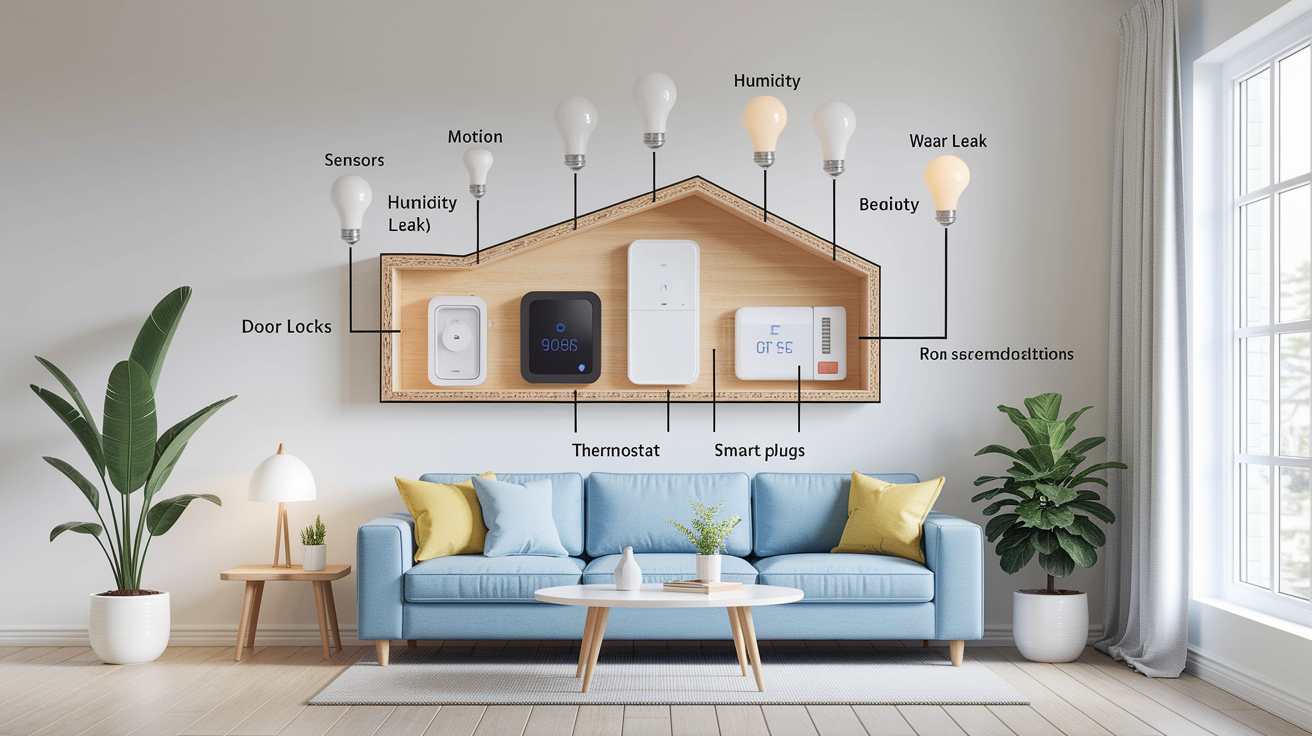
Every smart home runs on two types of hardware. Sensors sit quietly and watch. Motion sensors detect movement, temperature sensors track whether a room is getting too hot or cold, humidity sensors measure moisture in the air, and contact sensors tell you if a door or window just opened. Actuators are the workers that change something when they get a command. Smart thermostats crank the heat up or down, smart bulbs switch colors or dim, door locks slide the bolt, cameras pan to follow motion, and smart plugs cut power to whatever you’ve plugged in.
You don’t need to spend a fortune to get started. A smart thermostat typically runs $100 to $250, smart bulbs cost about $10 to $60 each, smart plugs fall in the $15 to $35 range, door locks sit around $100 to $300, security cameras span $50 to $300, and small sensors like door contacts or motion detectors usually cost $10 to $70 apiece. Most people begin with a handful of devices and add more over time as they see what works.
Smart thermostats manage heating and cooling automatically, learning your schedule and adjusting temperatures to save energy.
Smart bulbs let you control brightness, color, and on/off state from your phone or voice, and can trigger based on sunrise, sunset, or motion.
Smart plugs turn any regular appliance into a connected device. Plug in a lamp or coffee maker, and you can switch it remotely or set a timer.
Smart locks let you lock or unlock doors with a code, fingerprint, phone tap, or voice command, and send alerts when someone comes or goes.
Security cameras stream live video, record clips when motion is detected, and send push notifications to your phone within seconds.
Sensors (motion, door/window, water leak, temperature) feed data to your system so automations can react. Motion turns on lights, a leak sensor shuts off water, a door sensor triggers an alert.
Communication Methods and Smart Home Protocols Overview
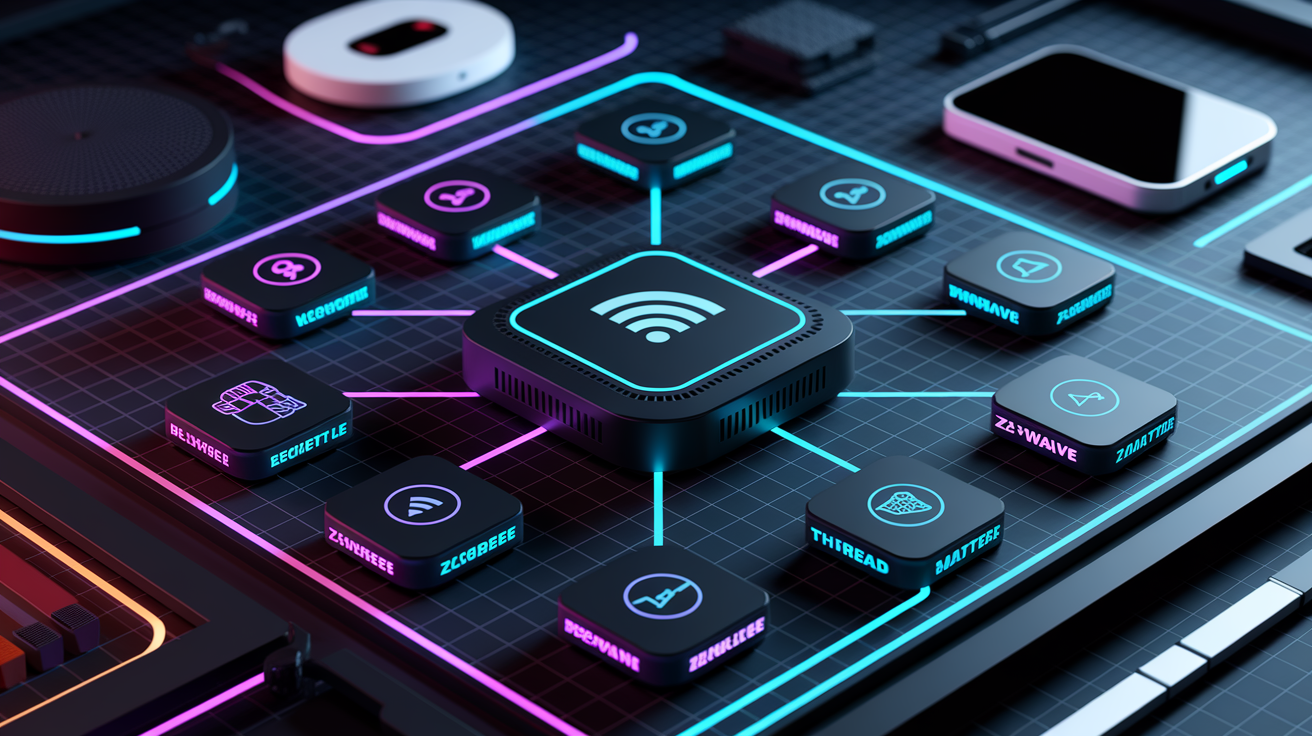
Smart home devices don’t all speak the same language, and the protocol each one uses determines how far signals travel, how much battery power it drains, and whether you need extra hardware to make everything work together.
Wi‑Fi and Bluetooth LE
Wi‑Fi is the workhorse for high bandwidth devices like cameras and smart displays. It runs on 2.4 GHz and 5 GHz bands, delivers data rates up to several gigabits per second, and connects directly to your router without needing a separate hub. The downside is power. Wi‑Fi radios chew through batteries fast, so most Wi‑Fi devices plug into the wall. Bluetooth Low Energy (BLE) flips that tradeoff: it sips power and works great for coin cell sensors or wearables, but range is short and you usually can’t control BLE devices when you’re away from home unless a hub bridges the connection.
Zigbee and Z‑Wave Mesh Networks
Zigbee and Z‑Wave both build mesh networks, meaning each device can relay messages to its neighbors, extending coverage and keeping the system running even if one device fails. Zigbee operates on 2.4 GHz with typical indoor ranges of 10 to 100 meters and can support hundreds of nodes in a single network. It uses 128‑bit encryption and works with coin cell batteries for years in low power sensors. Z‑Wave runs on regional frequencies around 800 to 900 MHz, reaches up to 100 meters per hop, caps out at 232 nodes per network (or 4,000 nodes with the newer Z‑Wave Long Range variant), and delivers data rates around 100 kbps with AES‑128 encryption. Both need a hub or gateway to connect to the internet and your phone app.
Thread and Border Routers
Thread is a newer low power mesh protocol on 2.4 GHz designed to work hand in hand with Matter (covered below). Thread networks self heal when a device drops offline and can run sensors on coin cells for years, but Thread devices can’t talk directly to the internet. They need a border router (often built into a smart speaker or hub) to pass messages between the Thread mesh and your Wi‑Fi network or the cloud.
Matter Interoperability Standard
Matter launched in 2022 as an industry wide effort to make smart home devices work together no matter who made them. It’s IP based, so devices can communicate over Wi‑Fi, Thread, or Ethernet, and it layers on top of existing protocols rather than replacing them. Matter mandates end to end encryption, device certification, and standardized setup flows, aiming to cut down the confusion of incompatible ecosystems. Adoption is still rolling out, and real world interoperability can vary as manufacturers update firmware and add support.
| Protocol | Key Strength | Typical Use Case |
|---|---|---|
| Wi‑Fi | High bandwidth, broad compatibility | Cameras, displays, streaming devices |
| Zigbee | Low power, large mesh networks | Battery sensors, bulbs, switches |
| Z‑Wave | Sub‑GHz range, reliable mesh | Locks, thermostats, outdoor sensors |
| Thread | Low power, self‑healing mesh | Coin-cell sensors, future-proof builds |
| Matter | Cross-brand compatibility, security | Unified ecosystems, simplified setup |
Smart Home Automation Basics and Everyday Scenarios
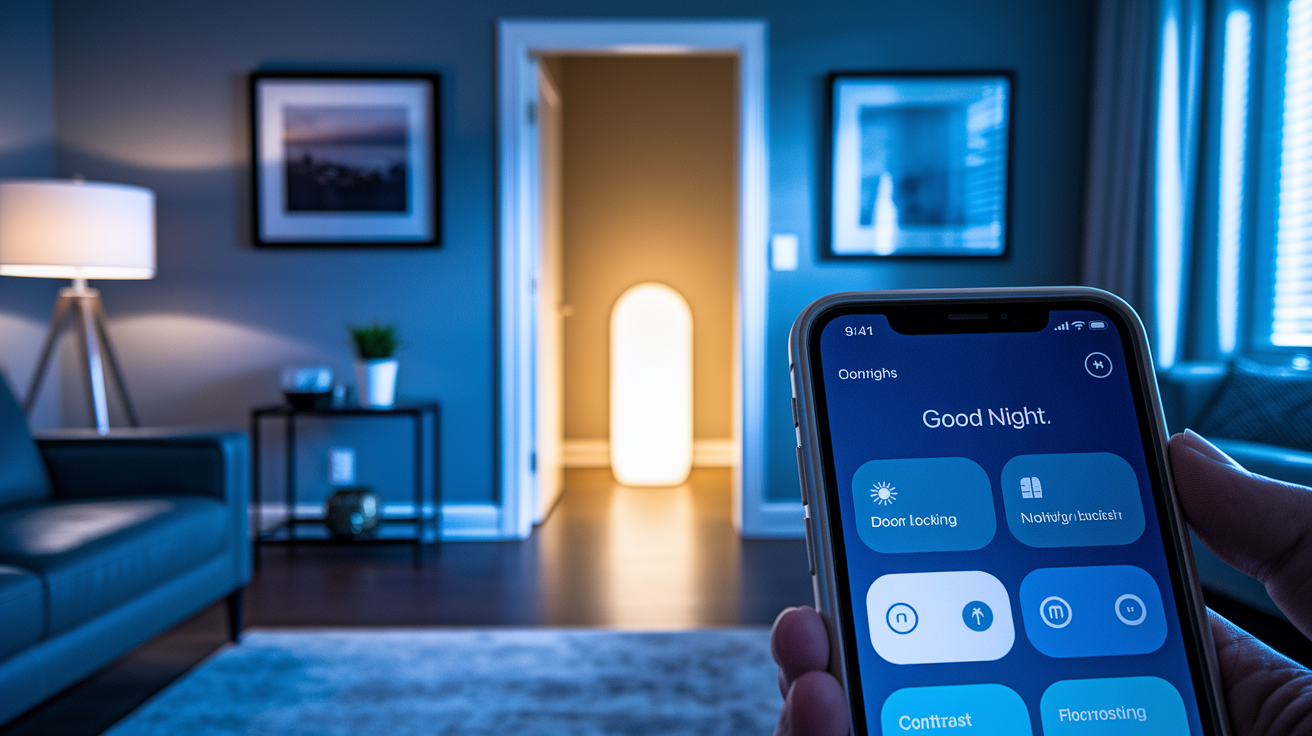
Automation is what turns a collection of gadgets into a smart home that feels like it reads your mind. A scene bundles multiple actions into one command. Tap “Good Night” and the system locks the front door, turns off all the lights except a dim nightlight in the hallway, and sets the thermostat back a few degrees. Routines run on schedules, so your coffee maker starts brewing at 7 a.m. every weekday without you lifting a finger. Geofencing watches your phone’s location and triggers actions when you cross an invisible boundary around your home, usually a radius of 100 to 300 meters. Arrive home and the door unlocks, lights turn on, and the heat kicks up. Leave and everything shuts down to save energy.
Automations take the repetitive decisions off your plate and let the house handle the details. Instead of remembering to turn off the porch light every morning, you set a sunrise trigger once and forget it. Some systems even offer “hunches” or smart suggestions that nudge you when something looks off, like a reminder that the garage door is still open at midnight or a note that you left a window unlocked.
Security trigger. Motion sensor detects movement at the front door after 10 p.m., camera starts recording, and a push alert lands on your phone within seconds.
Thermostat schedule. Heat drops 3 degrees at 11 p.m. when everyone’s asleep and rises back up 30 minutes before the first alarm, potentially saving 10 to 12 percent on seasonal heating costs according to manufacturer claims.
Arrival scene. Phone crosses the geofence boundary, front door unlocks automatically, entryway lights turn on, and thermostat adjusts to your preferred temperature.
Energy saving scene. Activate “Away” mode and all lights switch off, smart plugs cut standby power to entertainment gear, and the thermostat enters eco mode.
Reminder automation. System notices the back door contact sensor has been open for 20 minutes and sends a notification asking if you meant to leave it that way.
Benefits of Smart Home Technology for Households

Convenience sits at the top of the list. You control lights, locks, and climate from bed, from the office, or from across the country, and you never have to wonder whether you remembered to lock the door or turn off the oven because the app shows you in real time. Voice commands let you dim lights, play music, or check the weather without reaching for a phone, and automations handle the boring repetitive tasks so you don’t have to think about them.
Energy efficiency comes next. Smart thermostats learn your schedule and pull back heating or cooling when no one’s home, and manufacturers claim you can shave 10 to 12 percent off seasonal HVAC bills with the right settings. Smart lighting systems turn off bulbs in empty rooms, and smart plugs cut phantom power draw from devices on standby. Small changes add up over weeks and months, and many utilities offer rebates for installing smart thermostats or other energy monitoring devices.
Security improvements give you eyes and ears when you’re not there. Cameras send alerts the moment motion is detected, smart locks let you grant temporary access to a guest or contractor without handing out keys, and door and window sensors tell you immediately if something opens when it shouldn’t. You can check live feeds, lock doors remotely, and get a log of every entry and exit, turning your phone into a portable security hub that travels with you.
Smart Home Platforms and Ecosystems Compared
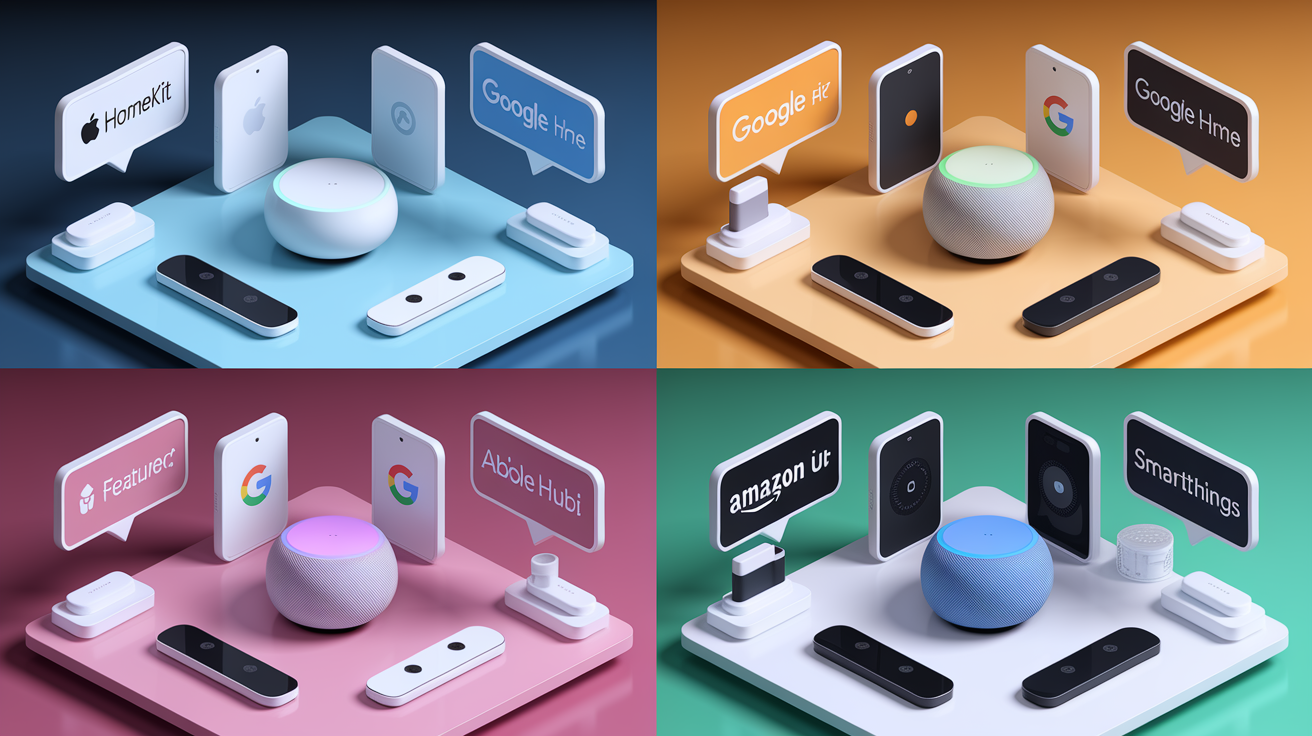
Choosing a platform shapes which devices work together smoothly and how you control them day to day. Each major ecosystem has strengths, and many people mix and match by using a universal standard like Matter or a multi protocol hub.
Apple HomeKit
Apple announced HomeKit alongside iOS 8 in 2014, then released the dedicated Home app with iOS 10 in 2016, giving iPhone and iPad users a native way to manage compatible devices. In 2017, Apple relaxed the original hardware certification requirement and allowed software based authentication, opening the door for more manufacturers. HomeKit supports scenes (tap one button to run multiple actions), rooms (group devices by location), and automations triggered by time, location, sensor state, or other devices. Everything routes through your iPhone, iPad, or HomePod, and Apple emphasizes end to end encryption and on device processing to keep data private.
Google Home
Google Home brings together Nest products and a wide range of third party devices under one Android friendly app (also available on iOS). You can create routines that bundle actions and triggers, organize devices by room, and control everything with voice through Google Assistant or taps in the app. Google’s strength is deep integration with its cloud services, making it easy to pull in calendar events, commute times, and personalized suggestions, though that also means more data flows to Google’s servers.
Amazon Alexa
Alexa started as a voice first platform built around Echo smart speakers, and it’s grown into a full smart home system with routines, Guard (which listens for smoke alarms or breaking glass and sends alerts), and Hunches (suggestions that pop up when Alexa notices something unusual, like lights left on at bedtime). The Alexa app handles all setup and control when you’re not speaking commands, and the ecosystem includes thousands of compatible devices across every category. Amazon’s approach leans heavily on cloud processing and voice interaction, with optional local control for some devices.
Samsung SmartThings
SmartThings supports devices from many brands, sitting somewhere between single vendor apps and the broadest cross brand platforms. You can build scenes, set up automations, and organize favorites for quick access, and the hub (required for Zigbee and Z‑Wave devices) acts as a local bridge that reduces cloud dependence and can keep basic automations running even if your internet drops.
| Platform | Key Features | Best For |
|---|---|---|
| Apple HomeKit | End-to-end encryption, on-device processing, scenes and automations | Privacy-focused Apple users |
| Google Home | Deep Assistant integration, routines, Nest ecosystem, room grouping | Android users and Google service fans |
| Amazon Alexa | Voice-first, Guard alerts, Hunches, huge device catalog | Voice control enthusiasts, Echo owners |
| Samsung SmartThings | Multi-brand hub, local automations, Zigbee/Z‑Wave support | Users mixing protocols and brands |
Smart Home Security, Privacy, and Reliability Essentials

Every connected device is a potential entry point, and a careless setup can let strangers peek at your cameras, unlock your doors, or hijack your network. The core risks are weak passwords, outdated firmware, and devices that phone home to cloud servers you don’t control. Attackers scan for default credentials and known vulnerabilities, so the basics matter more than fancy features.
Encryption is your first line of defense. Zigbee bakes in 128‑bit encryption for all messages, and Matter mandates end to end encryption with public key infrastructure (PKI) and device authentication, meaning only verified devices and authorized users can decrypt commands and data. Even older protocols like Z‑Wave include AES‑128 encryption, but the protection only works if you enable secure pairing during setup and keep the firmware current.
Firmware updates patch security holes and fix bugs, but many devices won’t update themselves unless you tell them to. Check the app once a month, enable automatic updates where available, and replace any device whose manufacturer has stopped releasing patches. A camera with a three year old firmware version is an open invitation.
Use strong, unique passwords for every device, app, and cloud account. No “admin” or “password123,” and store them in a password manager if you need help keeping track.
Enable two factor authentication (2FA) on your smart home platform accounts so a stolen password alone can’t grant access.
Segment your network by putting all IoT devices on a separate VLAN or guest Wi‑Fi network, isolating them from computers and phones that hold sensitive data.
Review and limit data sharing in device settings and app permissions, turning off cloud storage or voice recording features you don’t actually use.
Final Words
You now know how smart home technology connects devices via hubs, apps, and voice assistants to automate tasks and save time.
You saw the main components—sensors, actuators, and hubs—how protocols like Wi‑Fi, Zigbee, Z‑Wave, Thread, and Matter work, common automations and platform choices, and simple security steps like strong passwords and updates.
If you still ask what is smart home technology, the short answer is a network of connected devices that sense, decide, and act to make daily life easier, safer, and more efficient. Start small, try one automation, and build from there.
FAQ
Q: What is an example of a smart home?
A: An example of a smart home is one where smart bulbs, a thermostat, door locks, and cameras connect to an app or voice assistant so lights and locks automate when you arrive.
Q: What is the smart home technology?
A: The smart home technology is a set of internet-connected devices—sensors, actuators, hubs, and apps—that communicate over Wi‑Fi, Zigbee, Z‑Wave, Bluetooth, or Thread to automate and control home tasks.
Q: Is there a monthly fee for smart homes?
A: Monthly fees for smart homes vary: basic app control is often free, while cloud video storage, advanced automations, or professional monitoring commonly require paid subscriptions.
Q: What are the downsides of smart homes?
A: The downsides of smart homes include extra costs, privacy and security risks, device compatibility issues, dependence on internet, and occasional reliability hiccups; plan security and pick interoperable devices.